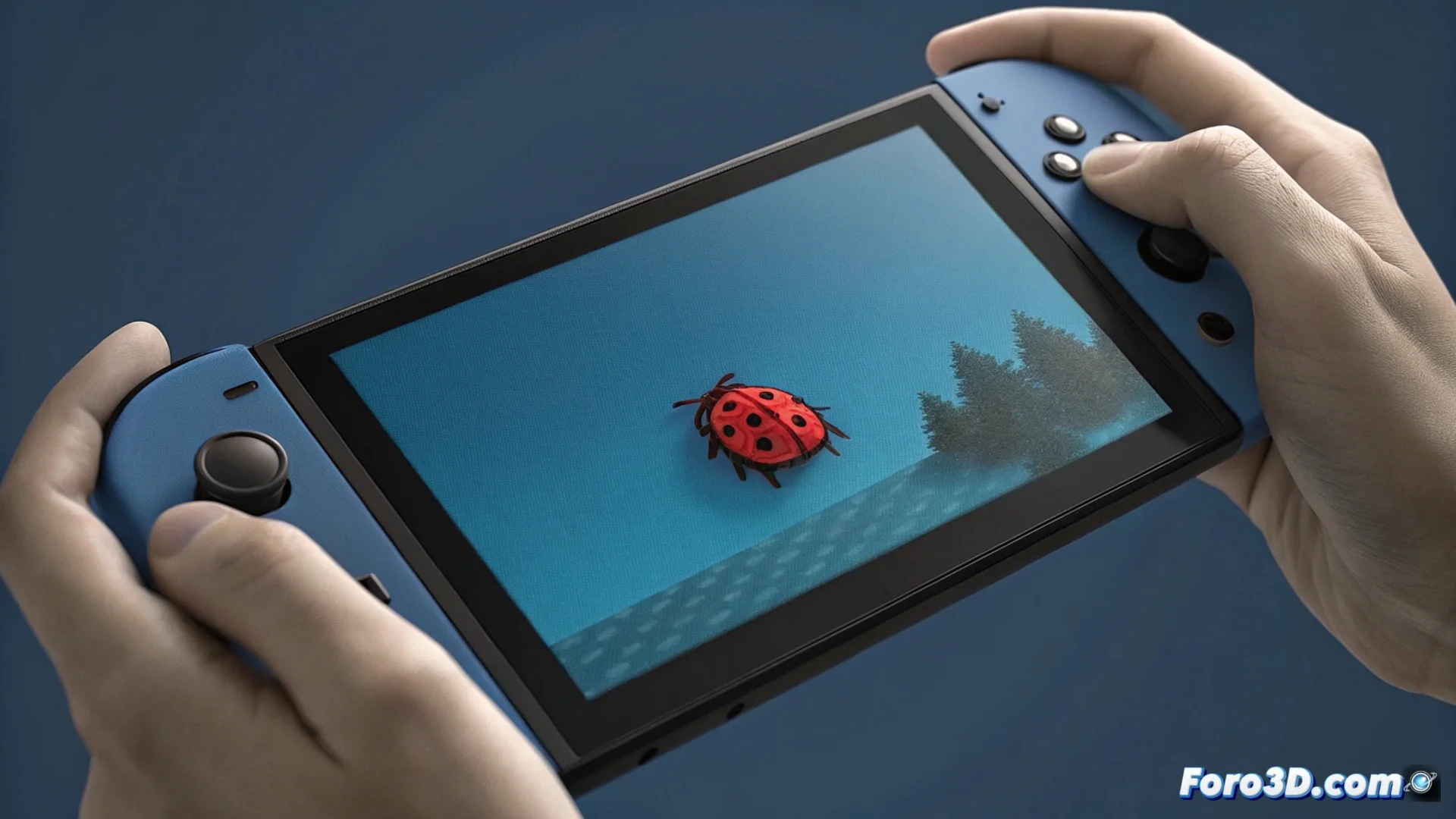
Dead Pixels on the Nintendo Switch: How to Identify and Address Them
The screen of the Nintendo Switch console, whether LCD or OLED, is not immune to manufacturing defects. It is common to find stuck pixels or dead pixels, which may appear from the first power-on or develop with use. These anomalous points usually become more evident on solid color backgrounds. 🎮
Distinguishing Between a Stuck Pixel and a Dead Pixel
To diagnose the issue accurately, you need to run a screen test. Use an app or video that displays solid colors in full screen, such as red, green, blue, white, and black. Observe the behavior of the defective pixel on each background.
Key Test Results:- If the pixel changes shade with the background color, it is a stuck pixel. It remains lit in one color subpixel (red, green, or blue) constantly.
- If the pixel remains always black, without emitting light, it is a dead pixel. All three subpixels (red, green, blue) stop functioning.
- Stuck pixels have a certain chance of recovery using non-invasive methods, unlike dead pixels.
A persistent green pixel in the middle of an epic adventure serves as a reminder that absolute perfection in mass production is an ideal, not a guaranteed reality.
Methods to Try Fixing a Stuck Pixel
Before considering complex repairs, you can try gentle techniques to reactivate a stuck pixel. These methods attempt to release the liquid crystal or OLED diode that may be blocked.
Procedures to Try:- Apply gentle, localized pressure on the area with a microfiber cloth. Turn off the screen before doing so.
- Use "pixel recovery" videos or tools that alternate colors at high speed to stimulate the stuck subpixel.
- Run the console for several hours with dynamic content; sometimes heat and image changes help.
Warranty and Professional Repair
Nintendo's official policy states that a limited number of defective pixels does not constitute a failure covered by the warranty. They consider this within normal production margins. However, if the defect is very prominent or appears immediately after purchasing the console, contacting technical support is a recommended step. For a Nintendo Switch out of the warranty period, the definitive solution involves replacing the entire screen module, an operation that requires technical skill and specific tools. 🔧