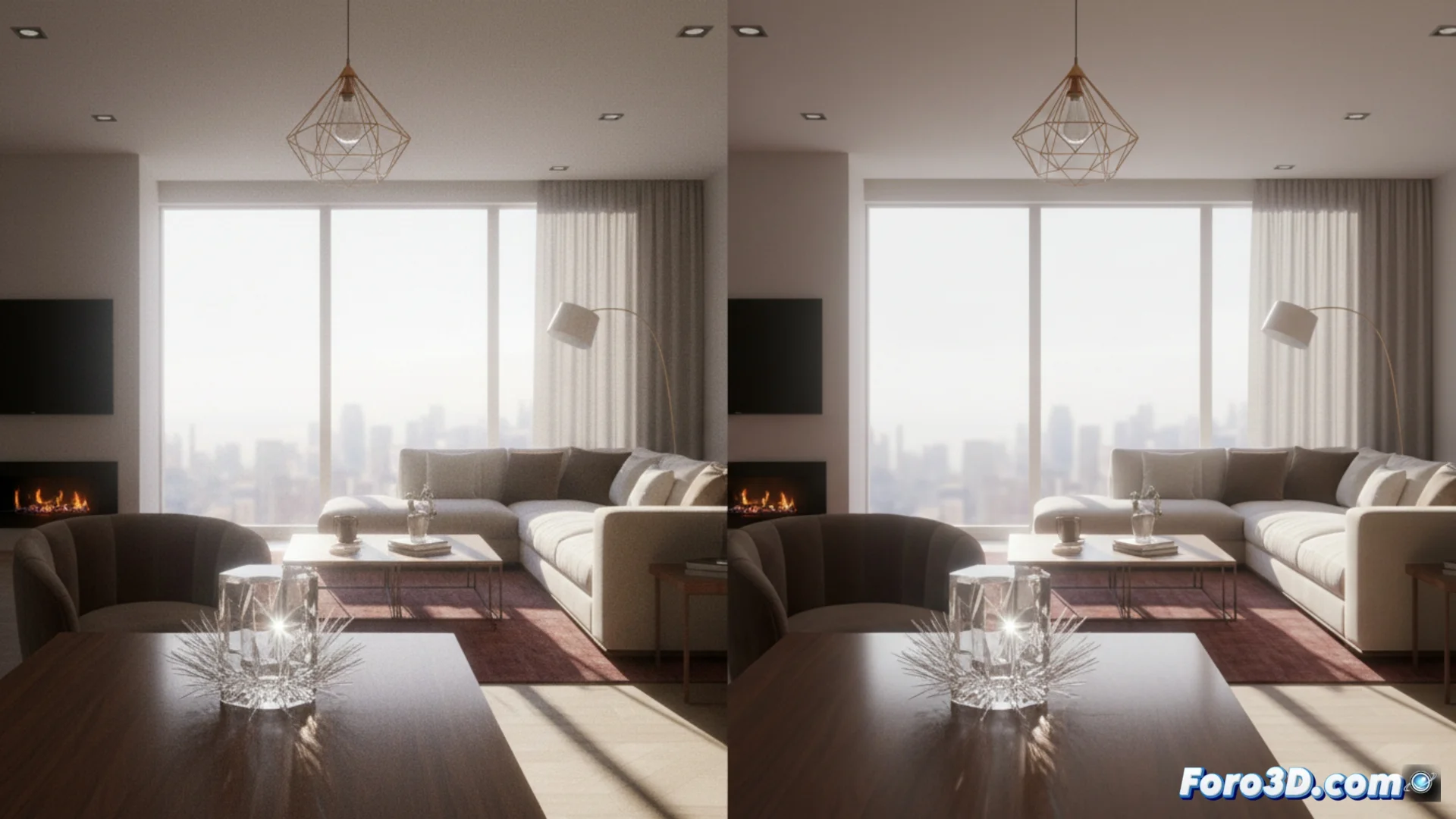
Cycles vs LuxCoreRender: how to process complex scenes
When working with scenes that have many elements, the Cycles and LuxCoreRender render engines show different working philosophies. While one is designed for seamless integration, the other prioritizes simulating light with maximum fidelity. Choosing between them involves weighing several key factors for your workflow 🎨.
Technical approaches and engine architecture
Cycles, being included in Blender, uses path tracing and relies heavily on the power of the graphics card to speed up calculations. LuxCoreRender, being an external engine, also uses path tracing but implements more advanced algorithms, such as Bidirectional Path Tracing. This technical difference makes each one approach certain lighting challenges in a particular way.
Main differences in their core:- Integration: Cycles is part of Blender, LuxCoreRender requires setup as an external engine.
- Algorithms: LuxCoreRender usually includes more advanced options for tracing light rays.
- Acceleration: Cycles optimizes for NVIDIA GPU with OptiX; LuxCoreRender can use CPU and GPU more flexibly.
The choice is not about which is better, but which fits the balance you need between speed, integration, and physical accuracy.
Render speed and noise behavior
In terms of speed, Cycles with a powerful GPU usually generates an initial noise-free image faster. LuxCoreRender may take longer in these cases, but its noise has a different pattern and often dissipates more uniformly when you let the render calculate for many passes. For scenes with multiple lights, caustics, or complex materials (glass, polished metals), LuxCoreRender frequently achieves a physically correct result with fewer manual adjustments, although the total render time may be longer ⏳.
Key performance aspects:- Initial speed: Cycles with GPU is usually faster to see a first result.
- Noise: LuxCoreRender's often reduces more homogeneously in long renders.
- Complex scenes: LuxCoreRender can handle certain difficult lighting with greater algorithmic efficiency.
Physical fidelity and material setup
Cycles seeks a practical balance between speed and realism, offering options to approximate effects. LuxCoreRender, by default, pursues a stricter physical precision in its engine. This directly influences how you set up materials and lights. A glass material in Cycles may need specific adjustments to avoid noise, while in LuxCoreRender the same material behaves more predictably according to the laws of optics, although it consumes more computational resources 🔬.
It is common for users to test both engines after hours of rendering, seeking that optimal point where visual fidelity meets a viable delivery time, without the computer crashing. Understanding these technical differences is fundamental for planning and executing successful 3D rendering projects.