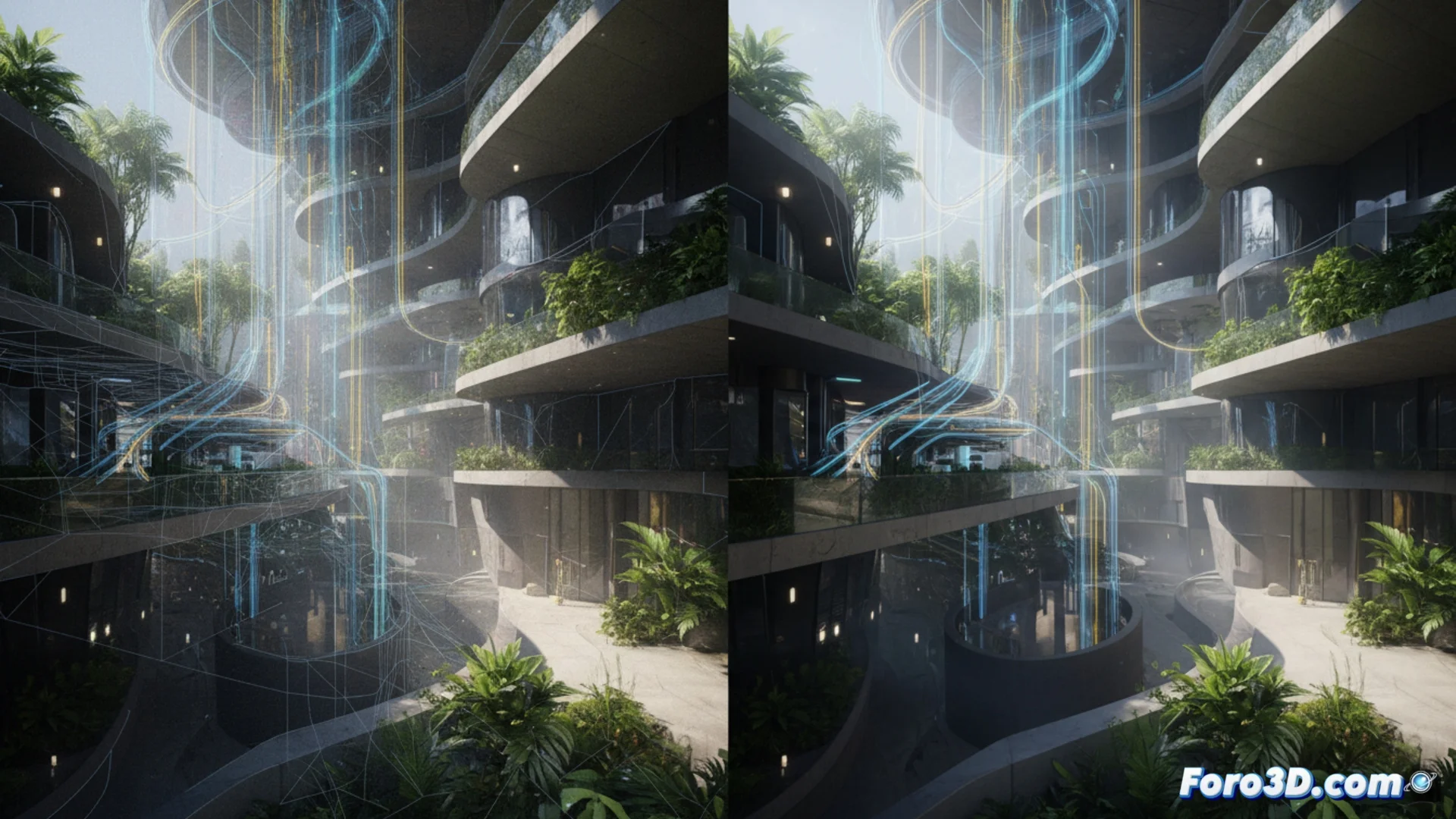
Cycles and Maverick Render: two ways to process complex scenes
In the world of 3D rendering, choosing the right engine makes all the difference. Cycles and Maverick Render are two powerful ray tracing solutions, but they adopt opposing philosophies for handling geometry, light, and system resources. One is an essential component of Blender and the other a standalone application, each with specific advantages for the artist. 🎨
Architecture and resource management
The basis of their operation is radically different. Cycles operates as a progressive renderer within Blender, which means it accumulates light samples gradually to eliminate noise. For this, it needs to load all the scene geometry into the computer's RAM memory, which can limit large-scale projects. On the other hand, Maverick Render was designed with an architecture that manages data dynamically, loading and releasing information as needed. This technique allows it to work with scenes that have very high polygon density, even when they exceed the available physical RAM capacity. 💾
Key differences in approach:- Cycles: Integrated and progressive renderer. Its performance is directly tied to the amount of system RAM.
- Maverick Render: Standalone application. Uses dynamic data management to handle scenes larger than physical memory.
- Preview: The interactive view in Cycles depends on graphics hardware, while Maverick offers real-time updates when adjusting lights or materials.
An artist can spend hours optimizing a scene to render faster, only to discover that a hidden light doubles the calculation time. Patience is, ironically, a resource that also runs out.
Node systems and lighting
Both engines rely on node systems to create materials and control the scene, but with different philosophies. Cycles' material node is very flexible and well-known, allowing everything from physically realistic to artistic effects. Maverick Render adopts a unified concept where everything is a node, including the scene layout, seeking coherence and absolute control over the workflow. Regarding lighting, both support area lights, HDRI environments, and meshes with emission. However, they calculate global illumination differently: Cycles uses more traditional methods, while Maverick optimizes these calculations to achieve a clean image in less time. 💡
Material and light aspects:- Cycles Nodes: Wide and flexible ecosystem, ideal for complex materials and varied effects.
- Maverick Nodes: Unified approach where every scene element is a node, prioritizing coherence.
- Light Calculation: Both handle advanced light sources, but Maverick optimizes global illumination algorithms for greater speed.
Which one to choose for your project?
The decision between Cycles and Maverick Render depends on specific needs. Cycles is the natural choice for those already working in Blender who need a reliable engine with a huge community of add-ons. Its main limitation is RAM dependency. Maverick Render shines in scenarios where the scene is extremely dense and system memory is a bottleneck, also offering an interactive and unified workflow. Evaluating the type of projects, geometric complexity, and available hardware resources is crucial to select the tool that will make the rendering process more efficient. ⚖️