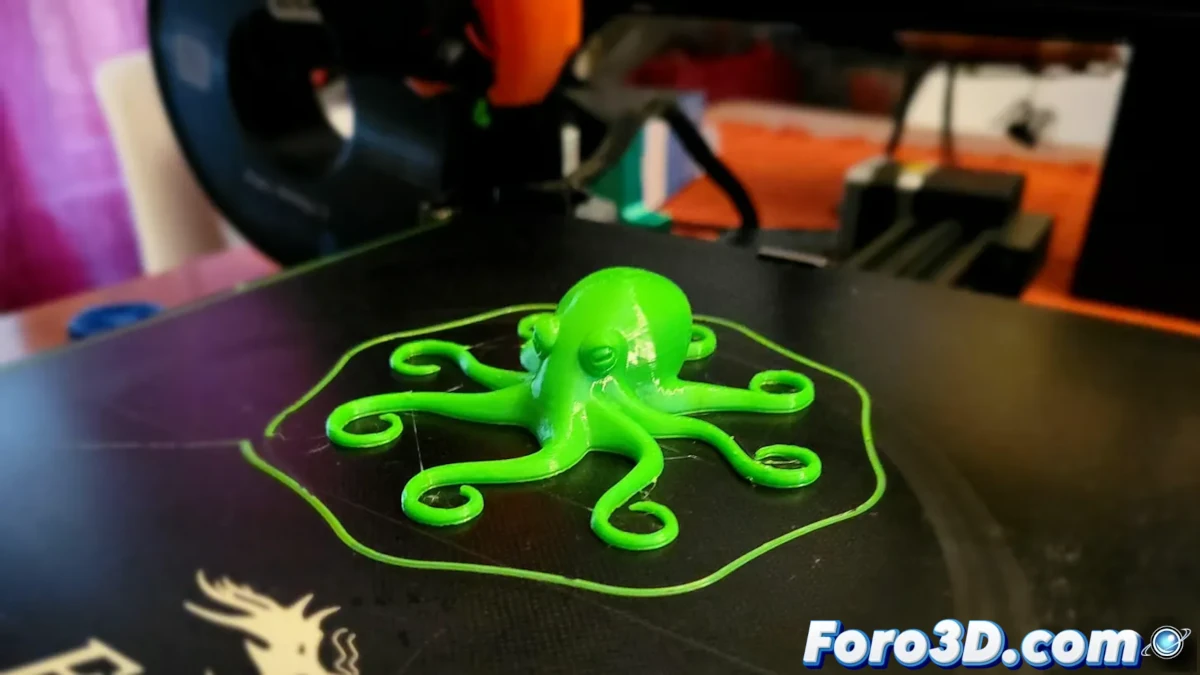
TPU filament offers the possibility of printing flexible and durable models, but its elastic nature makes it more demanding in terms of configuration. Unlike PLA, which is easy to handle, TPU requires specific adjustments in the slicing software to ensure a smooth print, without clogs or defects. This article explains the key settings to achieve the best results.
Hotend and Bed Temperature Adjustment
One of the first adjustments to consider when printing with TPU is the extrusion temperature. While PLA is typically printed at 200°C, TPU requires a higher temperature, generally between 220 and 230°C. This allows the material to flow evenly and adhere properly to the previous layer.
Heated Bed Temperature
TPU tends to be more delicate in terms of bed adhesion, so it is recommended to:
- Set the heated bed between 50 and 60°C.
- Use adhesive tape, hairspray, or a glue stick to improve adhesion.
- Ensure the first layer height is not too low, as TPU does not require as much squish as PLA.
Cooling Control
Managing the layer fan is crucial when printing with TPU. Unlike PLA, where immediate cooling helps maintain the model's shape, in TPU it can cause adhesion problems.
Cooling Recommendations
- Turn off the fan for the first layers to improve bed adhesion.
- Activate the fan at low power once the print is stable.
- Increase the fan speed only when printing elements with bridges or overhangs, to prevent the material from deforming.
Print Speed and Retraction
TPU is a flexible material that can bend inside the extruder if printed too fast. To avoid clogs, it is recommended to reduce the print speed to a safe level.
Recommended Settings
- Print at 30 mm/s or less.
- Reduce or eliminate retraction, as excessive retraction can cause clogs.
- If stringing (fine threads between parts of the model) occurs, adjust retraction in small increments.
The Importance of Calibration
Each spool of TPU can have differences in its composition, so it is essential to perform tests before printing an important project. The key is experimentation, adjusting the parameters according to the filament's behavior on each printer.
"Achieving a perfect print with TPU depends on small adjustments in temperature, speed, and cooling. Patience and calibration are the keys to success."
Conclusion
Printing with TPU filament on a 3D printer requires a different approach than rigid materials like PLA. Adjusting the temperature, optimizing cooling, and reducing print speed are essential steps to ensure optimal results. With precise testing and adjustments, it is possible to make the most of this flexible material and obtain high-quality models.