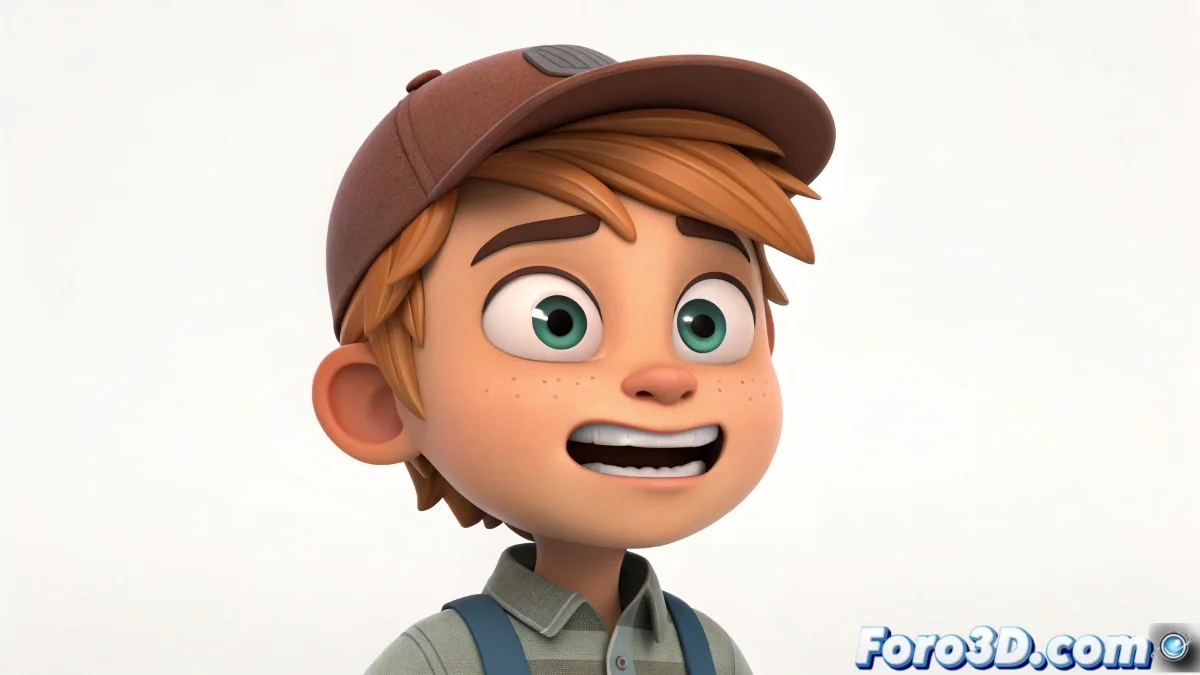
When Your Character Needs More Expressions Than an Influencer
Do you want your 3D model to show emotions but facial rigging gives you nightmares? 😱 Good news: you can create animated expressions using only textures, like in the old MSN Messenger days, but with more polygons and less 'xD'.
The Classic Method: Image Sequence
Perfect for beginners or quick projects:
- Prepare your textures (happy, sad, surprised) as separate images
- Name them in sequence (expression_001.png, expression_002.png)
- In the Material Editor, load as Bitmap and enable Sequence
- Adjust the timing on the timeline
A well-textured character can express more with two pixels than some actors with an entire script.
Advanced Technique: Composite Materials
For those who want more control:
- Use Composite Material to overlay expressions
- Animate the opacity of each layer for smooth transitions
- Combine with Multi/Sub-Object for specific zones
Mistakes That Will Turn Your Character into a Meme
Avoid these classics:
- Trying to use GIFs (3ds Max hates them more than interrupted renderings)
- Not numbering the sequence images correctly
- Forgetting that less is more: 5 well-made expressions > 20 poorly executed ones
Fun fact: 90% of human emotions can be expressed with just three elements: eyebrows, eyes, and mouth. The other 10% is for when you see the price of GPUs. 💸
And the best part of this technique is that when the client asks for changes, you'll only have to edit the textures... not redo the entire facial rigging. That said, if you overuse emoticons, your character might end up looking like a 3D WhatsApp sticker. 😅
Bonus tip: For really dramatic expressions, add a bit of squash and stretch to the texture. It works better than 6 years of acting school!