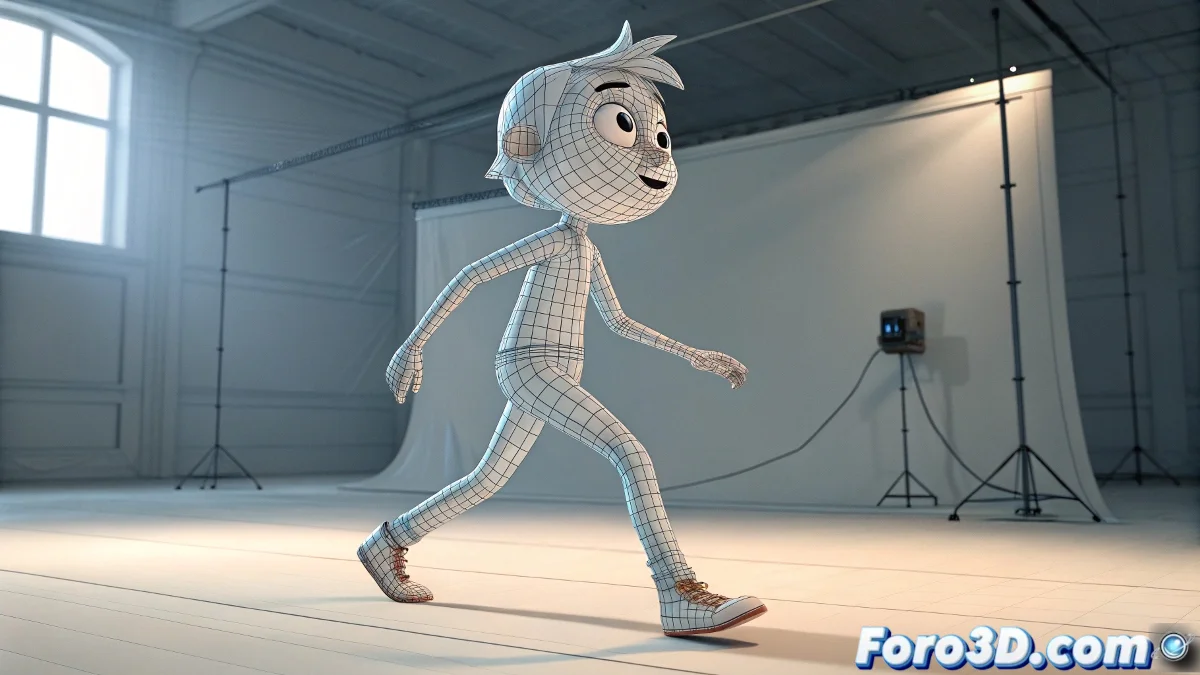
Onion Skinning in Blender: when geometry wants to be cartoon drawing
Dreaming of Onion Skinning for geometry in Blender is like asking a sculptor to work with tracing paper: it's not natural, but with ingenuity it can be achieved 🧅. Although Blender does not offer this function natively for meshes, there are creative solutions that can save your animation workflow.
Practical methods for geometric ghosts
These are your secret weapons:
- Strategic duplicates: Copy the mesh on key frames as visual reference
- Motion Paths: To see the trajectory of specific vertices
- Build Modifier: Configured by keyframes for progressive revelation
"Onion Skinning for geometry is the Holy Grail that every procedural animator desires, but that Blender jealously guards in its cave of pending features"
Technical solutions for demanding animators
For those who are not afraid of nodes:
- Create a material with Shader Nodes that shows previous positions
- Experiment with Geometry Nodes to track movements
- Try addons like AnimViz Tools (with patience)
These advanced techniques are like juggling with fire 🔥: impressive when mastered, but dangerous for beginners. If you choose this path, make sure to save frequent versions.
Comparison of methods
| Method | Difficulty | Flexibility |
|---|---|---|
| Manual duplicates | Easy | Limited |
| Motion Paths | Medium | Moderate |
| Shader Nodes | Advanced | High |
The dream of every animator
While we wait for the Blender team to implement this native function:
- Experiment with different approaches
- Customize your workspace with scripts
- Share your solutions with the community
Who knows, maybe your homemade method will inspire Blender's next big feature. After all, many addons started as improvised solutions from frustrated artists. Onion Skinning for geometry could be next! ✨