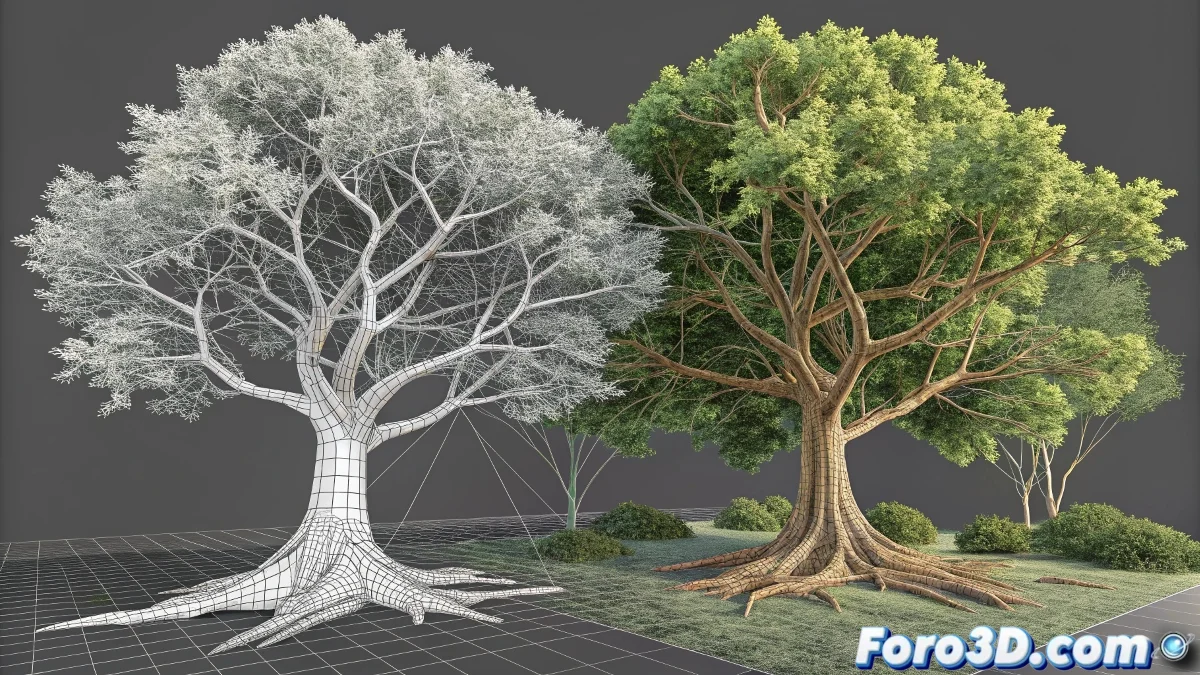
When Digital Forests Sprout from the Viewport
Delving into vegetation creation in 3ds Max can seem like an overwhelming challenge for any beginner, but the integrated tools offer a gradual and accessible path towards mastery in the art of digital foliage. From basic parametric systems to advanced optimization techniques, there is a complete spectrum of approaches that allows each artist to find their ideal balance between visual quality and efficiency. What begins as a simple predefined tree can evolve into complete ecosystems that breathe realism.
The most valuable aspect of this progressive learning is how it builds solid foundations that are later naturally applied to more sophisticated solutions. Understanding why a tree works structurally, how light behaves through foliage, and which elements are essential versus dispensable creates an intuitive base that transcends any specific tool.
A good vegetation artist doesn't just model trees, but understands how they grow
Creation Methods According to Experience Level
- AEC Extended Foliage for learning and rapid prototyping
- Manual modeling with splines for total artistic control
- Specialized plugins like GrowFX for professional production
- Scattering systems for optimized massive populations
The Foundations: AEC Extended Foliage
The AEC Extended / Foliage section represents the perfect gateway to the world of vegetation in 3ds Max. These parametric trees, although limited compared to professional solutions, offer an invaluable introduction to fundamental concepts like branch density, leaf distribution, and the natural hierarchy of plant structures. The ability to adjust parameters in real-time allows for experimentation without consequences, understanding how each variable affects the final result.
For structural learning, these predefined trees are unbeatable. Observing how main branches are organized, how secondary ones subdivide, and how foliage is distributed creates that mental framework necessary to later create vegetation from scratch. It's the digital equivalent of studying anatomy before drawing human figures.
Essential Optimization Techniques
- ProOptimizer for intelligent polygon reduction
- Opacity maps for leaves with minimal geometry
- Instances and references for variation without overhead
- Levels of detail adaptive to camera distance
Manual modeling with splines and Lattice marks the next step in the artist's evolution. This technique, although more laborious, offers uncompromising control over the shape and structure of each tree. The combination of editable splines for the tree skeleton with the Lattice modifier to add volume creates a solid structural base that can later be refined with other modifiers. This approach teaches how to think three-dimensionally even when initially working with two-dimensional elements.
The best tree is not the most detailed one, but the one that best fulfills its function in the scene
Materials That Breathe Nature
The application of realistic materials separates amateur vegetation from professional. Configuring VRayMtl or Physical Material with displacement maps for bark, alpha channels for leaves, and subtle reflections to simulate the plant cuticle transforms simple geometries into visually rich elements. Attention to details like the translucency of leaves when light passes through them or the microscopic variation in foliage color contributes significantly to the final credibility.</