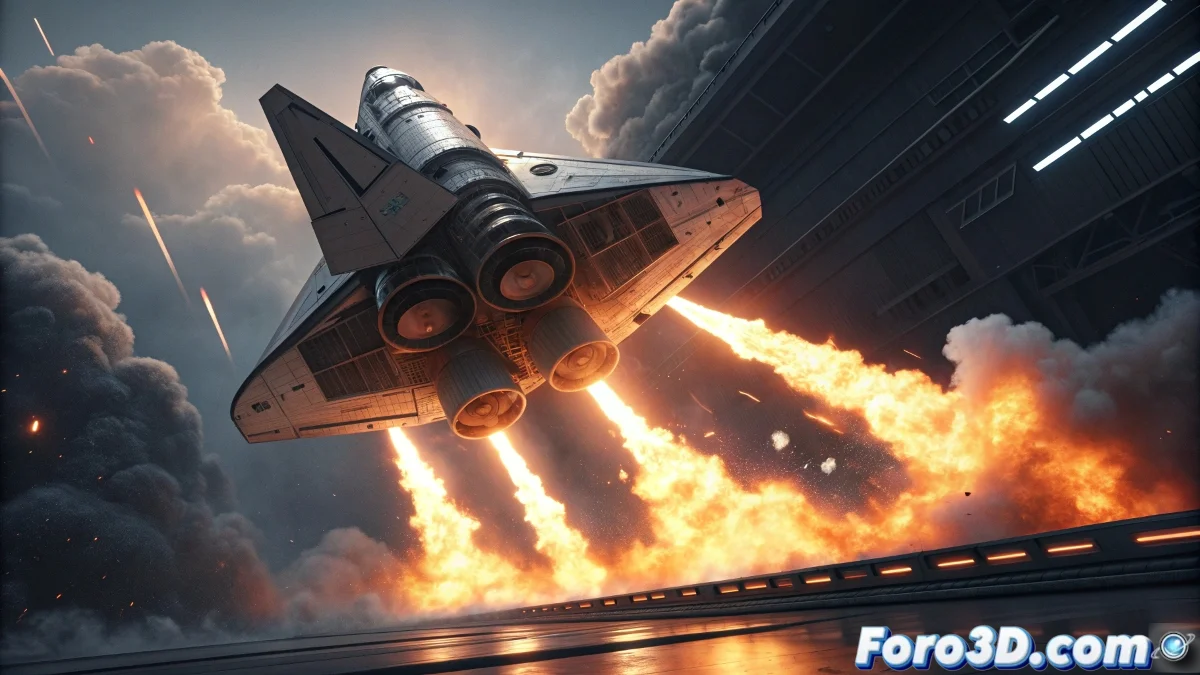
When the Engines Refuse to Ignite
Creating a convincing propulsion system in Maya is one of those challenges that can make even the most spectacular spaceship look like a toy floating aimlessly. The main problem is often that beginner artists underestimate the complexity of real rocket fire, which is not simply a flame, but a combination of different physical phenomena working in harmony. From internal combustion to the violent expansion of gases, every aspect needs its own configuration.
The good news is that Maya has all the necessary tools to create realistic thrusters, but it requires understanding how to leverage the nParticles system along with dynamic forces and specialized materials. The secret is to work in layers, not trying to create everything with a single emitter.
Basic Propulsion Emitter Setup
Start by creating an nParticle of the Cloud type, which is ideal for gaseous effects like fire. Place the emitter right at the exit of your ship's thruster nozzle, oriented in the opposite direction of movement. The critical initial parameters are Rate for the number of particles and Speed for the initial thrust force.
For size, configure Particle Size with a small base radius but with plenty of Randomness for natural variation. The Lifespan should be relatively short so particles disappear quickly, simulating the dissipation of burned fuel.
- Cloud type for gaseous effect
- Emitter correctly oriented
- High Rate for adequate density
- Short Lifespan for quick dissipation
A good thruster isn't seen, it's felt in every frame of animation
Dynamics and Forces for Physical Realism
The heart of realism lies in the dynamic forces. Apply a Gravity field with negative intensity to simulate upward thrust, but combine it with a Drag field to create that aerodynamic resistance that makes the fire expand conically. The key is the balance between these opposing forces.
For the turbulent motion characteristic of combustion gases, add a Turbulence field with medium-high Frequency and moderate Magnitude. This will break the artificial uniformity and create that organic flame pattern we're looking for.
- Negative Gravity for thrust
- Drag field for conical expansion
- Turbulence for organic motion
- Balanced forces for realistic behavior
Materials and Visual Appearance of the Fire
For materials, use a Particle Cloud shader with specific configuration for combustion. The color should vary from intense blue in the core (hottest zone) to orange and yellow at the edges (less intense combustion). Use a ramp texture connected to Life Color to achieve this transition automatically.
Transparency and incandescence are crucial for the effect. Configure high incandescence so the particles illuminate themselves, and use noise in the transparency to create that irregular texture characteristic of real fire.
- Specialized Particle Cloud shader
- Life Color with blue-orange-yellow ramp
- High incandescence for self-illumination
- Noise in transparency for organic texture
Advanced Techniques for Believable Propulsion
For moving ships, it is essential to animate the parameters according to acceleration. When the ship accelerates, increase the particle Rate and Speed