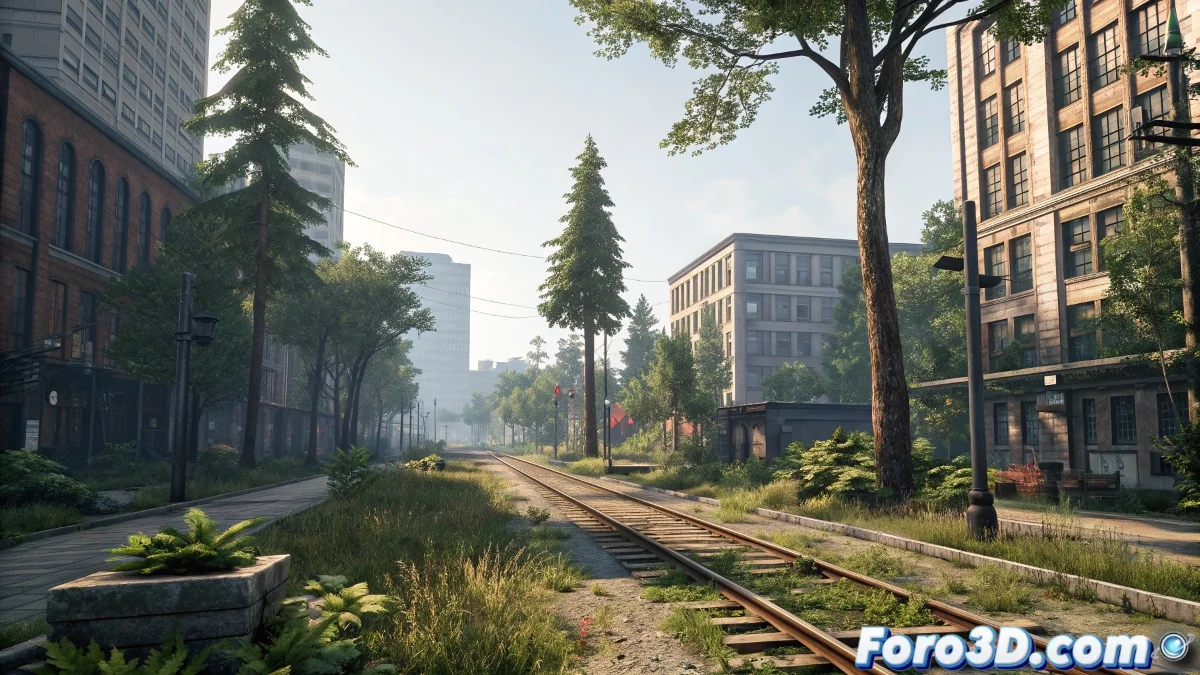
The Art of Building Believable Digital Worlds
Creating realistic environments, whether lush forests or bustling cities, is one of the most demanding disciplines in 3D visualization 🌍. While 3ds Max has a solid legacy in modeling, the industry has evolved towards workflows that prioritize proceduralism and efficiency. Today, the real magic lies not in modeling every leaf or brick by hand, but in mastering specialized plugins that allow you to generate, texture, and render complex worlds in an intelligent and scalable way, without crashing your workstation.
Populating Nature with Forest Pack
When it comes to vegetation, Forest Pack is the undisputed king within 3ds Max. This plugin allows you to procedurally distribute millions of instances of trees, shrubs, grass, and rocks over any surface or along defined curves. 🎄 Its integration with engines like V-Ray or Corona Renderer is so efficient that you can have densely populated scenes that render without consuming all your RAM. The controls for density, random scale, and variation by distance eliminate repetitive patterns, creating the illusion of a living, organic ecosystem.
Without Forest Pack, creating a forest is like planting one tree at a time with tweezers, absolute madness.
Building Cities with RailClone
For urban environments, RailClone is the tool that transforms boring repetitive modeling into a creative, procedural process. Using splines as guides, you can generate building facades, fences, bridges, or road systems with intelligent variations and customizable rules. The beauty of RailClone lies in its non-destructive nature; changing a base spline automatically updates all the generated geometry, allowing you to iterate on urban designs at breakneck speed 🏙️.
Intelligent Texturing with Substance 3D
An environment is only as realistic as its textures. This is where Substance 3D plugins make the difference, allowing you to apply highly customizable procedural materials that react credibly to light and scale. By combining displacement, normal, and roughness maps with V-Ray shaders, you achieve a level of surface detail that sells the illusion of dirt, erosion, and the passage of time, crucial for integrating assets into a cohesive environment.
Optimized Workflow for Large Scenes
Managing large-scale scenes requires a clear strategy. The key is modularity and automation:
- Mass Instancing: always use Forest Pack and RailClone instances instead of copies to save memory.
- Levels of Detail (LOD): configure different geometries for foreground and distant backgrounds.
- Render by Layers: separate the scene into render passes (beauty, Z-depth, ID masks) for flexible compositing in post-production.
- Automation with MaxScript: create custom scripts for repetitive tasks like distributing streetlights or placing windows.
In the end, creating a stunning environment is a carefully choreographed ballet between art and technology. And if your rendered city has a floating tree, you can always call it conceptual art of a new anti-gravity species 😉.