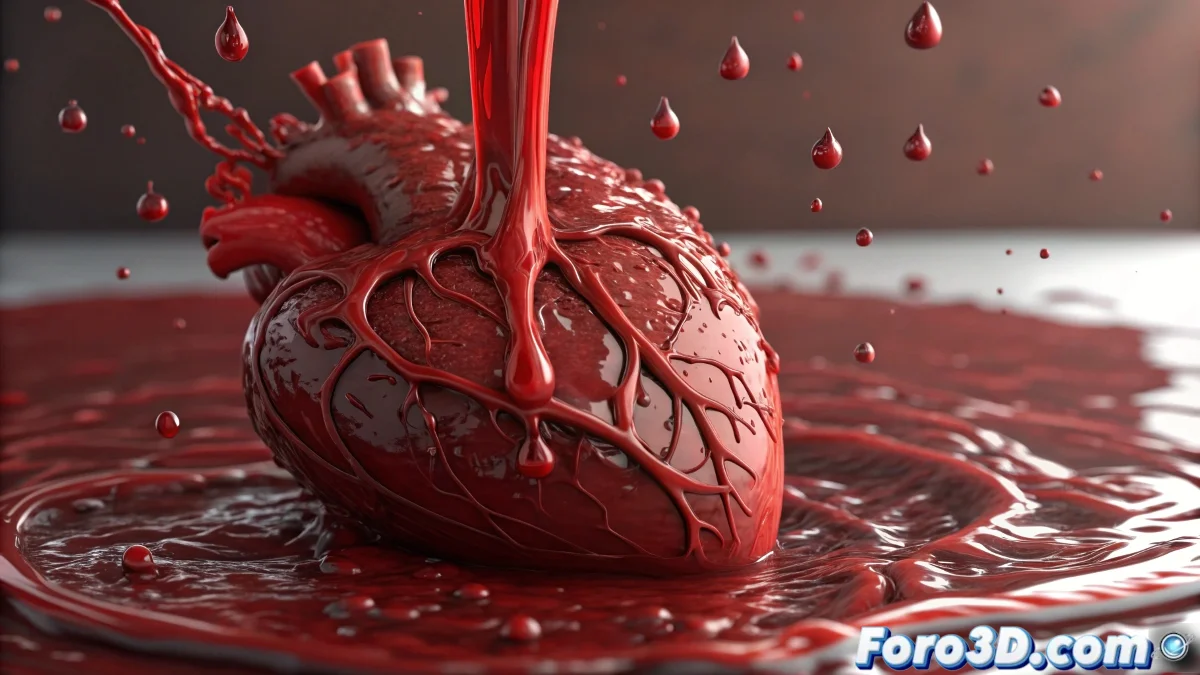
When Digital Blood Refuses to Clot
Creating blood that flows convincingly over a heart is one of those challenges that uniquely combines art and physics. Blood is not just any liquid: it has that characteristic viscosity that makes it adhere to surfaces while creating those very specific strands and droplets. In Maya, this magic happens primarily through nParticles configured as liquid, with a touch of nCloth for more complex surface interactions.
The heart, with its organic surface full of curves and textures, presents the perfect stage for blood to demonstrate its unique behavior. The key is to make the liquid recognize the heart's anatomy and react accordingly, creating that believable flow we are after.
Initial nParticle System Setup
The process begins by creating an nParticle with the Liquid type to simulate blood properties. A volumetric or surface Emitter placed at the top of the heart will generate the initial flow. The Rate and Speed parameters control how much blood is generated and with what force it begins its descent.
Viscosity becomes the star parameter here. Viscosity values between 0.8 and 1.2 replicate that thick consistency of real blood, preventing it from behaving like water or honey. Surface Tension adds that cohesion effect that keeps droplets together to a certain point.
- Liquid type for blood properties
- High Viscosity for thick consistency
- Surface Tension for droplet cohesion
- Controlled Rate for progressive flow
Perfect digital blood is what makes the viewer feel uncomfortable
Collisions and Surface Adhesion
For the blood to interact correctly with the heart, the heart must become a Passive Collider. In the collision properties, adjusting the Collision Layer ensures nParticles detect the surface. The Stickiness parameter is crucial here: moderate values make the blood adhere slightly before continuing its descent, creating that characteristic sliding effect.
Complex surfaces like the heart may require adjustments to Collision Thickness to prevent particles from getting stuck in grooves and cavities. For finer control, Texture Maps can be used in the collision properties to vary adhesion in different areas of the heart.
- Convert heart to Passive Collider
- Adjust Stickiness for realistic adhesion
- Optimize Collision Thickness for complex geometry
- Use textures to vary adhesion by area
Refining Flow Behavior
The nParticles Liquid Simulation offers advanced parameters to refine behavior. Incompressibility controls how the liquid maintains its volume, while Rest Density affects buoyancy. For blood, high incompressibility values with medium density create that heavy, coherent flow we are looking for.
External forces like Gravity and Turbulence add the falling motion and those organic variations in the flow. A light Drag Field can help slow down movement in specific areas, mimicking how blood pools in certain anatomical regions.
- High Incompressibility for constant volume
- Medium Rest Density for appropriate weight
- Gravity adjusted to scene scale
- Drag Field to slow down in specific zones
Materials and Rendering for Maximum Realism
The final visual appearance is achieved through specific materials for liquids. In Arnold, the Standard Surface with high Transmission and Subsurface Scattering recreates that transparency and depth characteristic of fresh blood. The color should be a dark but intense red, with subtle variations to avoid a flat