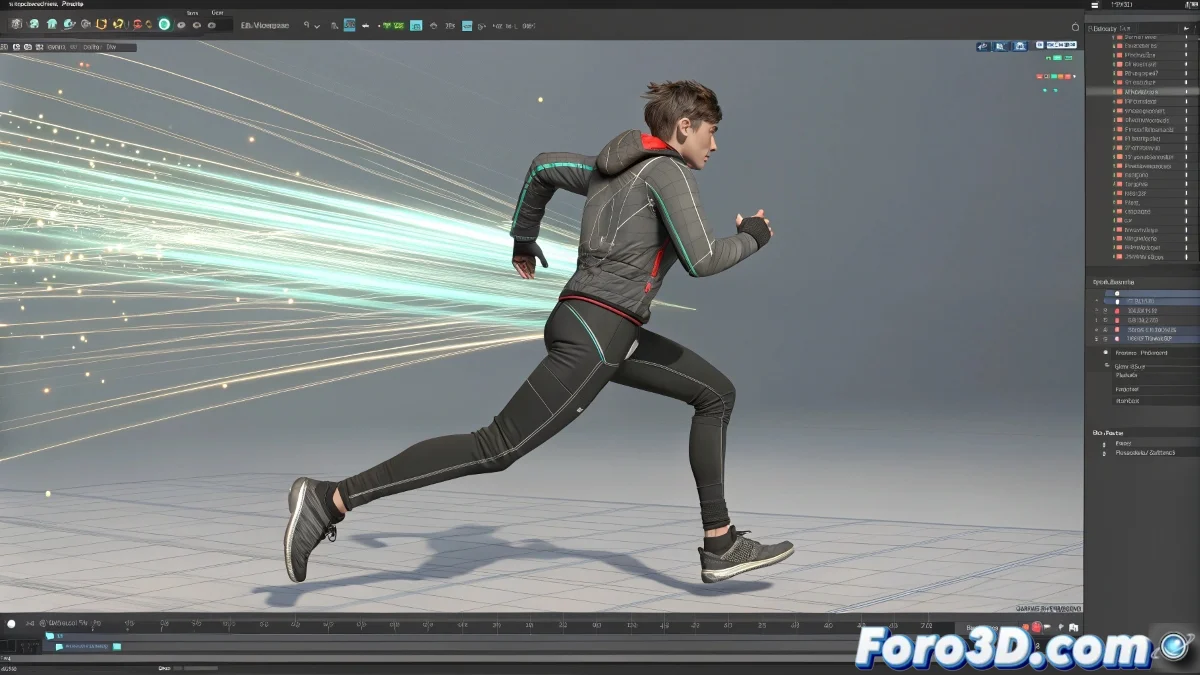
The Art of Freezing Motion in Time
Creating Ghost Trail speed streaks in 3ds Max is like painting with motion itself 🎨. This effect, popularized by films like The Matrix and series like Smallville, transforms ordinary animations into dynamic sequences where speed becomes visible through specters that chase the characters. The key lies in the perfect synchronization between the base animation and the visual effect.
Preparing the Base Animation
Before even thinking about adding effects, the character's animation must be polished and finalized. The streaks work best when they follow specific reference points – such as the hands during a quick punch or the feet during a fast run. These anchor points will serve as the foundation for the effect to faithfully follow the action without desynchronizing 🏃.
A well-prepared animation is the canvas on which you will paint your speed effects.
Configuring the Ghost Trail Effect
The Ghost Trail modifier offers precise control over the appearance and behavior of the streaks. Its parameters allow you to adjust every aspect of the effect to achieve professional cinematic results.
- Streak Shape: Choose between curves, meshes, or splines as a base
- Duration: Control how long the streak persists before fading
- Smoothness: Adjust the transition between streak segments
- Thickness: Define the visual volume of the trail left behind
Linking to Animated Characters
The real magic happens when the effect couples perfectly with the character's movement. Using strategically placed helpers as emission points ensures that the streak faithfully follows even the most complex animations.
- Helpers as Anchor Points: Position dummies at points of interest on the character
- Path Constraints: Force the streak to follow specific trajectories
- Hierarchical Linking: Making helpers follow the character's animation
- Offset Adjustment: Compensate for temporal or positional offsets
Alternatives with Particle Flow
For cases where Ghost Trail does not offer enough flexibility, Particle Flow presents a powerful alternative. Creating particle systems that emit from the anchor points allows for more complex and customizable effects.
- Emission from Helpers: Particles that follow reference points
- Shape Instances: Using custom geometry for the particles
- Dynamic Controls: Adding physics and complex behaviors to the streaks
- Multi-Strand Effects: Creating streaks composed of multiple elements
Render and Post-Production Adjustments
The final look of the effect is often defined in the render and post-production stage. Smart configurations can dramatically improve the integration between the streaks and the character.
- Semi-Transparent Materials: Giving that characteristic spectral appearance
- Self-Illumination: Creating streaks that seem to emit their own light
- Render Passes: Separating streaks for independent adjustment in compositing
- Additional Motion Blur: Reinforcing the sensation of speed
Professional Workflow
Implementing streak effects consistently requires following a specific methodology that ensures quality and efficiency throughout the entire production pipeline.
And when your character ends up looking like a streak of colors at a psychedelic rave🌈, you can always argue it's a new superhero power. After all, in the world of visual effects, creative accidents sometimes become signature features.