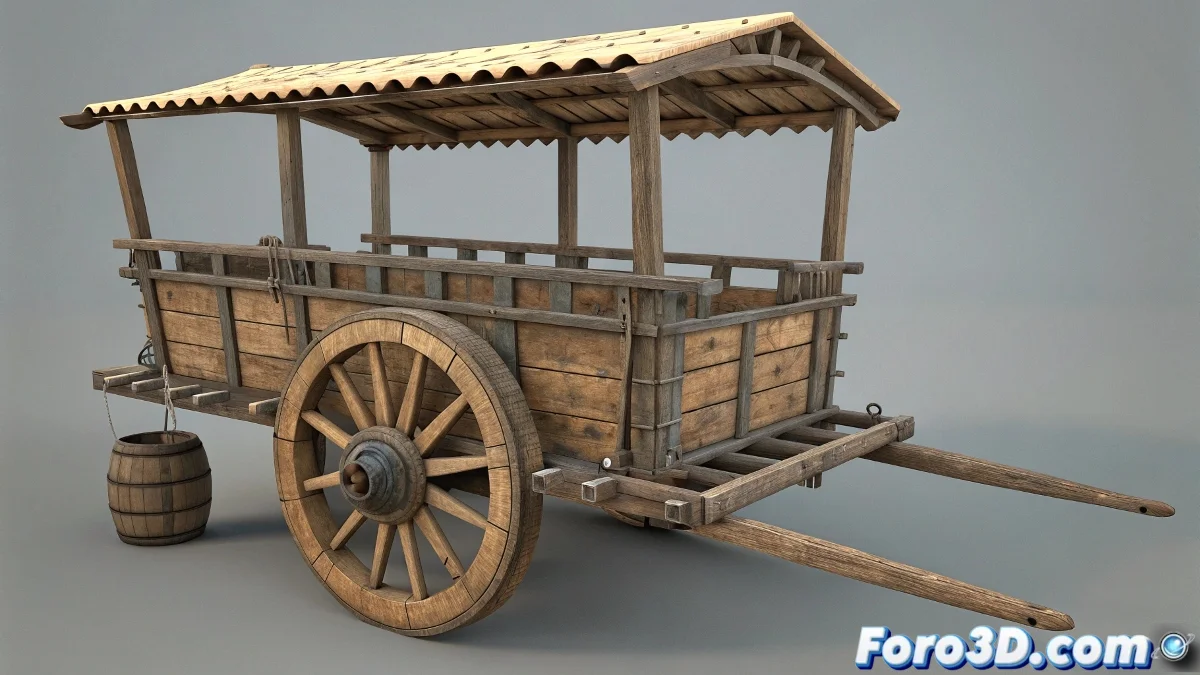
The Art of Giving Direction to Digital Vehicles
Creating a realistic steering system for carts in 3ds Max is like designing the suspension of a digital Formula 1 car 🏎️. Where manual animation quickly becomes chaotic, a bone-based rig provides the precise control and hierarchical relationships that make movement seem mechanically accurate and visually convincing.
The Bone Architecture of the Steering System
The bone system acts as the invisible skeleton that dictates how each part of the vehicle moves in relation to the others.
- Main Axle Bone: Central control for steering rotation
- Individual Wheel Bones: Independent control for each wheel
- Logical Hierarchy: Wheels as children of the axle bone
- Precise Pivots: Rotation points aligned with real mechanics
A good steering rig is like a good real steering system: you notice it when it's missing.
Rotation Controllers for Precision
Rotation controllers provide the level of control needed for believable steering movements.
- Euler XYZ: Separate axis control for precise rotation
- Limit Controllers: Restricting turn angles for mechanical realism
- Expression Controllers: Mathematical control for complex relationships
- Script Controllers: Advanced customization for specific behaviors
Linking via Constraints
Constraints act as the mechanical joints that hold everything together digitally.
- Link Constraint: Precise linking between bones and geometry
- Orientation Constraint: Maintaining rotational alignment
- Position Constraint: Exact control of relative position
- Basic Parenting: For simple hierarchical relationships
Workflow for Efficient Setup
Following a logical sequence of operations ensures a robust and trouble-free setup.
- Creation and precise positioning of bones
- Establishment of hierarchies and parental relationships
- Application of constraints and controllers
- Linking of geometry to the bones
- Animation tests and fine-tuning
Advantages Over Direct Geometry Animation
The bone-based approach offers significant benefits over direct animation.
- Consistent Precision: Mechanically accurate movement
- Reusability: Easy adaptation for different vehicles
- Animator Control: Intuitive interface for animators
- Flexibility: Easy adjustment and modification during production
- Scalability: Addition of features like suspension or bounce
Integration with Existing Animation Systems
The steering system must integrate seamlessly with other vehicle animation systems.
- Coordination with Rear Wheels: Synchronization of front and rear movement
- Suspension Systems: Integration with bounce and compression
- Body Animation: Coordination with chassis movement
- Master Controllers: Unified interfaces for complex animation
Optimization for Performance
Maintaining computational efficiency is crucial, especially in complex scenes.
And when your cart turns as if it had a mind of its own, you can always argue it's an autonomous vehicle with an advanced guidance system 🤖. After all, in the world of 3D animation, sometimes steering "errors" become futuristic technology features.