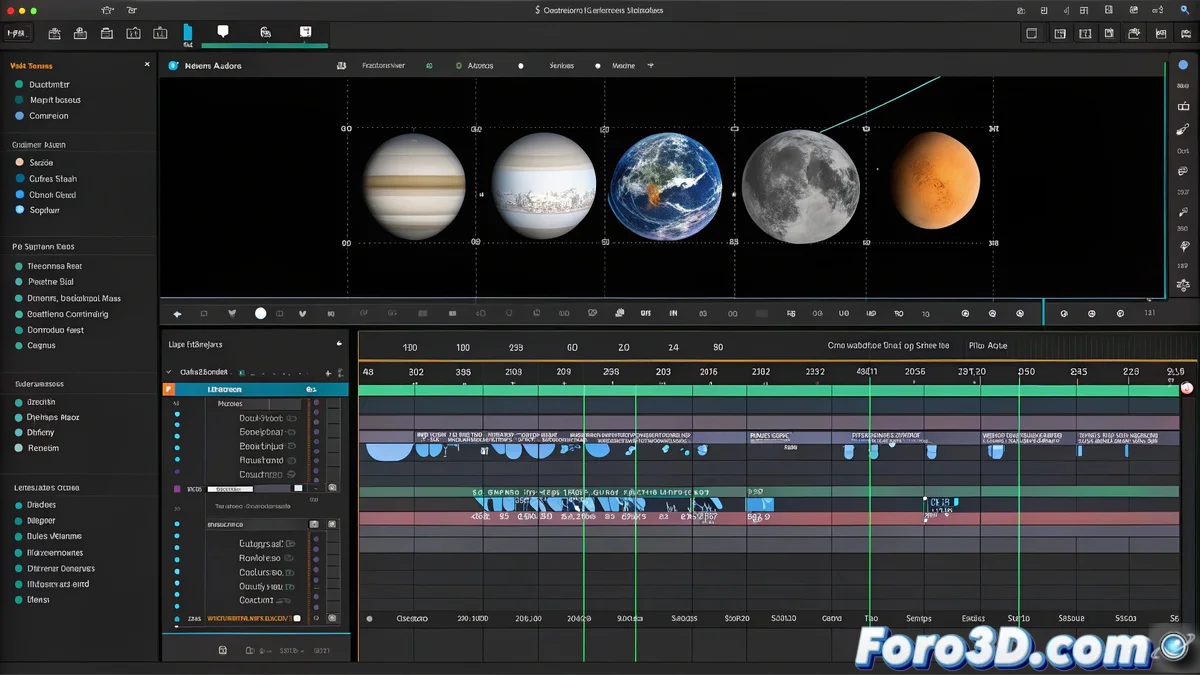
Transforming Astronomical Discovery into Visual Narrative 🚀
The James Webb Space Telescope has once again surprised the scientific world with the discovery of a new moon on Uranus, previously invisible to modern astronomy. This discovery not only expands our knowledge of the solar system but also offers a unique opportunity to create audiovisual pieces that communicate the impact of science to the general public. Adobe Premiere stands as the ideal tool for transforming technical data into engaging visual stories, combining scientific rigor and creativity.
Editing the Progressive Revelation
The process begins by importing into Premiere's timeline the previous images of Uranus—where the moon was undetectable—followed by the new captures from James Webb that reveal its presence. The key lies in building a sequence that guides the viewer from the initial uncertainty to the clarity of the discovery. Organizing the clips in chronological order of discovery, with an adjusted duration to generate anticipation, lays the foundation for a coherent and exciting narrative. 🪐
Transition Effects and Dramatic Impact
To highlight the climactic moment of the discovery, strategic transition effects are applied. A gradual cross dissolve between the previous blurry image and the current sharpness symbolizes technological advancement and the passage of time. Alternatively, a dip to black followed by the abrupt revelation of the new moon can generate a greater dramatic impact. Adjusting the speed of these transitions allows control over the emotional rhythm of the piece, balancing suspense and revelation.
The perfect transition doesn't just join two clips; it tells the story of a before and an after in our understanding of the cosmos.
Integration of Scientific Graphics and Data
Premiere allows for the overlay of animated graphics that enrich the narrative with key information. Using the Essential Graphics panel, texts are added to highlight:
- Orbital distance of the moon from Uranus
- Estimated diameter and surface composition
- Comparisons with other moons in the solar system
- Dates of discovery and confirmation
These elements not only educate the viewer but also reinforce the scientific credibility of the video. Subtle animations on the entrances and exits of the graphics maintain visual fluidity.
Workflow and Optimization
Organizing the project into separate bins for footage, graphics, audio, and effects streamlines the editing process. Using color labels to differentiate clip types (e.g., blue for telescope images, green for graphics) improves efficiency in complex timelines. Adjusting the color correction of the images to standardize the tone between old and new captures ensures a cohesive visual experience.
Audio and Narrative Rhythm
The soundtrack plays a crucial role in immersion. Incorporating background music with crescendos at key moments—such as the moon's revelation—and subtle sound effects (like space frequencies or smooth transitions) elevates the emotional impact. Synchronizing audio peaks with visuals maximizes the sense of discovery.
While astronomers celebrate having unveiled a new world, we worry about making sure the cross dissolves don't last longer than the viewer's patience. In the end, the real science is in making sure a video render doesn't crash on export. 😅