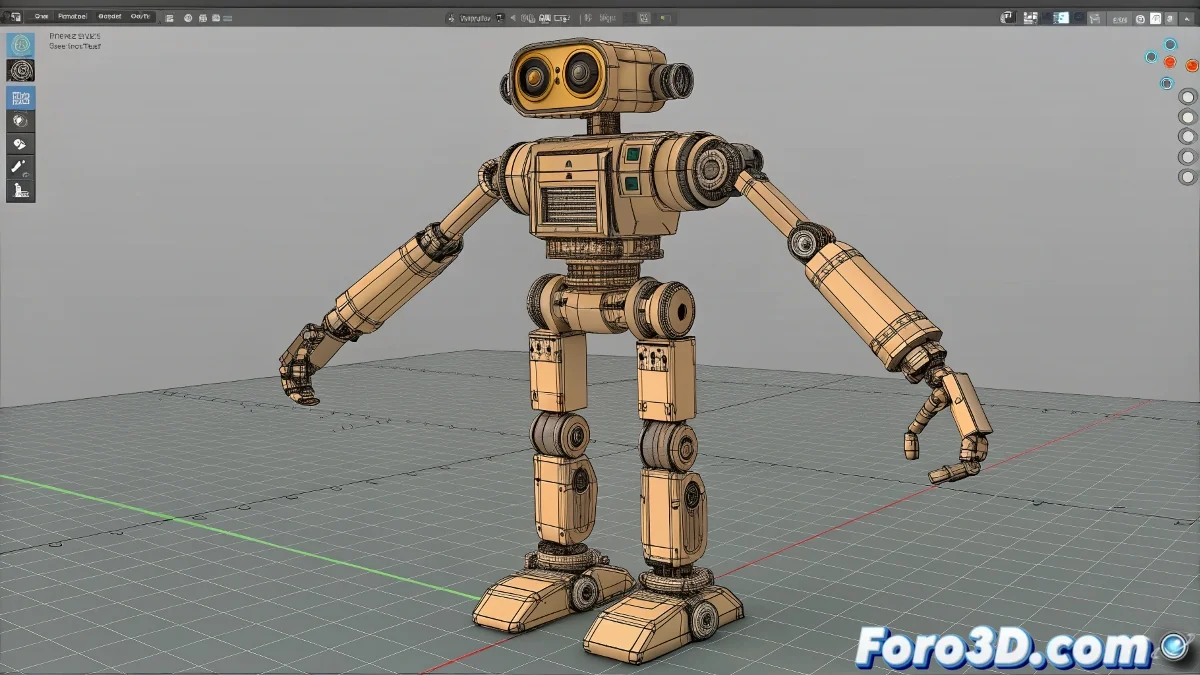
When Your Robot Needs a Skeleton (Literally) 💀
Creating the rig for an APU robot in 3ds Max is like playing mechanical engineer and choreographer at the same time. On one hand, you need that rigid and precise structure; on the other, it needs to be flexible enough to animate without looking like a tank dancing ballet. If you've been at this for months, don't worry, even robots need time to learn how to move.
The Backbone of Your Metallic Robot
To keep your APU from looking like a rag doll, follow this basic structure:
- Central Torso: The core from which everything originates
- Limbs with IK_Chains: To control arms and legs like a titan
- Limited Joints: No impossible twists (unless it's a transformer)
- Visible Controllers: Because guessing bone position is magic, not animation
A good robot rig is like a good exoskeleton: it must support the weight of the animation without breaking in the attempt.
Tricks to Avoid Looking Like a Cube with Legs
If you want to prevent your creation from moving like a refrigerator on wheels:
- Use constraints for realistic movements
- Adjust rotation limits on each joint
- Test with basic animations before diving into complex choreographies
And remember: even if it's a metal frame, a little follow-through in the movements will give it that pinch of life it needs. 🤖
When the Rig Resists: Plan B
If the IK_Chains behave like rebellious teenagers:
- Study example rigs (copying isn't stealing, it's learning fast)
- Consult specific tutorials for concrete problems
- Consider using expressions to automate repetitive movements
Conclusion: From Skeleton to Action Star
With these fundamentals, your APU robot will be ready to go from metallic statue to movie protagonist. And if the movements are a bit clumsy at first, don't worry: even Hollywood robots need multiple takes. 🎬
Now you just need to teach it to do the moonwalk... or maybe it's better not to tempt fate. 😅