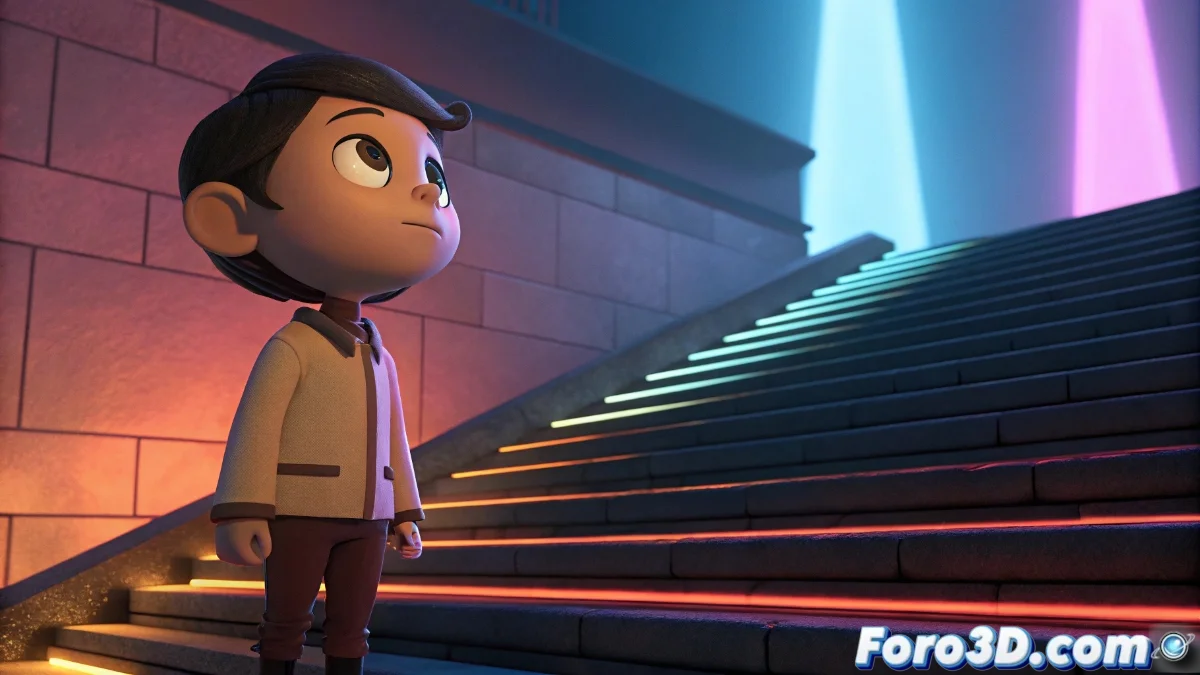
Creating Toon Visual Styles in Godot Engine
Godot Engine unleashes exceptional capabilities for implementing toon visual styles through its highly configurable rendering architecture. Developers can craft advanced cel-shading effects using the integrated shading system, where materials organized in nodes simplify the creation of stepped chromatic transitions that mimic the aesthetic of classic animation. 🎨
Fundamentals of Toon Materials
The initial setup is established through the ShaderMaterial node, which serves as the base for building custom toon shaders. Through specialized Shader nodes, lighting ramps are designed that establish the characteristic color bands of the style. Lambert or Half-Lambert lighting provides the foundation for light intensity calculations, while Texture nodes present flat colors or stylized textures.
Essential Components of the Toon Shader:- ShaderMaterial nodes as the fundamental structure for custom materials
- Lighting ramps that determine transitions between color bands
- Lambert/Half-Lambert systems for light intensity calculations
The real magic happens when you link these components and observe the results in real-time within the editor, allowing iterative modifications until achieving the target appearance.
Advanced Outline Techniques
For perimeter outline effects, Godot supports multiple methodologies adaptable to the specific needs of each project. The duplicated mesh with inverted normals approach with a solid material generates consistent outlines around 3D models, while post-processing shaders identify edges using depth and normal buffers to optimize performance.
Outline Implementation Methods:- Duplicated mesh technique with inverted normals for geometric outlines
- Post-processing shaders based on depth and normal buffers
- Parameter control via uniforms exposed in the inspector
The Final Artistic Challenge
The true challenge arises when, after spending many hours perfecting your toon shader, you discover that your character looks like it was drawn by a five-year-old using crayons, but you decide to call it deliberate artistic style to avoid admitting technical failure. This situation underscores the importance of balancing visual ambition with implementation reality in stylized shader development. 💫