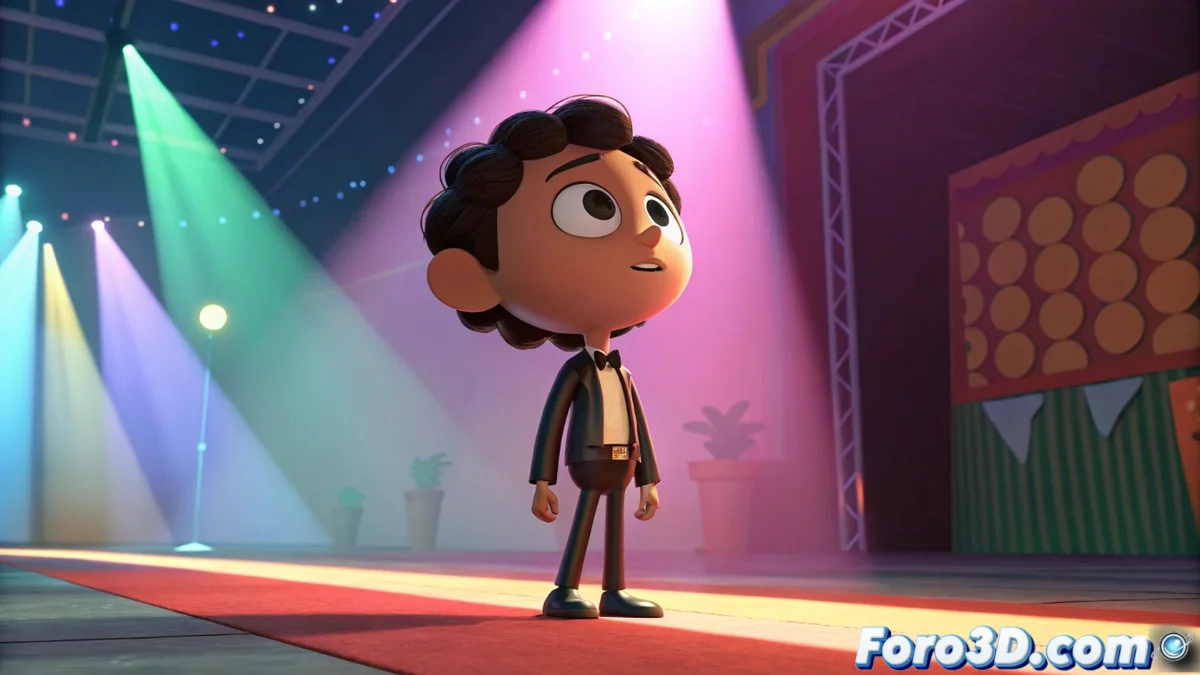
Creating Toon Renders in Blender with Specialized Shaders and Outline Lines
Blender provides a set of advanced tools to develop high-quality toon renders, integrating specialized shaders, outline lines, and post-processing workflows. Both Eevee and Cycles support the Toon BSDF node, ideal for defining shading with abrupt transitions between lit and dark areas, emulating the style of classic animation 🎨.
Toon BSDF Shader Setup
The Toon BSDF node is customized through parameters like Size and Smooth, which regulate the sharpness of gradients. This allows imitating the look of traditional cartoons, where shadows have marked edges. Integration with Blender's node system facilitates combining this effect with other materials, achieving a coherent look adaptable to different projects.
Key Features of Toon BSDF:- Light transition adjustment with smoothing controls for gradients
- Compatibility with multiple render engines for workflow flexibility
- Ability to blend with other shaders to create hybrid materials
Achieving the perfect toon sometimes feels like negotiating with a stubborn shader that prefers realism, but in the end, defined outlines always win the battle against subtle gradients.
Implementation of Freestyle Lines for Outlines
Freestyle adds automatic outline lines that reinforce the toon style, detecting geometric and material edges. It is configured in the render properties, where line styles are defined with attributes like thickness, color, and patterns, based on conditions such as visibility or curvature. For more precise control, suggestion lines are used or accuracy is adjusted with options like Face Marks. Combining Freestyle with the Toon BSDF shader yields a clean result; in Cycles, it is essential to enable the Freestyle pass in the render layers for optimal integration.
Advantages of Using Freestyle:- Automatic edge detection for consistent outlining
- Line style customization based on visual criteria
- Seamless integration with toon shaders for a uniform finish
Composition and Post-Processing Techniques
Blender's compositor allows refining toon renders by applying effects like blur, color correction, or blends with masks. Nodes are used to adjust contrast, saturation, or add vignettes, integrating Freestyle lines with image layers. Techniques such as using depth passes or objects help isolate elements and apply selective filters, creating unique atmospheres. Exporting in formats like EXR maintains flexibility for editing in external software, ensuring a professional workflow and sophisticated results.