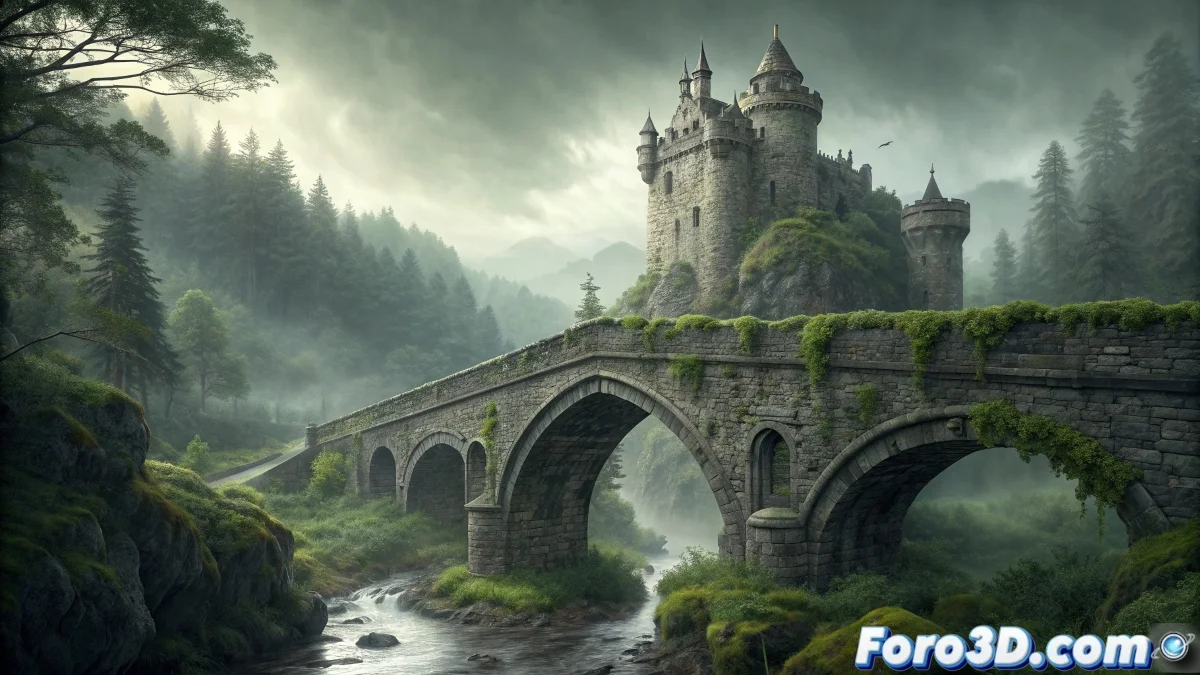
Creating Supernatural Scenes in Satori Editor - General Methodology for Haunted Locations
Satori Editor offers versatile tools for creating paranormal and atmospheric scenes, allowing the development of high-quality digital compositions for various haunted locations through lighting, layering, and special effects techniques that capture the essence of the supernatural. 🌫️
Methodological Approach for Haunted Locations
Instead of focusing on a specific location that might be repeated, we will develop a general applicable methodology for any paranormal scenario, allowing the adaptation of techniques to cemeteries, abandoned houses, castles, or any environment requiring a spectral and mysterious atmosphere.
Universal Elements of Visual Horror:- Atmospheric and dim lighting
- Transparency and semi-materiality effects
- Cool and desaturated color palettes
- Elements of decay and abandonment
- Subtle visual distortions
The essence of the paranormal lies in suggestion, not in explicitness - Spectral Composition Principle
Prior Research and Conceptualization
Before opening Satori, it is crucial to conduct thorough research on the target location: study its history, architecture, specific legends, and characteristic elements that define its unique paranormal identity.
Essential Research Phases:- Historical analysis and architectural documentation
- Collection of testimonies and descriptions of phenomena
- Study of lighting and atmospheric conditions
- Selection of representative key visual elements
Step by Step: General Methodology in Satori Editor
1. Base Project Setup
Open Satori Editor and create a new document with 4K resolution (3840x2160). Configure the color space to 16-bit for greater dynamic range. Set the DPI to 300 for print quality if required.
2. Base Scene Composition
Organize the fundamental layers: - Background: Base image of the location - Layer 1: Atmospheric and lighting adjustments - Layer 2: Main architectural elements - Layer 3: Decay and abandonment effects - Layer 4: Spectral and ghostly elements
3. Color and Atmosphere Adjustments
Apply atmospheric color correction: - Reduce global saturation by 20-30% - Adjust temperature towards blues and magentas - Increase contrast for dramatic shadows - Apply split toning with warm in highlights
4. Supernatural Lighting
Create spectral lighting effects: - Use gradient maps for ambient lighting - Apply layer styles with outer glow in active areas - Create light rays with custom brushes - Develop luminosity effects with overlay layers
5. Spectral Transparency Elements
Develop ghostly effects: - Adjust opacity between 15-40% for spectral figures - Use gaussian blur for ethereal blur - Apply displacement maps for vapor effect - Create masks for integration with the environment
6. Textures and Decay Effects
Add signs of abandonment: - Use texture overlays for dirt and moisture - Apply brush strokes for moss and vegetation - Create dust and sedimentation layers - Develop erosion and cracking effects
7. Atmospheric and Volumetric Effects
Implement environmental atmosphere: - Create fog layers with gradient tools - Apply haze effects for depth - Develop rain or mist with particle brushes - Use smoke overlays for additional mystery
8. Distortions and Visual Anomalies
Add