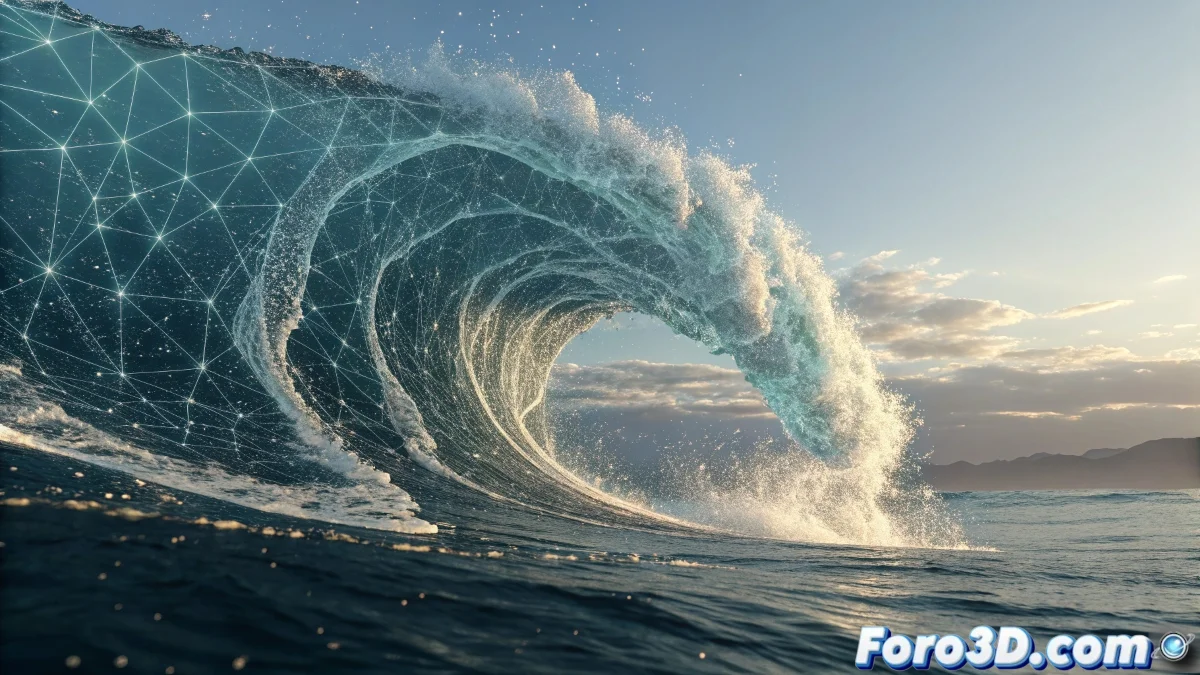
When Waves Need to Spit Digital Foam
Integrating foam particles and splashes into a pre-existing marine animation is like adding the soul to the digital ocean. The challenge in After Effects isn't just creating the particles, but making them interact credibly with the wave motion and the pier structure. Native particle systems often frustrate when trying to emulate the chaotic, organic behavior of water impacting solid surfaces.
The key lies in understanding that a single emission source will never capture the complexity of a natural phenomenon like breaking waves. A multi-layered, multi-emitter strategy is needed, working in harmony to create the illusion of real liquid physics.
Setting Up Layered Particle Systems
The most effective solution uses CC Particle Systems II distributed across multiple layers, each responsible for a different aspect of the effect. One system handles the white foam, another the smaller droplets, and a third the larger splashes. This separation allows for individual control over each element's behavior.
Each particle system should be configured with an animated Birth Rate so it emits only during impact moments. The Time Sampling technique with keyframes on the birth rate perfectly synchronizes with the motion of the waves in the imported animation.
- Multiple particle layers for different elements
- Birth Rate animated according to impact timing
- Physics with gravity and air resistance
- Variable sizes and speeds per layer
Perfect splashes are like good actors: they appear right on cue and know when to exit
Tracking-Based Emission Techniques
To make particles appear to emerge directly from the impact point, using tracking techniques is essential. Applying Motion Tracking to the points where waves crash against the pier provides motion data that can be applied to the particle emitters. Null objects with tracking data become parents to the particle systems.
When automatic tracking fails on moving water surfaces, the alternative is manual frame-by-frame tracking. Although laborious, this method offers the most precise control to ensure each splash is born exactly where it should be.
- Motion Tracking on impact points
- Null objects as parent emitters
- Manual tracking for complex movements
- Fine-tuning of emitter position frame by frame
Particle Setup for Aquatic Realism
Foam particles require specific parameters: low velocity, high gravity, and a Faded Sphere shape for that ethereal, light appearance. The size should be variable with Random Size enabled to avoid the repetitive pattern that gives away basic particle systems.
For water droplets, the setup is opposite: high initial velocity, lower gravity, and a Star or Lens Convex shape that captures the characteristic reflections of moving water. Transparency and motion blur are essential for convincing integration.
- Foam: low velocity, high gravity
- Droplets: high velocity, arcing trajectories
- Random sizes for organic variety
- Specific shapes per particle type
Final Integration and Compositing
The magic truly happens in the compositing stage. Applying light Fast Blur to the foam particles softens their edges and integrates them with the water texture. Blending modes like Screen or Add help the particles blend naturally with the sea's lights and reflections.
For depth, multiple layers with different Z Position values and atmospheric blur can be used. Particles closer to the camera should move faster and have greater definition, while distant ones move slower and appear more diffuse.
- Screen blending modes for integration
- Fast Blur to soften edges
- Depth with variable Z Position
- Color matching with the original water
Mastering these techniques