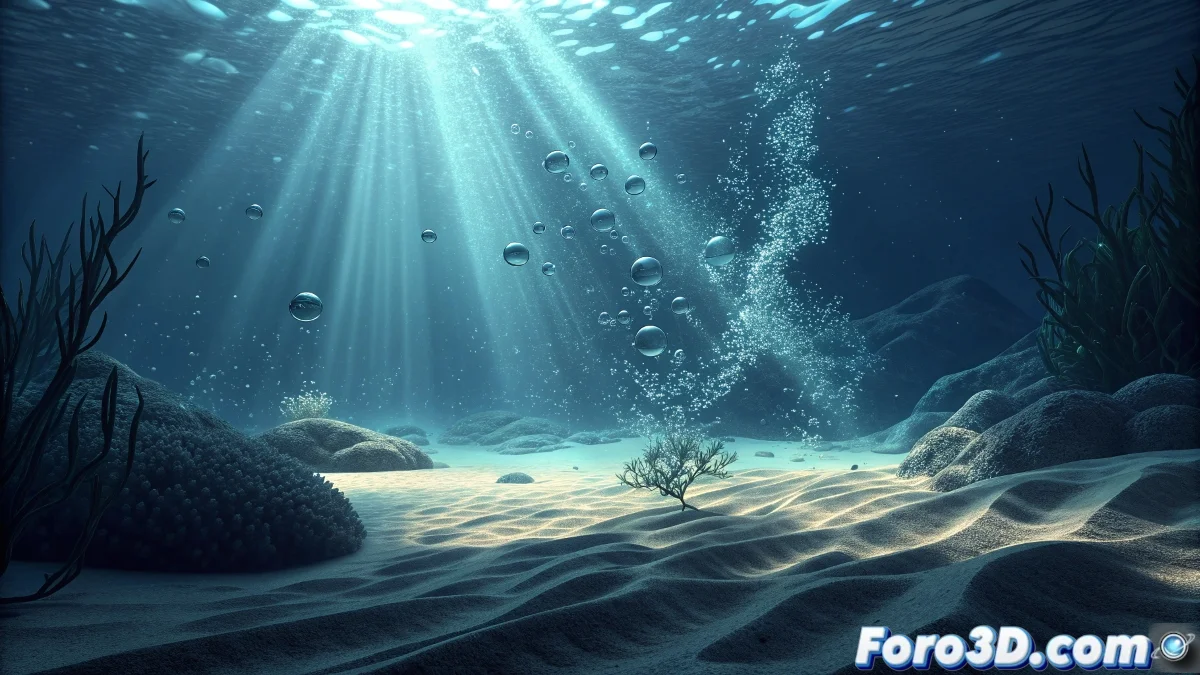
Creating Realistic Seabeds with Particle Flow in 3ds Max
The Particle Flow system in 3ds Max offers advanced capabilities for creating highly realistic seabeds, allowing simulation from suspended sediments to bubbles and plankton particles with precise control over each element's behavior. This guide explores professional techniques to recreate credible oceanic environments using the power of 3ds Max's nodal particle system, ideal for VFX productions, documentaries, and architectural projects with aquatic elements. 🌊
Initial Particle Flow System Setup
Start by creating a new PF Source system from the Create/Geometry/Particle Systems panel. Configure the base parameters to establish the appropriate scale and density based on the ocean depth you want to simulate, considering that particles in deep waters behave differently from those in surface waters.
PF Source Base Configuration:- Viewport Quantity: 50% for preview without overloading the viewport
- Render Quantity: 100% for maximum quality in final render
- Icon Size: Adjust according to the oceanic scene scale
"Particle Flow transforms the simulation of underwater environments from a tedious task into a creative and controlled process" - Visual effects artist for marine documentaries
Operators for Sediments and Suspended Particles
Marine sediments require specific operators that simulate their floating and drifting behavior. Use combinations of operators to create particles that move realistically with ocean currents.
Key Operators for Sediments:- Birth: Continuous emission control with appropriate rate for desired density
- Position Object: Emission from seabed geometry or specific volumes
- Force: With modified wind fields to simulate underwater currents
Bubble and Rising Gas System
Bubbles in underwater environments follow specific ascent patterns that can be recreated with rotation, scale, and movement operators. Set up a separate event in the Particle Flow flowchart dedicated exclusively to the bubble system.
Operators for Bubble System:- Shape Facing for bubbles always oriented to the camera
- Scale with random variation for different bubble sizes
- Spin with slow rotation for organic movement during ascent
Simulation of Plankton and Microorganisms
Plankton and microscopic organisms require more complex movement patterns with swarming behaviors and reactions to light. Combine scripting operators with seek forces to create these advanced biological effects.
Techniques for Microscopic Marine Life Simulation:- Find Target modified for grouping behaviors
- Mapping for color variation and bioluminescence
- Script Operator for custom behaviors and reactions to stimuli
Materials and Rendering of Underwater Particles
Assign specialized materials to different particle types, using shaders with transparency and reflection suitable for the aquatic medium. Configure render parameters taking into account light refraction and dispersion underwater.
Particle Material Configuration:- Materials with high refraction index for air bubbles
- Shaders with incandescence channel for bioluminescent particles
- Opacity maps with noise for organic edges in sediments
Optimization and Final Effects
For complex scenes, use instancing and level of detail (LOD) techniques to keep render times manageable. Combine the Particle Flow system with post-production effects like depth of field and color grading to achieve a professional cinematic result that captures the mysterious and dynamic essence of the underwater world. 💨