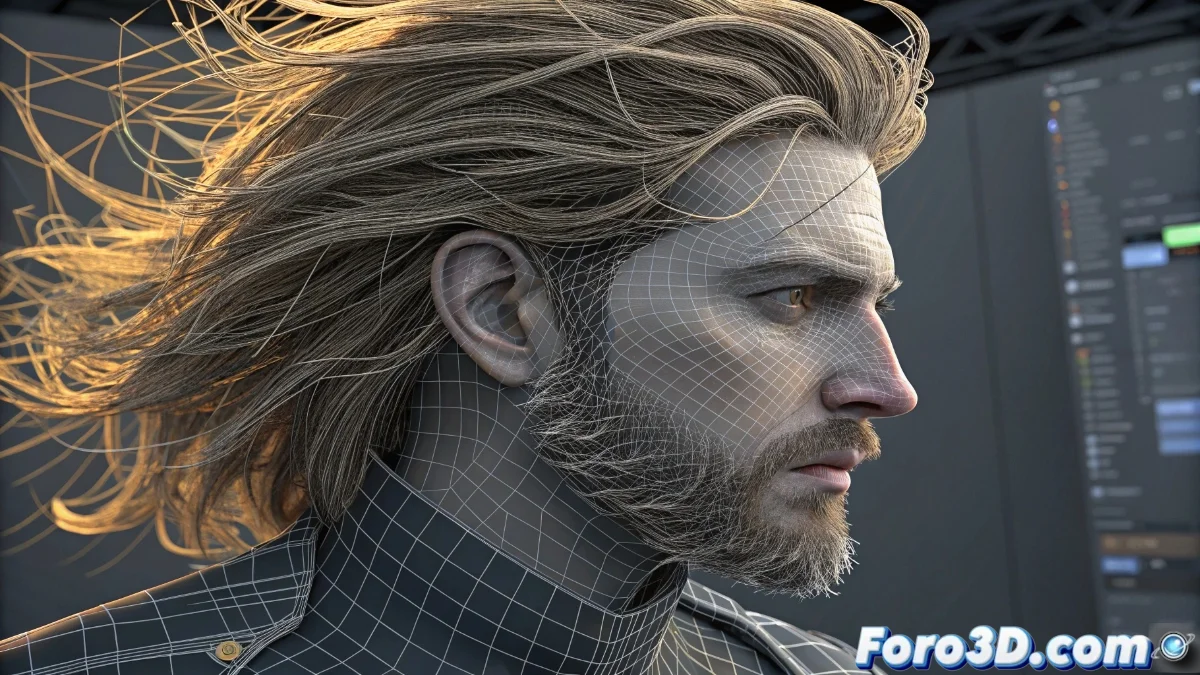
Creating Realistic Hair in Blender with Hair Particles
The hair particle system in Blender represents the most complete solution for generating organic hair on 3D characters, allowing you to create everything from wild manes to meticulous hairstyles with absolute control over each strand. This technology simulates realistic physical behavior and offers specialized tools to bring your creations to life 🎨.
Initial Hair System Setup
Select the mesh that will serve as the growth base (generally the model's head) and generate a new hair-type particle system. The fundamental parameters include:
Essential Settings:- Number: Controls the number of strands (between 1,000-10,000 for balanced results)
- Length: Defines the initial hair length
- Segments: Determines the smoothness of the curves (more segments = greater fluidity)
Activate the Advanced option to unlock advanced controls like Children, which generates secondary hair to increase density without compromising performance
Modeling Tools and Materials
The Particle Edit mode provides intuitive tools for sculpting hair: Comb for directing strands, Puff for adding volume, and Cut for adjusting lengths. For the visual appearance:
Material Components:- Hair BSDF: Specialized shader that replicates light reflection on hair fibers
- Base Color: Main tone with variations using Noise Texture
- Physical Parameters: Roughness controls the shine and Melanin regulates natural pigmentation
Workflow and Practical Considerations
Creating hair can become a surprisingly addictive activity, where you'll discover that designing virtual hairstyles is more fun than fixing your own morning look. The advantage lies in being able to experiment with impossible styles in reality, from asymmetrical cuts to fantastic colors, all without the need for styling products ✨.