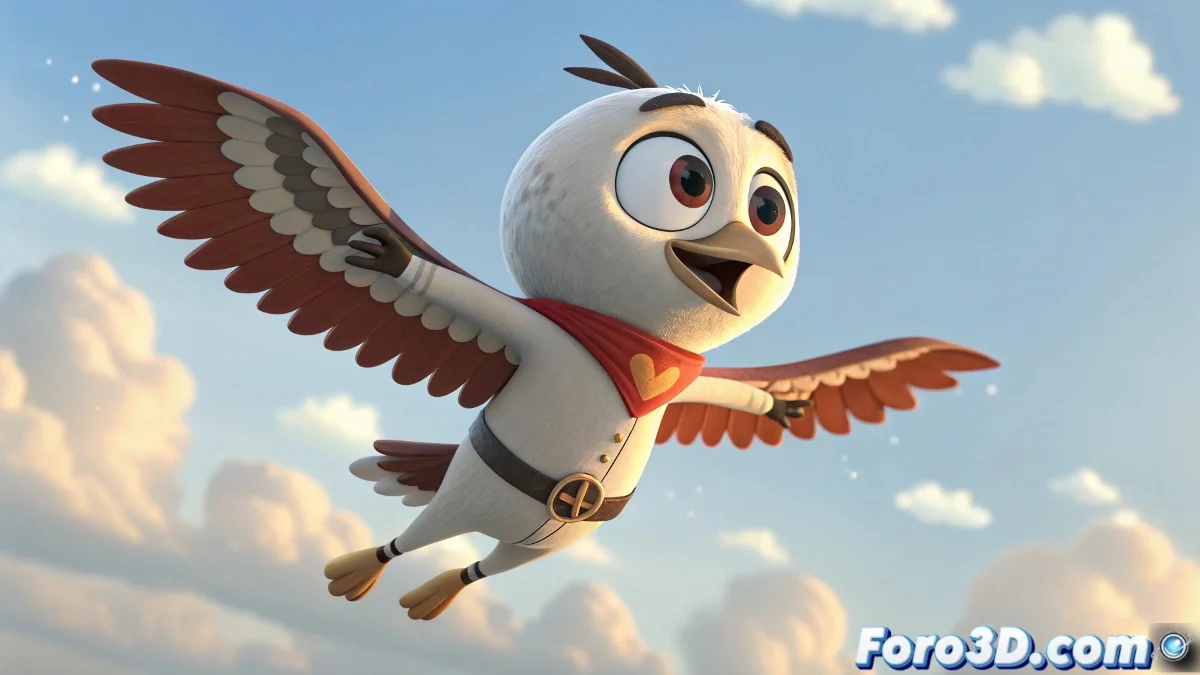
The Art of Making Characters Fly in 3ds Max Without Looking Like Scared Chickens
Animating an epic flight in 3ds Max with bip files is like teaching a bear to dance: it can end in tragedy or a masterpiece. 🐻 .bip files promise instant magic, until you discover your superhero flies as if swimming in honey. But fear not, here are the secrets to taming digital gravity.
Sources for Aerial Animations for Bipeds
When default flight animations are conspicuously absent, these are your lifelines:
- Foro3D: The corner where generous animators share their creations
- Mixamo: Where FBX files become your best allies with a little TLC
- Free mocap libraries: Like hunting for treasure on the internet
- Your imagination: The most underrated resource (and the most fun)
Universal truth: Every 3D artist's first flight animation looks more like a hiccup attack than an elegant flight
Creating Your Own Aerial Choreography
If you decide to animate manually, follow this path to glory (or at least to something presentable):
- Activate Auto Key as if it were your bravery button
- Create 2-4 basic flapping key poses
- Repeat until it looks like flight and not electroshock
- Adjust the timing until you find the perfect rhythm
Remember that even Superman had to crawl before flying... although his first animation in 3ds Max was probably a disaster too. 🦸
Signs Your Flight Animation Needs Help
Recognize the problem when:
- The arms move like helicopter blades in slow motion
- The character spins around like a dog chasing its tail
- Testers ask if it's a swimming animation
Final irony: The funniest part is that after hours perfecting the flight, you'll end up using only 3 seconds of the animation in your final project. Such is the glamorous world of 3D animation. ✨