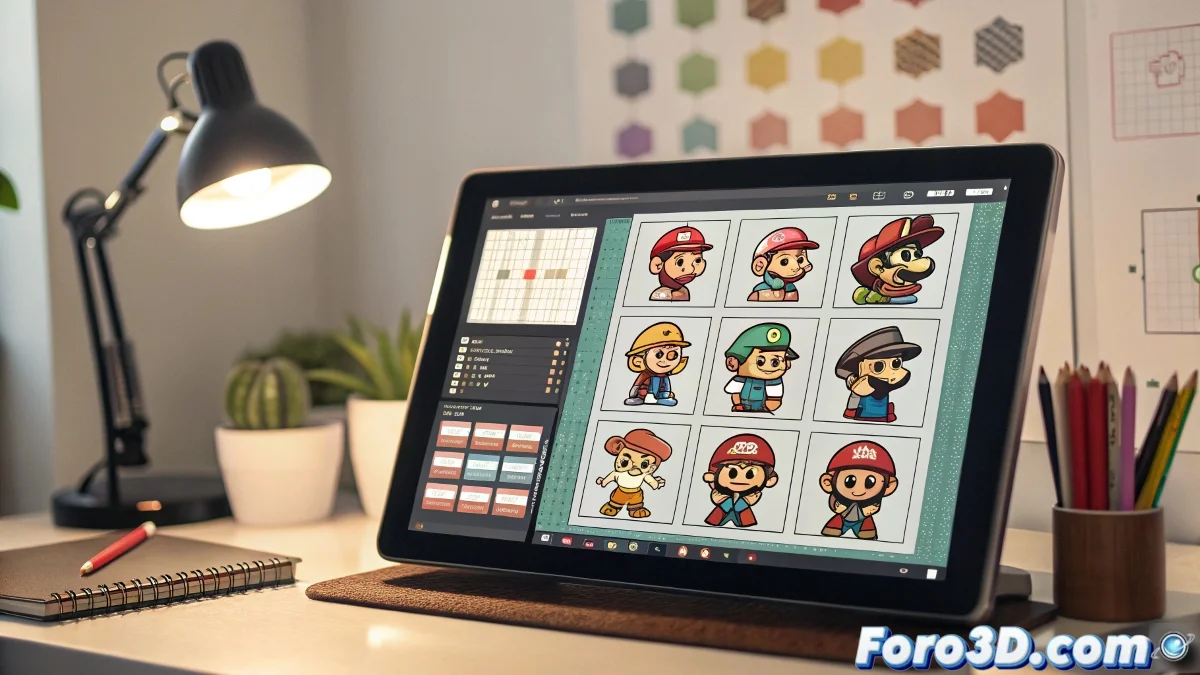
The Timeless Charm of Nintendo-Style Sprites
Diving into creating sprites for video games with that retro charm of Nintendo consoles is like learning a new visual language 🎮. Coming from a graphic design background is a huge advantage, but pixel art has its own rules: every pixel counts and color restriction is a blessing in disguise. The goal is not to replicate the complexity of modern graphics, but to master the elegance of limitation, creating assets that are visually irresistible and technically efficient for game engines.
Choosing Your Digital Sword: Essential Tools
While Photoshop is an old acquaintance, for pure, hardcore pixel art, Aseprite is the undisputed tool. It's built from the ground up for this purpose, with features that will make any sprite artist cry tears of joy: integrated frame-by-frame animation, intuitive handling of limited color palettes, and specific drawing tools for pixel-perfect precision. For those who prefer to start in a more familiar environment, Clip Studio Paint also offers good tools for later reducing and pixelating the image, although it requires an extra adaptation step.
Using Photoshop for pixel art is like cutting paper with a tractor, it can be done, but it's not ideal.
Workflow from Sketch to Animated Sprite
An organized process is the key to not getting lost in a sea of pixels. Start with a low-resolution sketch, defining the character's silhouette and pose. Then, trace over this sketch with clear one-pixel thick lines, defining the main shapes. The next step is flat coloring, always using a limited palette to maintain the retro essence. Finally, apply lighting and shading using the dithering method or color bands to give volume, all while respecting the sprite's target resolution.
Implementation in Modern Game Engines
A perfect sprite is useless if it doesn't work well in the game. For this, engines like Godot are fantastic. Its 2D node system and integrated animation editor make importing your spritesheets and creating animation states intuitive. If your interest lies more in rapid prototyping and learning programming logic, Pygame with Python is an excellent and very didactic option. Both engines will allow you to see your creations in action quickly.
Tips to Avoid Pixelated Disaster
The path of pixel art is full of potential mistakes. To avoid them, keep these principles in mind:
- Constant Resolution: decide on a base resolution for all your sprites and keep it consistent.
- Limited Palettes: don't use more colors than necessary; NES or Game Boy palettes are great inspiration.
- Clear Lines: avoid excessive anti-aliasing that blurs pixels and loses the retro style.
- Economical Animation: create only the frames necessary to convey movement, optimizing work and performance.
Mastering this art is a matter of practice and patience. And when your sprite finally comes to life in the engine, that satisfaction will be as sweet as getting an extra coin from a question block. Oh, and if it looks a bit weird, you can always say it's a homage to the 8-bit glitch style! 😉