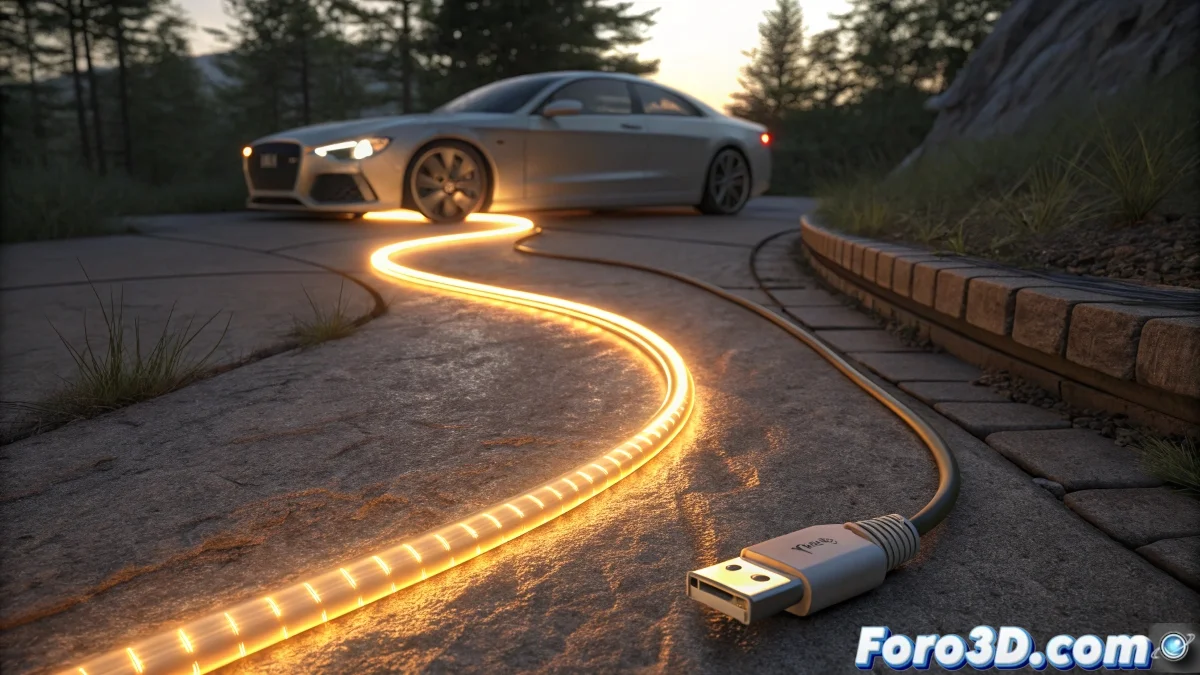
When the Budget Doesn't Include VRayLight (or the Patience to Use It) 💡⚡
Creating that effect of electricity running along a cable in 3ds Max without relying on VRayLight is like juggling lemons: it requires technique, but the result can be just as sharp and vibrant. Here we show you how to achieve it with standard tools and a bit of creativity.
From Boring Spline to Glowing Cable in 3 Steps
- Draw Your Path: Create a spline in the shape of the cable (spiral, zigzag, or whatever your scene needs)
- Add Volume: Use the Sweep modifier with a small circular profile
- Illuminate Strategically: Apply a material with Self-Illumination at 100% or use emission shaders (Arnold/Corona)
For the brave ones using the Standard Material, activating Self-Illumination and playing with the color can give surprisingly decent results. It won't be called quantum physics, but it works! 🌟
Animation Techniques for Moving Light
For that "traveling energy" effect, you have several options:
- Animated Gradient: Shift a map in the spline's UVs
- Path Constraint: Make a small light follow the path like an electric train
- Particle Flow: Emit self-illuminated particles that follow the spline (for more organic effects)
"The trick is to synchronize the animation speed: too slow looks like a drunk worm, too fast looks like a firefly rave."
Tricks to Avoid Looking Like a Cheap Neon Tube
For more realism:
- ✅ Add variation in intensity (not all the light the same)
- ✅ Include small random flashes (noise expression in the parameters)
- ✅ Try gradual transparencies at the ends of the effect
And if all else fails, you can always say it's "digital abstract art" and charge double. 🎨
Alternatives for Specific Render Engines
| Engine | Recommended Solution |
|---|---|
| Arnold | AiStandardSurface Material with emission |
| Corona | CoronaLightMtl Shader |
| Redshift | RSMaterial Node with emission |
| Mental Ray | ...Are you still using Mental Ray? 😅 |
In the end, mastering these techniques will make you the wizard of lighting effects... and will probably also give you a slight eye twitch every time someone mentions VRayLight. But hey, art requires sacrifice (and lots of keyboard shortcuts). Let's get lighting! ✨