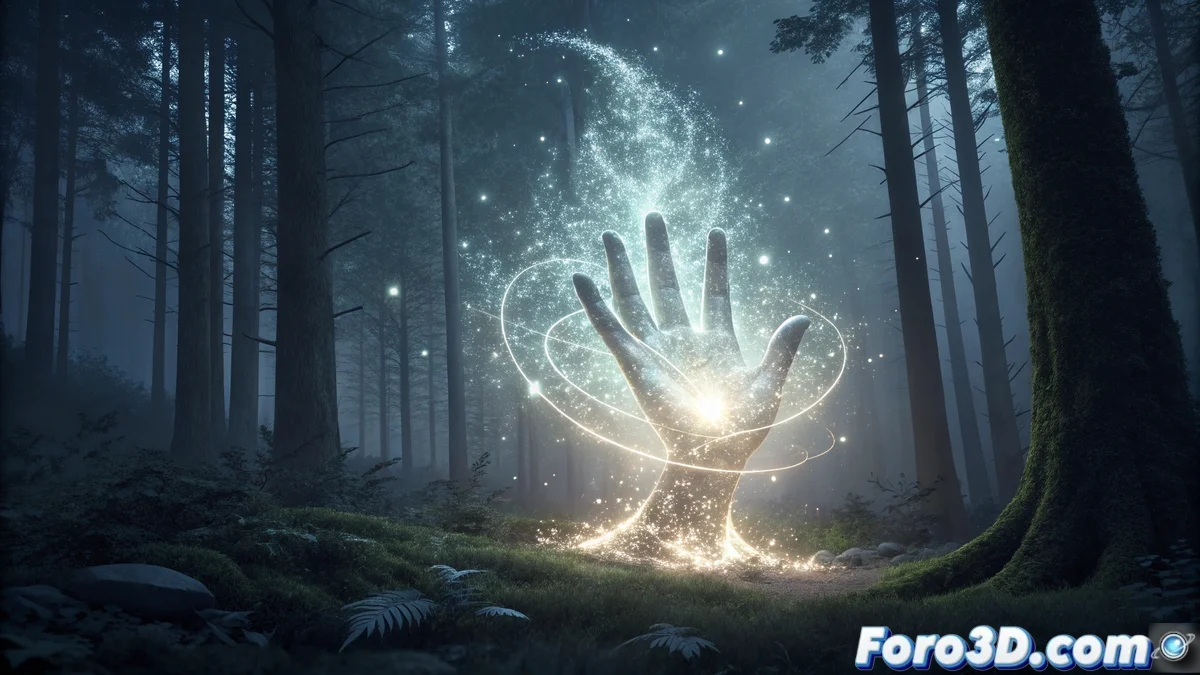
Creating Evocative Magical Effects in Blender
Developing captivating magical effects in Blender requires understanding multiple tools working in harmony. We start with particle systems as a fundamental base, adding layers of complexity through advanced geometry and specialized shaders to achieve that ethereal and supernatural look that defines visual magic ✨.
Initial Particle and Force Field Setup
The ideal starting point is the Particle Properties panel, where we select a basic emitter like a sphere or plane that will function as the primordial energy source. The magic begins to come to life when we apply specialized force fields that give organic motion to the particles, creating hypnotic flows and natural behaviors.
Key System Elements:- Particle Emitters: Spheres or planes that generate the base energy with rate and lifetime settings
- Emissive Materials: Configured in the Shader Editor with Emission and ColorRamp for precise control of brightness and hue
- Force Fields: Vortex, Wind, and Turbulence that add fluid dynamism and realistic movement patterns
True visual magic emerges when particles, geometry, and lighting work together in perfect sync
Advanced Geometry and Shaders for Dense Energy
To simulate dense spells and magical energies, we use geometry modifiers that sculpt the base form. The Displace modifier adds organic variations, while Subdivision Surface smooths and refines the mesh. In the Shader Editor, we strategically combine Emission nodes with Transparent BSDF using Mix Shader to achieve that perfect balance between luminosity and transparency.
Modeling and Shading Techniques:- Deformation Modifiers: Displace and Subdivision Surface for complex organic shapes
- Shader Combination: Emission + Transparent BSDF via Mix Shader for luminous transparencies
- Drawing Tools: Grease Pencil and Geometry Nodes for animated symbols and procedural control
Magical Explosions and Cinematic Atmosphere
Impact effects and magical explosions find their best expression through the Quick Smoke system with Flow Type: Fire+Smoke, which generates dynamic volumes instantly. The Volume Shader allows us to meticulously control color, density, and temperature for convincing realism. Strategic lighting with point lights, combined with Bloom in Eevee or Volume Scattering in Cycles, creates that enveloping glow that transports the viewer to a fantasy world 🌟.
Although rendering complex effects can consume valuable time, these optimized techniques allow for near-magical results without endless waits, demonstrating that with the right knowledge, digital magic is within reach of all 3D artists.