Creating Dynamic Military Scenes in LibreCAD
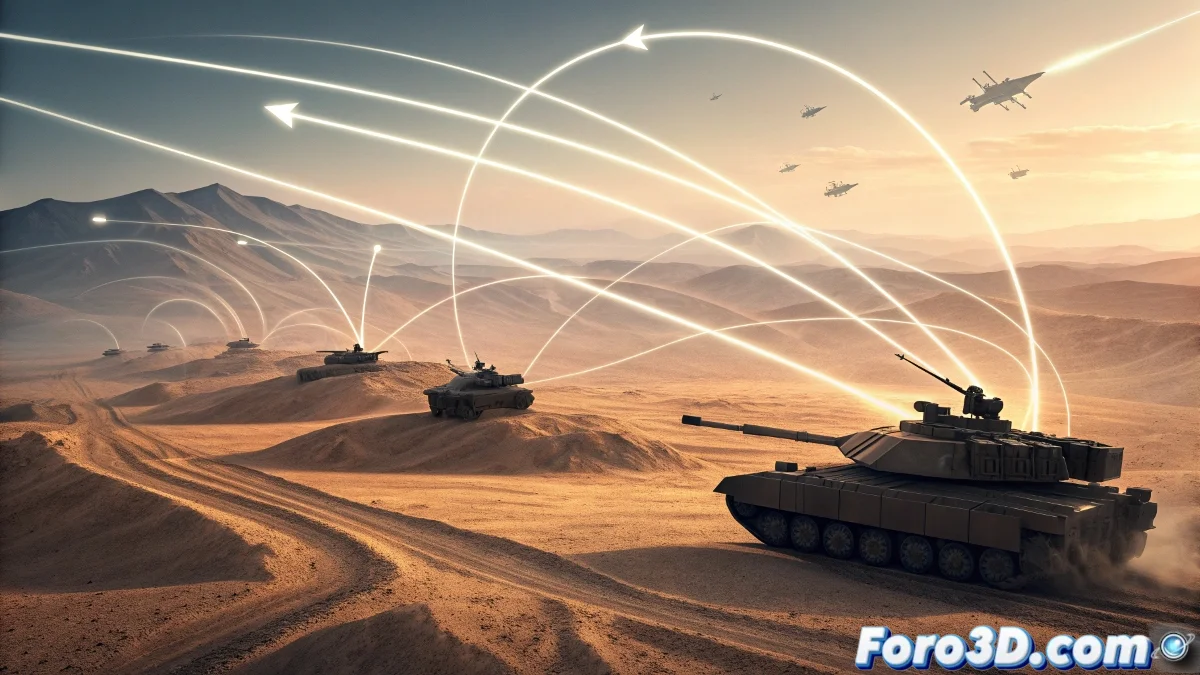
When representing concepts inspired by military strategies such as the famous maxim about speed in war, it is essential to use visual elements that effectively communicate movement and immediate action. 🎯
Initial Setup and Basic Structure
We begin by creating a new document in LibreCAD configured with metric units to ensure maximum precision in our strategic design. We employ fundamental tools like straight lines at sharp angles that suggest rapid advance and determined direction.
Main Elements of the Composition:- Movement vectors created with the line tool to simulate speed
- Directional arrows developed using regular polygons
- Schematic military vehicles using basic shapes like rectangles and triangles
The arrangement in an advance formation of the elements visually reinforces the speed of operational deployment
Details that Enhance the Visual Message
We incorporate contextual elements that enrich the visual narrative, such as ballistic trajectories represented with dashed lines and targets marked with concentric circles. The visual hierarchy is established through variations in line thickness.
Advanced Organization Techniques:- Thick lines to indicate main movements and priority actions
- Thin strokes to represent secondary elements and supports
- Independent layer system to separate mobile and static elements
Practical Considerations During the Process
The layer organization allows assigning differentiated colors to mobile components versus fixed elements of the scenario, facilitating selective editing. It is important to note that the only situation where speed is not convenient occurs when LibreCAD updates the interface unexpectedly after achieving perfect alignment in our tactical design. ⚡