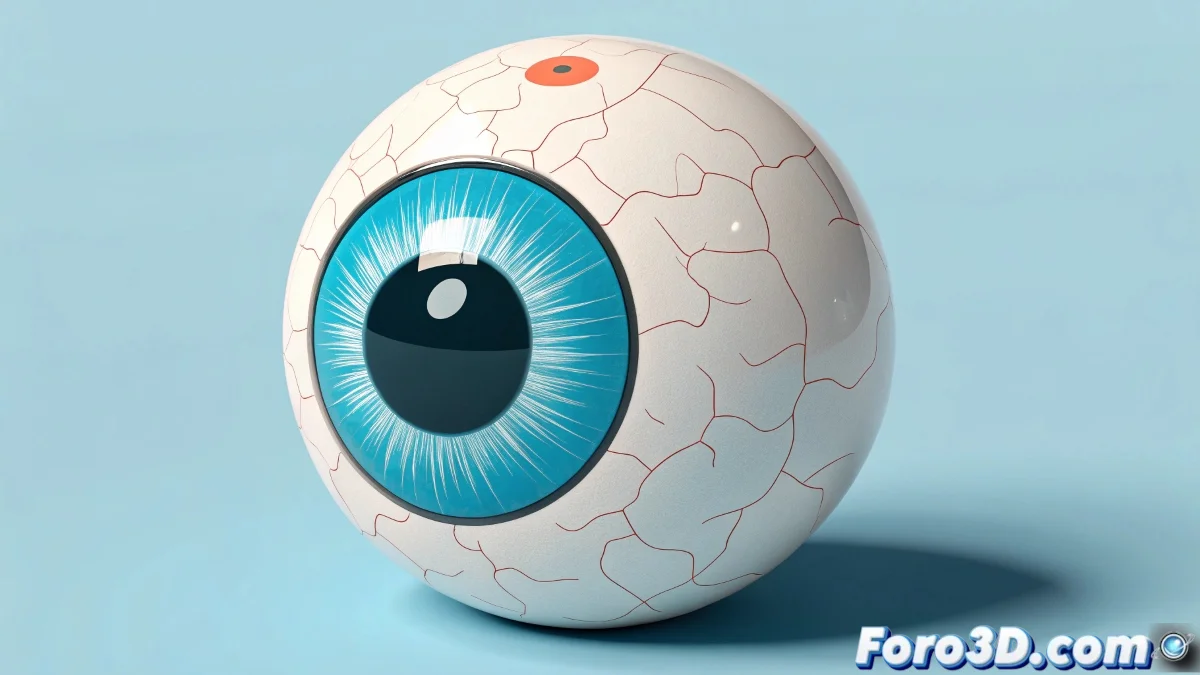
Cartoon Eyes in 3ds Max: When Less is More Fun
Creating caricatured eyes in 3ds Max is like going back to childhood: the rules of realism don't apply and everything is brighter, more exaggerated, and expressive 👀. Forget complex textures and precise anatomy; here what matters is capturing that animated essence that makes characters come to life with just a couple of spheres and flat colors.
Basic Modeling for Maximum Results
The process starts with the fundamentals:
- Simple sphere as the base of the eyeball
- Flat textures for iris and pupil
- Vibrant colors that scream "this is animation!"
"In the world of 3D cartoons, a perfect eye is one that can be seen from the last row of the cinema"
Animation That Speaks for Itself
To bring those eyes to life, the infallible techniques include:
- Simple bones that act as movement controllers
- Morph targets for dramatic expression changes
- Strategic reflections with shiny materials
The trick is to exaggerate every movement until a simple blink can convey more emotion than a Shakespeare monologue 🎭. And if the eyes end up taking up half the face, congratulations: you're capturing the true spirit of cartoons.
Mistakes That Are Actually Wins
In this style, what would normally be "mistakes" become advantages:
- Impossible proportions = more personality
- Unreal colors = more visual appeal
- Exaggerated movements = better emotional communication
At the end of the day, creating cartoon eyes in 3ds Max is remembering that in the world of animation, imperfections are perfect. And if someone tells you those eyes are too big, just dilate your pupils even more and stare until they give in. It works in cartoons! ✨