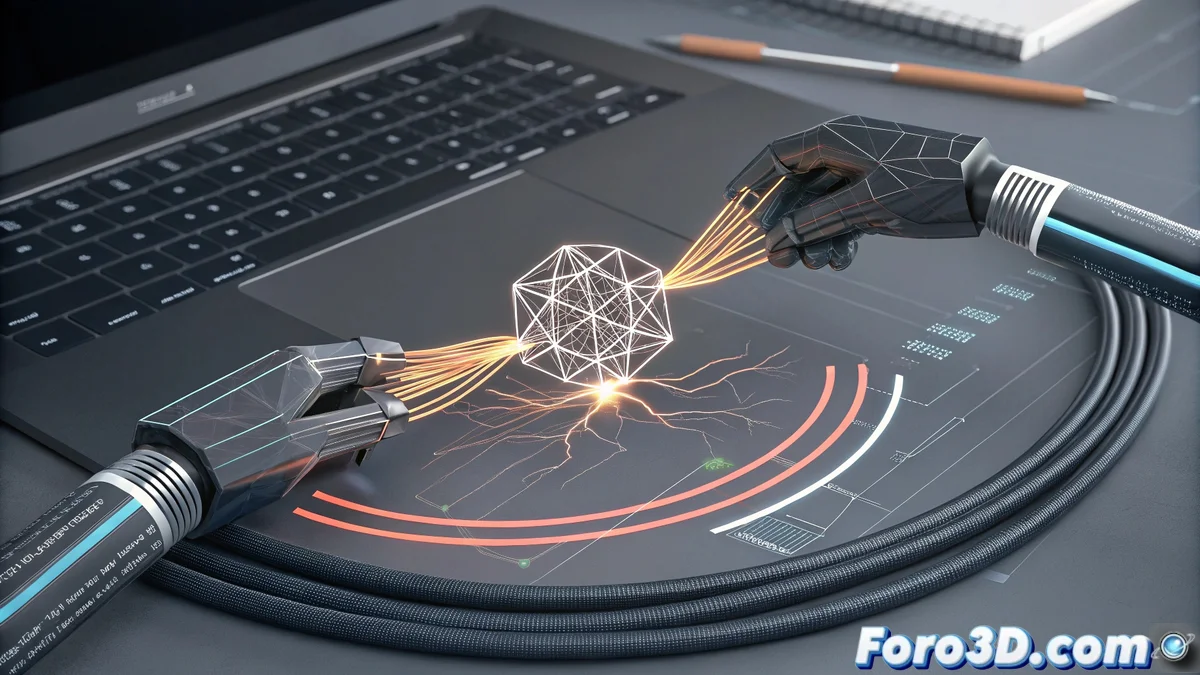
Bringing the Most Rebellious Cables to Life
Animating cables convincingly is one of those challenges that separates novices from veterans in Maya. 🔌 Whether simulating electrical wires, cords, or ropes, the goal is to avoid them looking like rigid tubes and to make them move, bend, and tangle with the fluidity of the real world. The combination of curves for the base shape and dynamics for natural behavior is the magic formula to achieve this, especially when these cables need to interact with characters or objects.
The Foundation: From Curve to Cable
Everything starts with a NURBS curve. Using the CV Curve Tool, you trace the general path the cable should follow. 🛣️ Once the curve is defined, you create a small circular profile that is extruded along it using the Extrude command. This step generates the basic tubular geometry of the cable. It's crucial to keep the original curve as a separate element, as it will be the core upon which the dynamics will act.
A well-drawn curve is the skeleton upon which a realistic cable is built.
nHair: The Soul of Movement
The real magic happens when you convert the curve into an nHair system. Although its name suggests hair, this nDynamics module is perfect for simulating any flexible, rope-like element. 💇 By applying nHair, the curve gains physical properties: mass, stiffness, and elasticity. By adjusting these parameters, you can make the cable behave like an elastic cord or a heavy power cable. The simulation will automatically calculate the swing and ripples.
- Colliders: Assign hands or objects as colliders so the cable doesn't pass through them.
- Mixed Control: Animate the base curve with keyframes for directed movement and let nHair add the secondary detail.
- Optimization: Adjust the number of curve segments to balance quality and simulation time.
A Workflow for Total Control
The most effective approach is hybrid control. First, you animate the initial and final position of the base curve using traditional keyframes, defining the cable's main action (e.g., being coiled around a hand). Then, you activate the nHair simulation so it adds the micro-vibrations, inertia, and natural intertwining. 🎮 This method offers the best of both worlds: the precision of keyframe animation and the realism of dynamics.
It's curious how some simple digital cables can develop so much character. Sometimes it seems like they have their own ideas about where they should be. 😉 But with a bit of physics and a lot of patience, they always end up getting tamed.