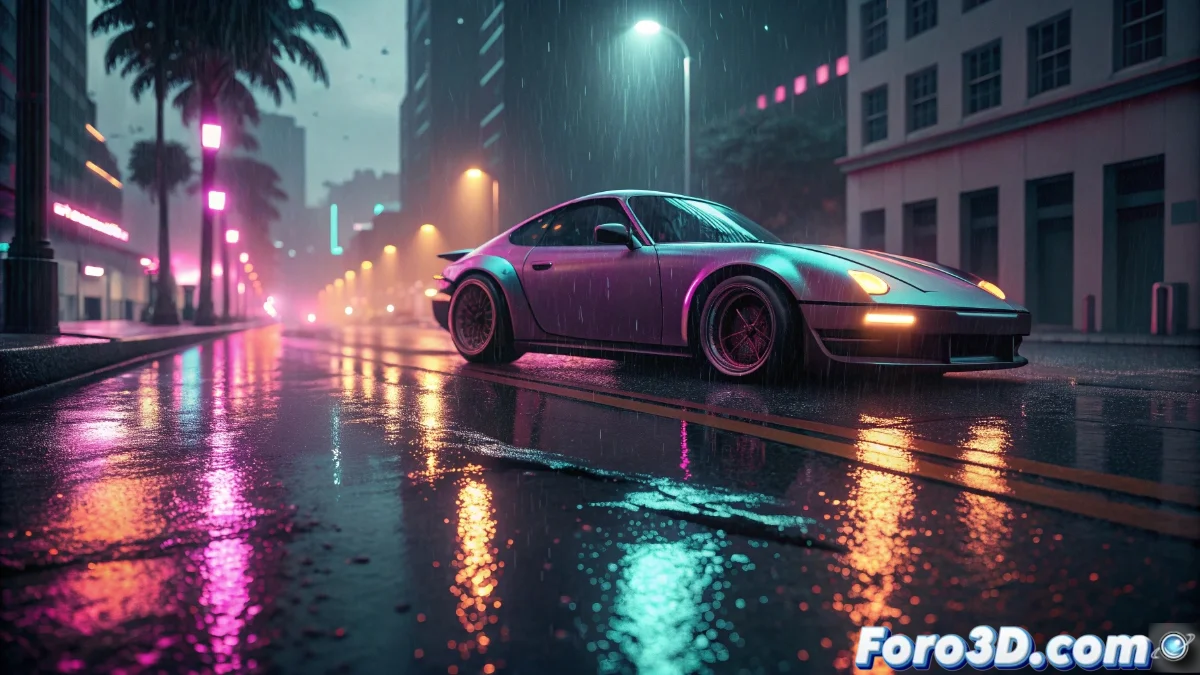
Creating Animated Neon Effects for Cars in Blender with Eevee
Discover how to transform vehicles into authentic luminous works of art using the powerful tools of Blender and the real-time rendering engine Eevee. This tutorial will guide you step by step to create those stunning lighting effects that stand out so much in the world of automotive tuning 🚗💡.
Model Preparation and Luminous Tube Setup
The process begins with preparing our vehicle, whether modeled from scratch or imported from asset libraries. The key lies in creating the characteristic neon tubes using Bezier curves that perfectly adapt to the bodywork contours. These elements will be the foundation of our custom lighting system.
Initial workflow:- Prepare the car's geometry ensuring clean topology
- Draw Bezier curves following the desired design lines
- Convert the curves into meshes with appropriate thickness for tubes
- Apply modifiers to refine the final geometry
The precision in tracing the curves will determine the final realism of the neon effect, so take your time in this crucial phase.
Advanced Emissive Material Setup
The heart of the neon effect lies in the correct setup of emissive materials. We will use an Emission shader strategically connected to a Color Ramp node that will allow us to precisely control the intensity and color gradients. Incorporating a Fresnel node will add that characteristic edge glow that contributes so much to realism.
Essential material parameters:- Emission value between 5 and 15 depending on the desired effect
- Color Ramp setup for vibrant gradients
- Fresnel node adjustment for edge enhancement
- Mandatory activation of Bloom in render settings
Animation Techniques and Dynamic Effects
The real magic appears when we bring our neons to life through advanced animation techniques. We can use traditional keyframes on emission intensity or employ more sophisticated modifiers like Color Ramp with temporal offset. For flickering effects and complex sequences, the curve editor and textured noise nodes will be our best allies.
Available animation methods:- Keyframes on emission properties for basic effects
- Modifiers with temporal offset for smooth transitions
- Drivers for complex on/off patterns
- Noise textures for organic and random effects
Final Considerations and Optimization
Remember that the more elaborate your neon animation is, the greater the visual impact... and the chance that your neighbors mistake your creation for a mobile disco 🎉. The key is to find the perfect balance between spectacle and good taste, always optimizing performance to maintain reasonable render times in Eevee.