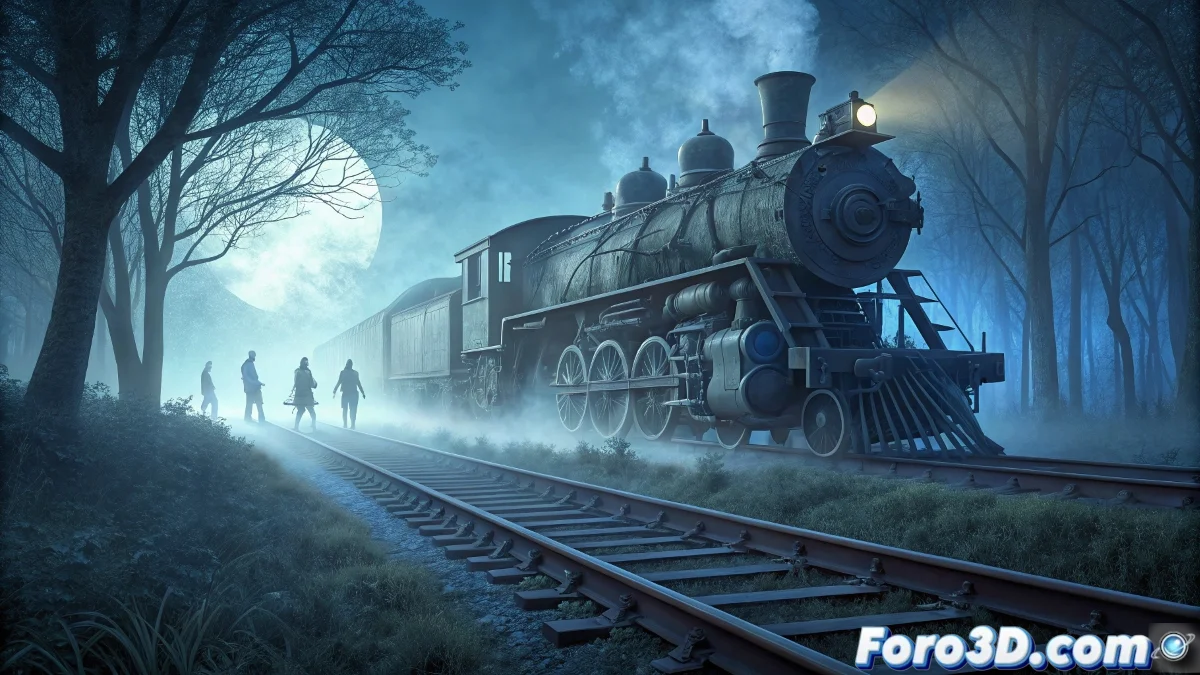
Creating a Ghost Train Night Scene in Solvespace
Developing an atmospheric scene with supernatural elements requires meticulous planning in Solvespace. In this project, we focus on recreating a ghostly freight train that seems to defy the laws of physics, using strategic modeling techniques and visual effects 🚂.
Modeling Main Elements
We begin by building the historical steam locomotive and cars using extrusions and revolutions, applying dark materials and textures that simulate wear to enhance the spectral appearance. The windows were adjusted with variable opacity to suggest humanoid silhouettes without explicit details. The abandoned tracks were generated by extruding rail profiles along organic curves, complemented with simplified vegetation in muted tones 🌙.
Key Modeling Details:- Use of extrusions and revolutions for complex shapes like the locomotive
- Application of worn textures and dark colors for an aged look
- Inclusion of grass and weeds with basic geometry to avoid overloading the render
Avoiding geometric intersections from the start saves hours in collision corrections, especially when elements appear to pass through each other.
Lighting and Effects Setup
The night lighting was handled with a dim bluish light positioned on the locomotive, creating an ethereal glow that does not flood the environment. For the pass-through effect, we modeled a vintage car near the tracks and used boolean operations to carve a translucent section, adjusting transparencies so the train appears to penetrate it without physical contact ✨.
Critical Visual Elements:- Bluish light focused on the locomotive for a ghostly glow
- Boolean cutting tools to create transparency zones in objects
- Opacity adjustment in windows and pass-through areas for subtle effects
Finishing Touches and Performance Optimization
We added low fog using semi-transparent planes with color gradients, and scattered abandonment elements like crooked posts and rusted signals. To ensure smooth rendering, we grouped similar geometries, limited subdivisions, and used simple textures that preserve the mysterious atmosphere without compromising performance 🛠️.