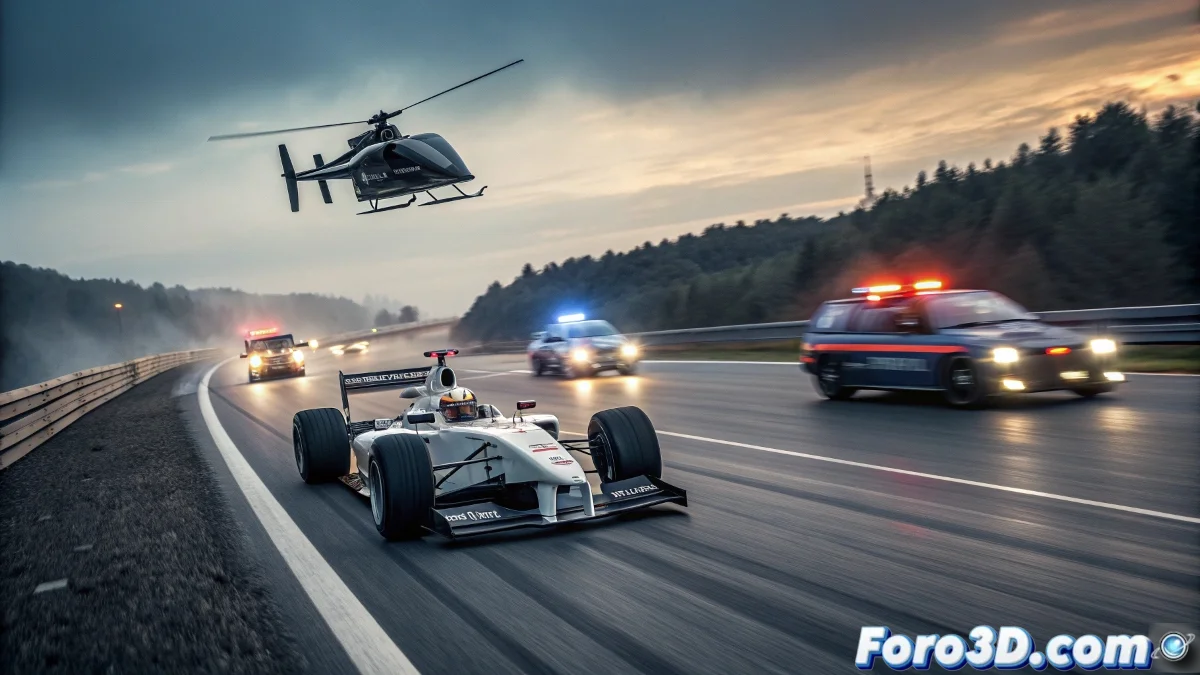
The Digital Chase of the Ghost Driver
After six years of searching, Czech police finally arrested the famous ghost driver who was traveling on highways in a Ferrari single-seater. 🏎️ This cinematic news story is perfect for recreating in GIMP through a digital composition full of action and dynamism. Capturing the moment of the chase, with patrol cars and a helicopter involved, allows for playing with speed effects, lighting, and visual drama, all from the comfort of the software.
Initial Project Setup
The first step is to open GIMP and create a new document with an adequate resolution, for example 3000x2000 pixels, to work with a good level of detail. Organizing layers from the start is essential: Background, Single-seater, Police Vehicles, Helicopter, and Effects should be separate for an orderly workflow. Saving the project as ghost_driver.xcf ensures no progress is lost… because in a chase, as in design, every second counts.
Composition and Scene Structure
We begin by defining the highway perspective, using vanishing lines to guide the eye toward the horizon. 🛣️ The single-seater is placed in a central or slightly off-center position to give a sense of movement, while the patrol cars are positioned nearby, creating visual tension. The helicopter is added at the top, preferably at an angle that suggests action. Separate layers allow adjusting each element without affecting the whole.
Illustrating action scenes doesn't just document an event; it allows exploring visual narrative techniques, combining reality and creativity to convey intense emotions.
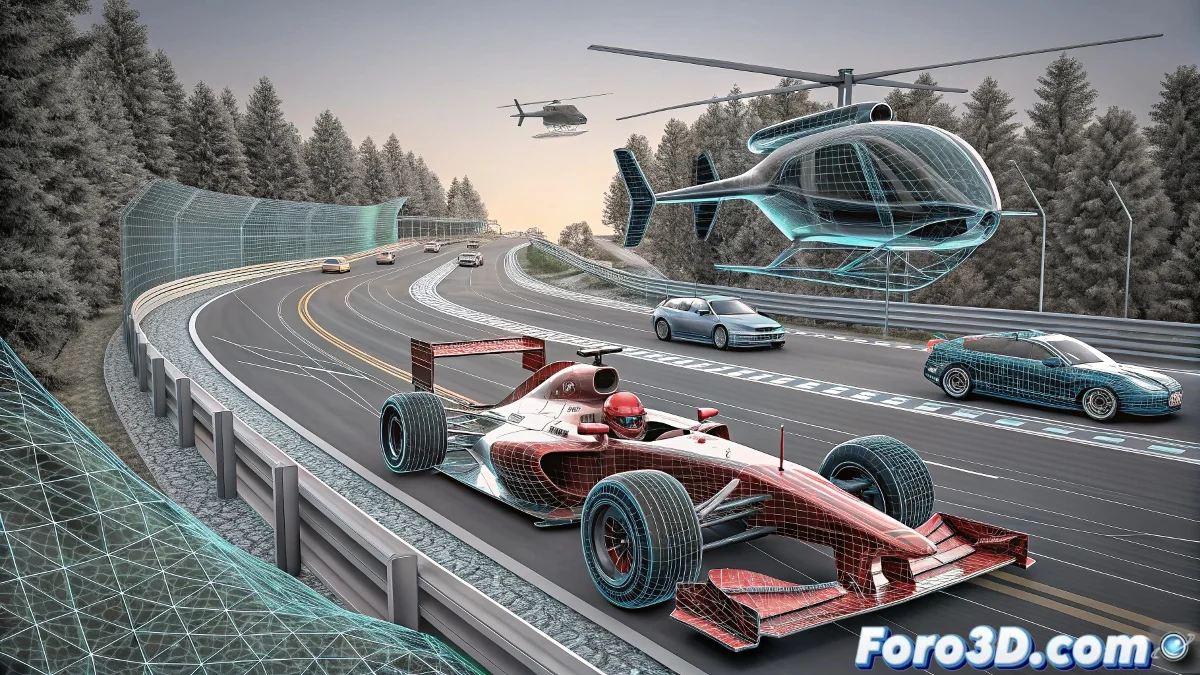
Integration of Vehicles and Details
The Ferrari single-seater is painted or imported, adjusting its size and orientation to match the road perspective. The police vehicles are added with recognizable silhouettes and official colors, applying light reflections on the bodies for greater realism. The helicopter is drawn with minimal but sufficient details to be identifiable, adding shadows cast on the highway. 🚓 The key is to maintain consistency among all elements.
Applying Speed and Atmosphere Effects
- Motion blur: Motion blur is applied to the single-seater and patrol cars to simulate high speed.
- Dust and particles: Soft brushes or airbrush techniques are used to add dust kicked up by the wheels.
- Lights and reflections: Flashes from emergency lights and headlights are incorporated, using layers with an appropriate blending mode.
Final Adjustments and Export
Color and contrast levels are reviewed, adjusting saturation and brightness to unify the scene. Shadows under the vehicles and helicopter are intensified to anchor them to the ground. 🌟 Finally, the image is exported in PNG or JPG format, checking that the resolution is suitable for its purpose. Optionally, the .XCF file with all layers is saved in case future modifications are needed.
Thus, while the ghost driver lived his real adventure, digital artists can recreate it again and again… without traffic fines or risk of arrest. Because in GIMP, the only prison is having to wait for the filters to render. 😄