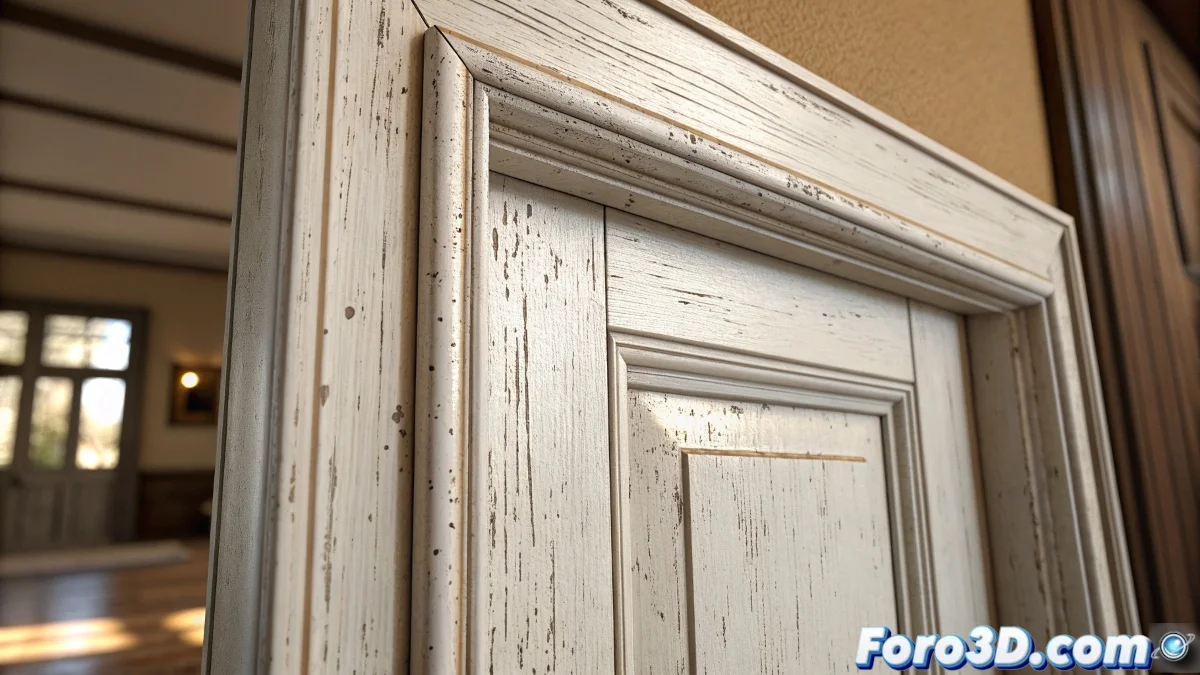
The Art of Recreating White Industrial Paint
When you aim to imitate a white painted sheet metal frame in Blender, you are facing one of those seemingly simple challenges that require attention to subtle details. An industrial white paint is not simply a flat color - it is a complex surface that includes micro-textures, gloss variations, application imperfections, and that characteristic smooth but not perfect look that sheet metal acquires after the painting process. The key is to understand that you are recreating two materials in one: the base metal and the paint layer that covers it.
Essential Characteristics of Painted Sheet Metal
To achieve realism, you need to capture the specific visual properties that distinguish an industrially painted surface from other types of paint.
- Semi-matte gloss typical of industrial paints
- Micro-imperfections on the paint surface
- Slight tonal variation in the white color
- Characteristic response to ambient lighting
Shader Setup in Blender
The most effective way to create this material is by combining different nodes in the Shader Editor to build layers of complexity that simulate the real behavior of paint on metal.
Creating realistic white paint is like being an art restorer: the best results come from understanding the invisible layers beneath the surface
- Principled BSDF as the material base
- Noise Texture for surface micro-imperfections
- Bump Node with subtle intensity for texture
- Color Ramp for tonal variations in the white
Specific Parameters for Realism
The exact values you use will make the difference between convincing paint and an unrealistic flat color. The roughness setting is particularly crucial for imitating the typical industrial finish of door frames.
Mastering the creation of seemingly simple materials like white paint is fundamental for developing a critical eye in 3D texturing 🎨. Every surface you recreate accurately brings you closer to understanding how light interacts with real-world materials and how to translate that understanding into your digital projects.