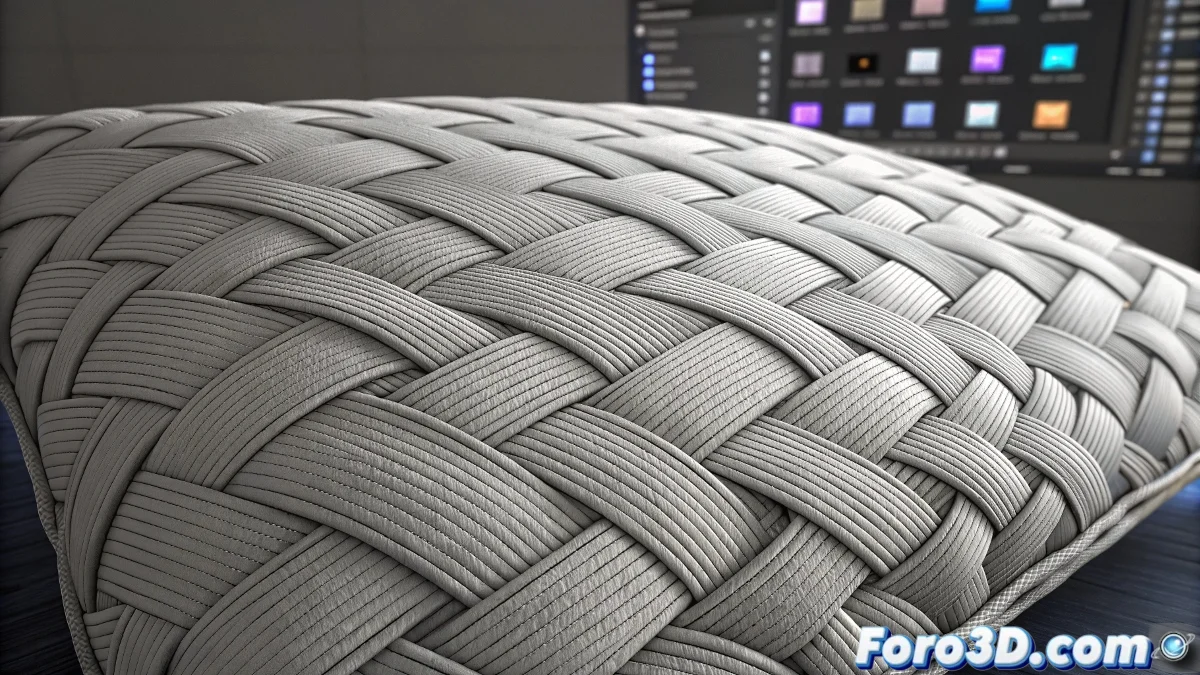
The Art of Digitally Recreating Textile Comfort
When you set out to create cushion textures in Photoshop, you are tackling one of the most rewarding challenges in soft surface texturing. A convincing cushion is not simply a piece of fabric - it is a complex combination of visual features that include fabric tension, filling compression, the natural shadows of folds, and those small stitching details that add authenticity. The key to realism lies in understanding how fabric behaves under different types of filling and how light interacts with the curved surfaces and soft volumes that characterize cushions.
Fundamental Elements of a Cushion Texture
To create a believable texture you need to build several layers of visual information that work together to simulate the real physical properties of a cushion. Each of these layers contributes a specific element to the final result.
- Base fabric pattern with the main design or color
- Map of folds and wrinkles from natural compression
- Stitching details and seam patterns
- Color variations from wear and use
Specific Techniques in Photoshop
Photoshop offers powerful tools for every aspect of cushion texture creation. The intelligent combination of these tools will allow you to achieve professional results.
Texturing a cushion is like being a digital tailor: every fold and seam tells the story of its comfort and use
- Custom brushes for repetitive fabric patterns
- Directional blur filters to smooth transitions
- Adjustment layers for tonal and contrast control
- Blending modes like Overlay and Soft Light for integration
Workflow by Cushion Type
Different cushion styles require specific approaches based on their filling and use. A feather cushion will have softer, deeper folds, while a fiber-filled one will show a more uniform and taut surface.
Mastering the creation of cushion textures in Photoshop opens the door to a world of possibilities for realistic interior scenes 🛋️. Every texture you create not only adds visual realism to your renders but also brings warmth and character to the spaces you design, creating environments that invite comfort and relaxation.