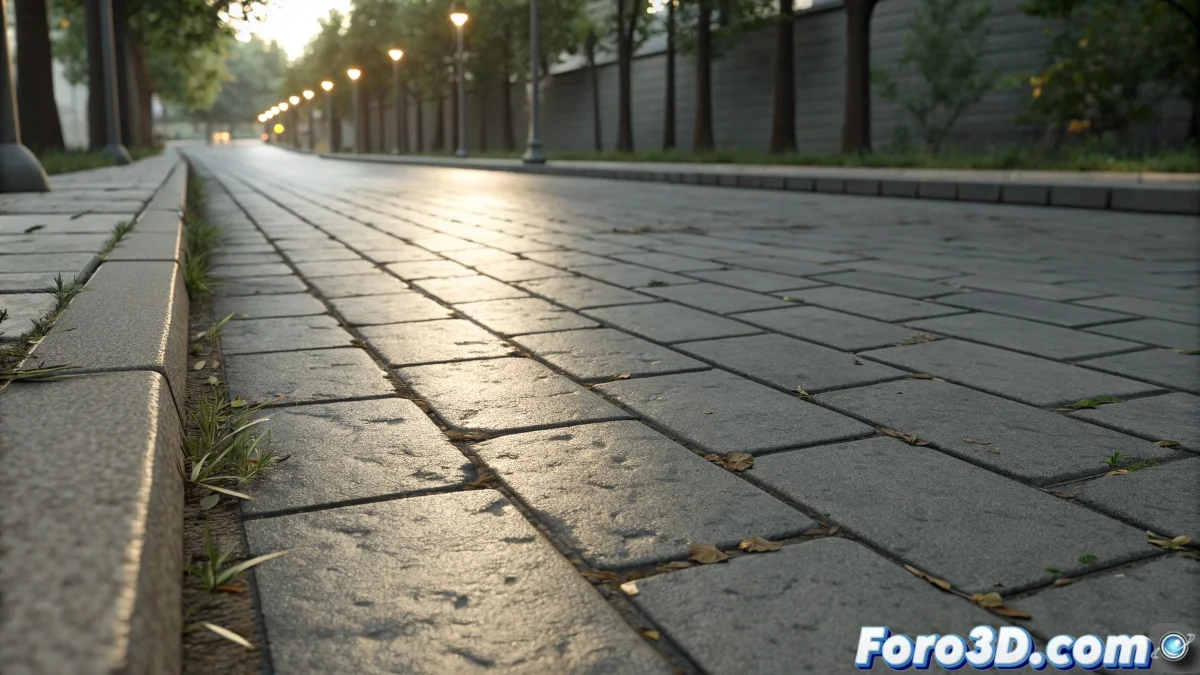
The Art of Recreating Urban Surfaces in Blender
When you set out to create a realistic sidewalk texture in Blender, you are tackling one of the fundamental elements for architectural visualization and urban environments. A convincing sidewalk is not simply a flat gray surface - it is a complex material that shows the wear of time, the variations between tiles or slabs, expansion joints, and those small details like stains, cracks, and color changes that add authenticity. The beauty of working in Blender is that you can create these textures procedurally using the node system, which allows you to generate infinite variations and adjust every aspect of the material without relying on external images that might pixelate or show unwanted repetition.
Key Elements of a Realistic Sidewalk Texture
To create a believable sidewalk you need to capture several layers of visual information that work together to simulate the characteristics of this familiar yet complex urban material.
- Base pattern of the concrete slabs or tiles
- Surface texture with roughness and micro-details
- Joints and separations between elements
- Wear and variations from use and weather conditions
Setup with Procedural Nodes in Blender
Blender's node system allows you to build complex materials through combinations of different procedural textures. This approach offers absolute control over every aspect of your sidewalk.
Creating a procedural sidewalk is like being a digital urban planner: you design not only the appearance but the history of the surface's use
- Brick Texture Node for the base slab pattern
- Noise and Musgrave Texture for variation and wear
- ColorRamp nodes for tonal and contrast control
- Bump and Normal mapping for three-dimensional relief
Techniques for Different Types of Sidewalk
Depending on the architectural context of your project, you can adapt the material to represent different sidewalk styles.
Mastering the creation of urban textures like sidewalks is essential for any artist working in architectural visualization or virtual environment creation 🏙️. Each texture you develop not only enhances the credibility of your current scene but becomes a valuable asset you can reuse and adapt for future projects, gradually building a personal library of professional materials.