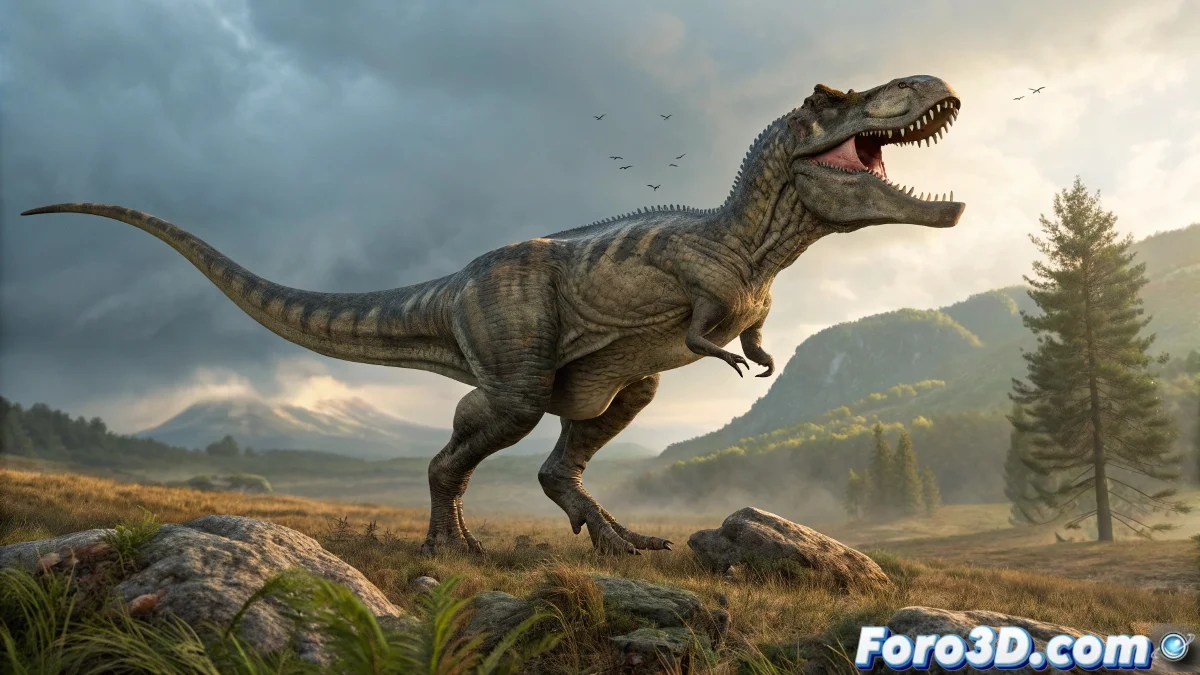
When Your T-Rex Needs More Than Bones to Scare 🦖
Animating a dinosaur in Maya? Simple joints can leave your creature flatter than a Paper Mario character. But with the Muscle System, you can make every movement show powerful muscle contractions... or at least avoid it looking like an inflatable rubber dinosaur. 💪
"In paleoanimation as in the gym: without defined muscles, you just have a boring skeleton"
Preparation: Anatomy for Dummies (Jurassic Edition)
Before creating digital muscles:
- Clean Topology - Your mesh should be more defined than Schwarzenegger's abs
- Strategic Joints - Placed like a drunk paleontologist would (but with more science)
- Real References - Because even T-Rexes need fitness inspiration
Creating Muscles That Jurassic Park Would Envy
In Muscle Tools:
- Select Create Muscle (your digital steroids button)
- Define origin and insertion - Like connecting the dots on an anatomy exam
- Adjust elasticity - So it doesn't look like stretched chewing gum or an overcooked sausage
Connection to the Mesh: Where the Magic Happens
For deformations that don't cause nightmares:
Muscle Deformer - Your magic wand for reactive skin
Influence Adjustment - Because muscles should suggest, not impose
Constant Testing - Simple animations before the final roar
Remember: if your T-Rex ends up looking like a roasted chicken, you can always say it's an artistic interpretation. But with these tips, you'll achieve the fearsome realism that would make children cry at the museum... with joy, of course. 🦴