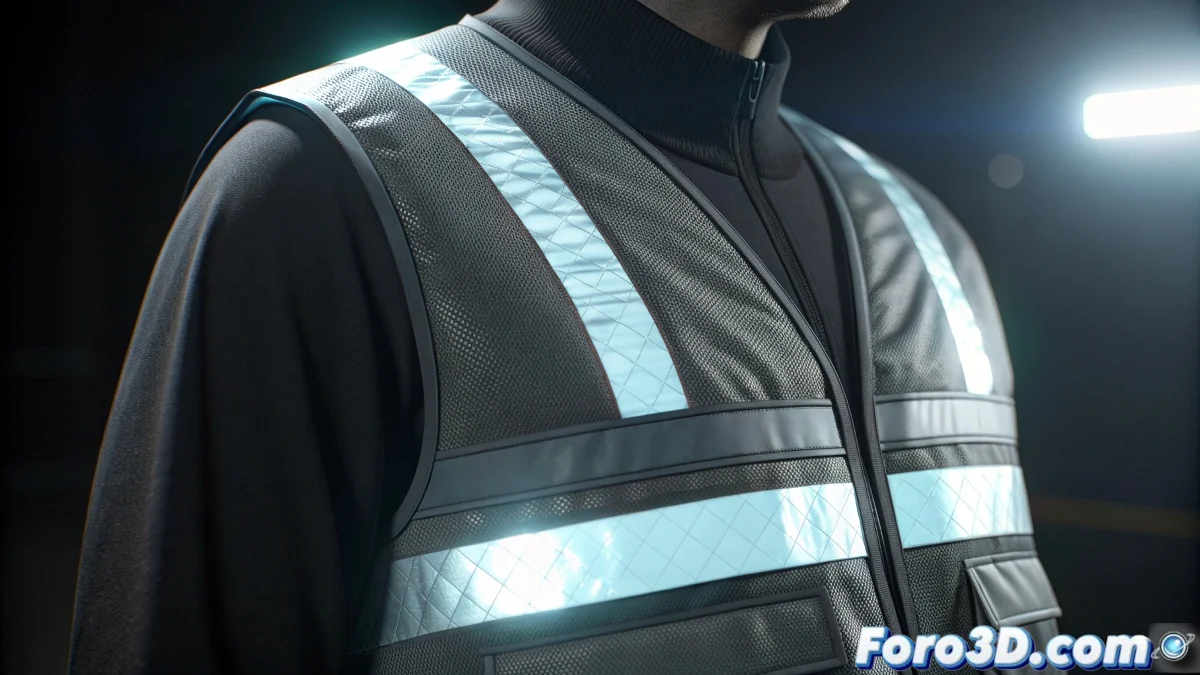
The Challenge of Simulating Retroreflective Materials
When trying to recreate the material of the reflective bands on a safety vest in Blender, you are facing a fascinating challenge of material physics. These bands are not simply reflective like a mirror or polished metal, but possess a special property called retroreflectivity. This means they return light primarily to its original source, regardless of the angle of incidence, making them extremely effective for nighttime visibility. Understanding this fundamental difference is the key to creating a convincing and realistic material.
Understanding Retroreflectivity
The bands on safety vests use glass microspheres or tiny prisms that redirect light back towards its origin. This behavior is radically different from conventional reflective materials and requires a specific approach in Blender to simulate it properly.
- Retroreflectivity vs specular reflection key differences
- Specific angular behavior of safety materials
- Modified Fresnel properties for textured surfaces
- Response to different intensities of ambient and direct light
Shader Setup in Blender
To recreate this effect you need to strategically combine several nodes in the Shader Editor. The most effective approach is usually a combination of Glossy BSDF, Anisotropic BSDF, and specific normal mapping adjustments.
Creating retroreflective materials is like programming a visual GPS: it always returns the signal to the point of origin no matter where it comes from
- Glossy BSDF with low roughness for the reflective base
- Anisotropic BSDF to simulate the microprismatic structure
- Normal map with noise for the surface texture
- Mix Shader with Fresnel for angular control
Adjustments for Realism in Different Conditions
For your material to be versatile and work in various lighting situations, you need to configure specific parameters that simulate the real behavior of reflective bands.
Mastering the creation of specialized materials like reflective bands significantly expands your capabilities as a 3D artist 🌟. Each type of material you learn to recreate allows you to tackle more diverse and technically challenging projects with confidence and precision.