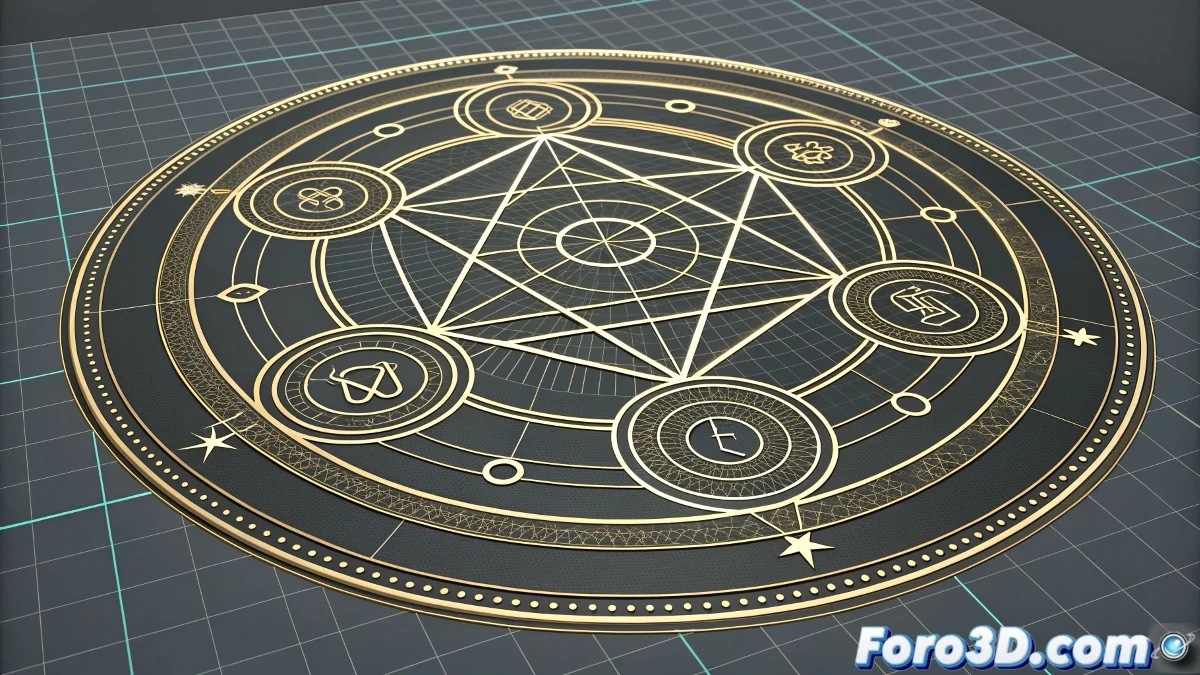
The Art of Magic Seals in After Effects
It's perfect that you're using After Effects; it's the ideal tool to create that iconic Final Fantasy XV effect you mentioned. That scene of the hooded man creating circular defense seals is exactly the type of effect that After Effects handles masterfully. The combination of vector shapes, particles, and energy effects will allow you to recreate that cinematic magic you're looking for for your wizard.
To achieve a realistic magic seal, you need to master three main elements: the geometric design of the seal, the progressive expansion animation, and the energy effects that make it believable. After Effects offers you all the necessary tools, from basic shape layers to advanced particle systems like Trapcode Particular.
In After Effects, a convincing magic seal isn't just a circle that grows; it's a choreography of light, particles, and perfect timing.
Designing the Seal Base with Shape Layers
Start by creating the geometric structure of the seal. Don't use a simple circle; build a complex design with multiple elements.
- Create multiple shape layers: concentric circles with different thicknesses
- Add complex strokes: use dashed lines for segmented patterns
- Incorporate symbols and runes: with masks or custom shapes
- Animated radial gradients: for internal energy effect
Progressive Expansion Animation
The magic lies in how the seal appears and expands. The animation should feel powerful yet controlled.
Use scale keyframes with custom velocity curves. Start fast and decelerate upon reaching full size, creating that visual impact you're looking for 😊
- Scale keyframes: from 15% to 100% in 1-2 seconds
- Velocity curves: strong ease out for an explosive start
- Layer animation: different timing for each element
- Trim paths: for progressive reveal of the strokes
Particle System with Trapcode Particular
For the realistic energy effect, Particular is your best ally. Create particles emanating from the center of the seal.
Configure the emitter as a layer with movement that follows the center of the seal. The particles should be born in the center and expand radially.
- Emitter Type: Layer with the seal as the source
- Particle Type: Glow sphere or Star for energy
- Velocity: high initial with rapid deceleration
- Size over Life: grow and fade progressively
Energy and Distortion Effects
Add effect layers that simulate magical energy. The combination of several effects creates the realism you need.
Use effects like Glow, CC Light Burst, and Turbulent Displace to create that feeling of contained and powerful energy.
- Multi-glows: different intensities for depth
- CC Light Burst: for the central energy core
- Turbulent Displace: subtle distortion on the edges
- CC Lens: refraction effect on the symbols
Tracking and Compositing with the Hand
For the seal to appear as if it's truly coming from the wizard's hand, you need precise motion tracking.
Use After Effects' single-point tracker or apply Mocha AE for more advanced tracking of the actor's hand and wrist.
- Point tracking: for basic hand movement
- Parenting: link the seal to the track's null object
- Manual correction: adjust keyframes if the track fails
- Motion blur: enable for