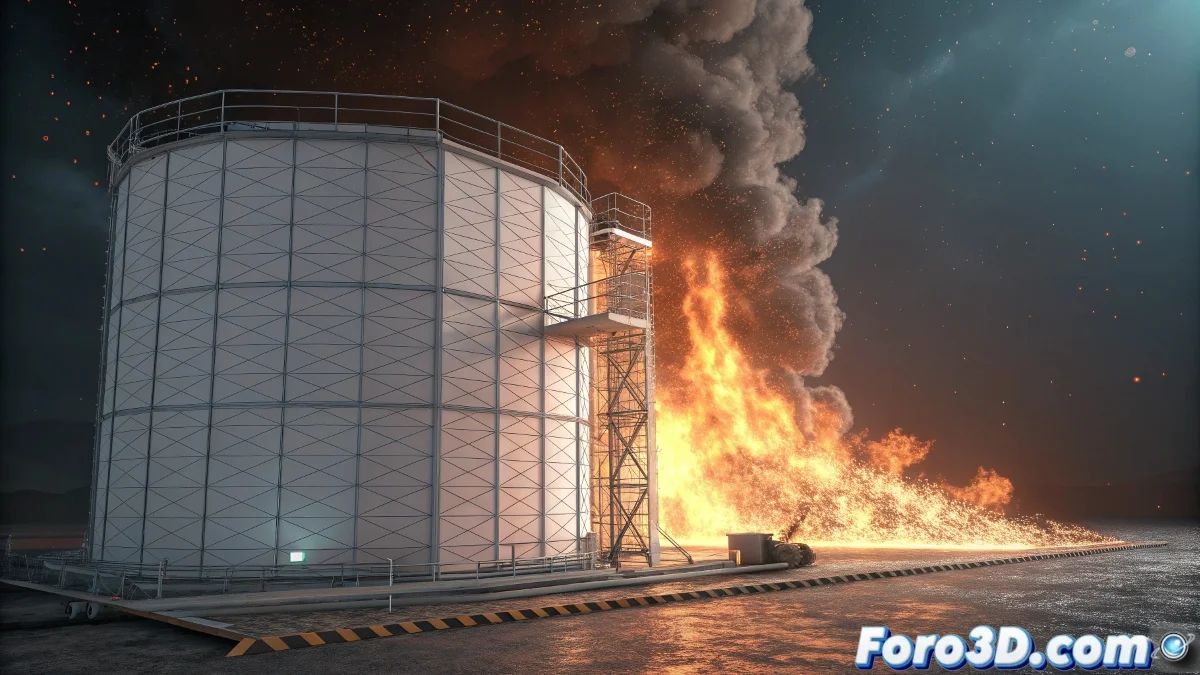
The Challenge of Rotating Fire in Maya for Mac
You have indeed identified one of the most frustrating problems when working with fire effects on animated objects: the fluid containers remain static while your geometry moves, creating that unrealistic effect where the fire seems to float in the air instead of following the blades. On Mac, the situation is more complicated because many plugins like FumeFX are not available, but there are native solutions in Maya that can give you professional results.
The key is not to find a magic plugin, but to master the tools you already have in Maya and apply them creatively. You have two main paths: optimize your current technique with fluid containers or venture into Bifrost, Maya's native volumetric simulation system.
In Maya for Mac, rotating fire doesn't need magic plugins, but smart techniques with the available tools
Bifrost Solution for Dynamic Fire
Bifrost is the most powerful and modern alternative you have available in Maya for Mac. It is specifically designed for simulations that follow moving objects.
- Create Bifrost liquid simulation: in the Bifrost > Liquid menu
- Use animated emitter: the emitter can follow the blade animation
- Configure as fire/smoke: in the simulation properties
- Adjust resolution: start low and increase progressively
Improved Fluid Container Technique
If you prefer to stick with fluid containers, you can optimize your current technique. The problem is not using containers, but how you are animating them.
Instead of animating the entire container, use multiple small containers that follow each blade individually. This reduces the scale problem and improves realism 😊
- Multiple small containers: one per blade or even per section
- Direct parenting: make each container a child of the corresponding blade
- High simulation speed: to respond quickly to movement
- Emission from geometry: so the fire originates from the blade surface
Step-by-Step Bifrost Configuration
To implement Bifrost correctly, follow this process. It is more complex initially but gives far superior results.
Create a Bifrost graph from scratch specifically for moving fire. Don't use generic presets that may not be optimized for your case.
- Create Bifrost container: covering the entire rotation area
- Add emitter per blade: configured as surface emitter
- Connect to porta-emitters: that follow the rotation animation
- Adjust voxel size: 0.1-0.3 for balanced quality
Alternative Plugins for Mac
Although the offering is limited compared to Windows, there are some alternative plugins that work on Mac and can help you.
Research plugins like Yeti (although it's more for hair) or community tools that can adapt to your needs. The Autodesk App Store has some options.
- Autodesk App Store: search for Mac-compatible plugins
- Community scripts: forums like Creative Crash
- Maya's native tools: often underestimated but powerful
- Customization with MEL/Python: for specific workflows
Hybrid Technique with nParticles
For cases where performance is critical, consider a hybrid approach using nParticles for the base effect and fluids for details.
Use nParticles with incandescent materials to simulate the main flames, and add small fluid containers only for smoke and fine details.
- nParticles as base: fast and easy to animate
- <strong