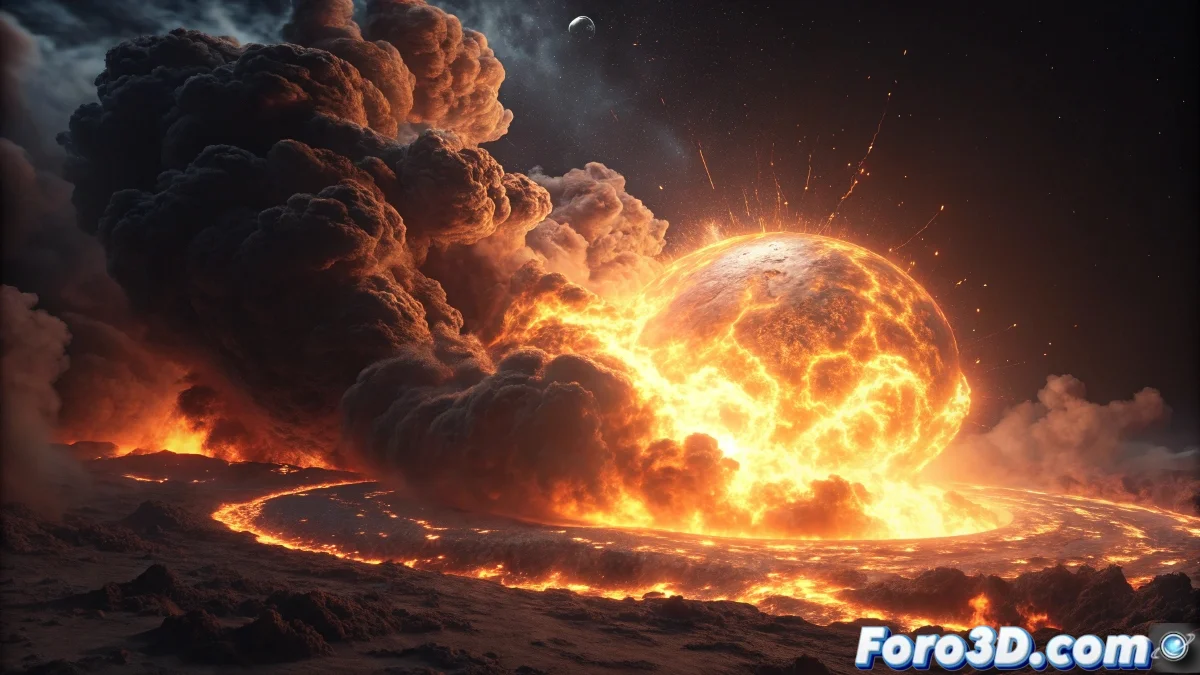
The Transition from the Internal Engine to Cycles
If you already master creating fire and smoke in Blender's internal engine, you'll discover that Cycles offers a much higher level of realism, but requires a completely different approach. Where the internal engine uses render tricks, Cycles physically simulates light interacting with volumes, creating spectacularly realistic results that are more complex to configure.
The key is understanding that in Cycles, fire and smoke are not just visual appearances, but volumetric media that absorb, scatter, and emit light. This physical approximation is what produces that impressive realism, but it also demands an understanding of how volumetric materials work.
In Cycles, fire is not painted, it is lit from within
Basic Domain and Flow Setup
Before materials, you need a solid simulation. The domain and flows are configured the same as in the internal engine, but with specific considerations for Cycles.
- Domain with sufficient resolution: 64-128 for tests, 256+ for final
- Separate smoke and fire flows: better control in materials
- High Temperature and Density: for greater intensity in render
- Use Adaptive Domain: saves memory and simulation time
Volumetric Materials for Cycles
This is the biggest difference with the internal engine. In Cycles you create volumetric materials using the Principled Volume node which controls how light interacts with the smoke and fire.
The Principled Volume node combines scattering, absorption, and emission in a unified interface. For fire, you mainly work with emission controlled by temperature 😊
- Add Principled Volume: in the domain's material
- Connect attributes: density and temperature from the simulation
- Configure Color Ramp: to map temperature to fire color
- Adjust density: values between 0.1-10 for realistic smoke
Essential Nodes for Advanced Control
The power of Cycles lies in the node editor. These nodes transform raw simulation data into believable fire and smoke.
Use Color Ramp to convert temperature into fire colors and Math nodes to adjust emission intensity. The temperature-to-color curve is your artist's palette.
- Attribute node: to read density and temperature
- Color Ramp: to map temperature to fire colors
- Math nodes: multiply and adjust intensities
- Emission strength: 10-100 for visible fire
Lighting Setup for Volumetrics
Volumes in Cycles need specific lighting. Unlike surfaces, volumes are lit from within and require special configuration.
Fire is seen mainly by its self-illumination, but smoke needs external light to be visible. A perfect balance requires both sources.
- Soft fill light: to illuminate the smoke
- High samples: 500+ to reduce noise in volumes
- Denoiser: always active for volumes
- Adjusted Light Paths: increase volume bounces
Complete Shader Node Setup
This node setup produces realistic fire and smoke. Connect it in the Volume slot of your domain material.
The magic happens when you separate smoke and fire into different branches of the node tree, then mix them appropriately. This gives independent control over each element.
- Attribute node → Color Ramp (fire) → Emission
- Attribute node → Math Multiply (smoke) → Density
- Mix Shader to combine smoke and fire
- Additional Color Ramp for transparency control