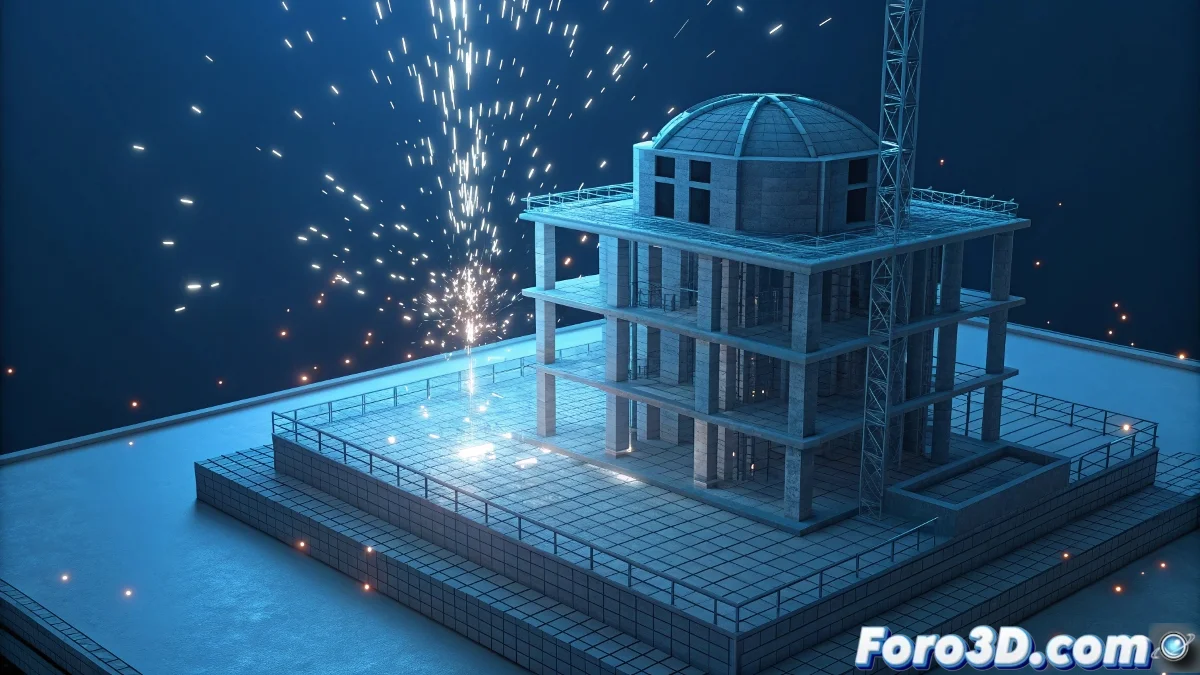
The Art of Progressive Reveal in 3D Animation
When you aim to create that effect where a 3D model appears to build itself progressively in front of the camera - starting with vertices, then segments, flat colors, textures, and finally lighting - you are exploring one of the most effective techniques for architectural visualization and technical demonstrations. This sequential build effect can be achieved in two main ways: through texturing and animation techniques within 3ds Max, or via layer compositing in post-production using Combustion and Premier. Each approach has its advantages: the method within 3ds Max offers greater 3D integration but requires more render time, while post-production is more flexible but may lose some three-dimensional realism.
Method in 3ds Max with Material Animation
This approach involves creating different states of the model and animating the transitions between them. It is more technical but produces very organic and three-dimensionally coherent results.
- State 1: Vertices only using wireframe materials
- State 2: Visible segments with line materials
- State 3: Flat colors without textures or lighting
- State 4: Complete textures with basic lighting
- State 5: Final render with all lights and effects
Method in Post-Production with Combustion/Premier
This technique involves rendering separate passes and compositing them in sequence using animated masks and transitions. It is more flexible and allows for adjustments without re-rendering.
A progressive build effect is like doing magic with 3D models: you reveal the trick step by step while keeping the viewer fascinated
- Render separate layers for each element
- Wireframe pass for vertices and segments
- Diffuse pass without lighting for flat colors
- Texture and light passes separately
- Temporal composition in Combustion or Premier
Recommended Hybrid Workflow
For the best results, combining both methods is usually the most effective strategy. This gives you the three-dimensional control of 3ds Max with the flexibility of post-production.
Mastering these progressive reveal techniques makes you a more effective visual storyteller 🎬. Each layer you reveal at the right moment not only shows your model but educates the viewer about the creation process and highlights the complexity and care behind each design element.