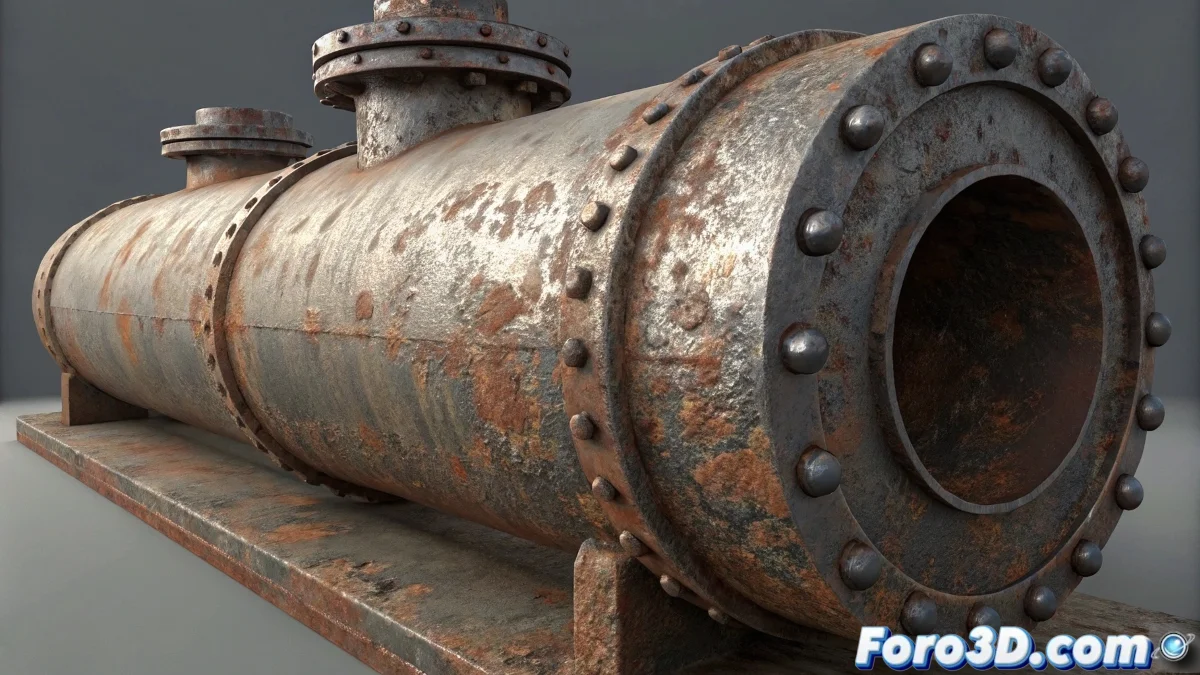
The Art of Combining Deterioration and Reflectivity
When you aim to create a material that combines rust and reflective metal for your refrigerator in V-Ray, you are tackling one of the most interesting challenges in realistic texturing. The key lies in simulating natural degradation where the underlying metal is revealed through corroded areas, creating that visual narrative that tells the object's story. A rusty refrigerator is not simply metal with rust stains, but a complex surface where different states of deterioration coexist, each with its own reflection, roughness, and color properties.
Transition Material Philosophy
To achieve a convincing result, you need to think in layers and transitions rather than flat textures. Rust and metal are not separate elements, but different states of the same material that blend organically.
- Base metal as the bottom layer with high reflectivity
- Rust layers with different levels of deterioration
- Progressive transitions between material states
- Variation in roughness according to the degree of corrosion
Setting Up the Blend Material in V-Ray
The most powerful tool for this effect is the VRayBlendMtl which allows overlaying multiple materials controlled by mask maps. This approach gives you precise control over how and where each type of surface appears.
Creating transition materials is like being a digital archaeologist: you excavate layers of history to reveal what lies beneath the surface
- Base material clean reflective metal
- Layer 1 material rust with low reflectivity
- Mask map with noise for organic distribution
- Reflectivity adjustments variable according to corrosion
Advanced Details for Authentic Realism
To elevate your material beyond the basic effect, incorporate specific characteristics that occur in real metal corrosion.
Mastering the creation of complex materials like rusty metal opens a world of narrative possibilities in your renders 🎭. Every texture you create not only defines the visual appearance of an object but tells a story about its use, age, and exposure to the elements, adding depth and character to your scenes.