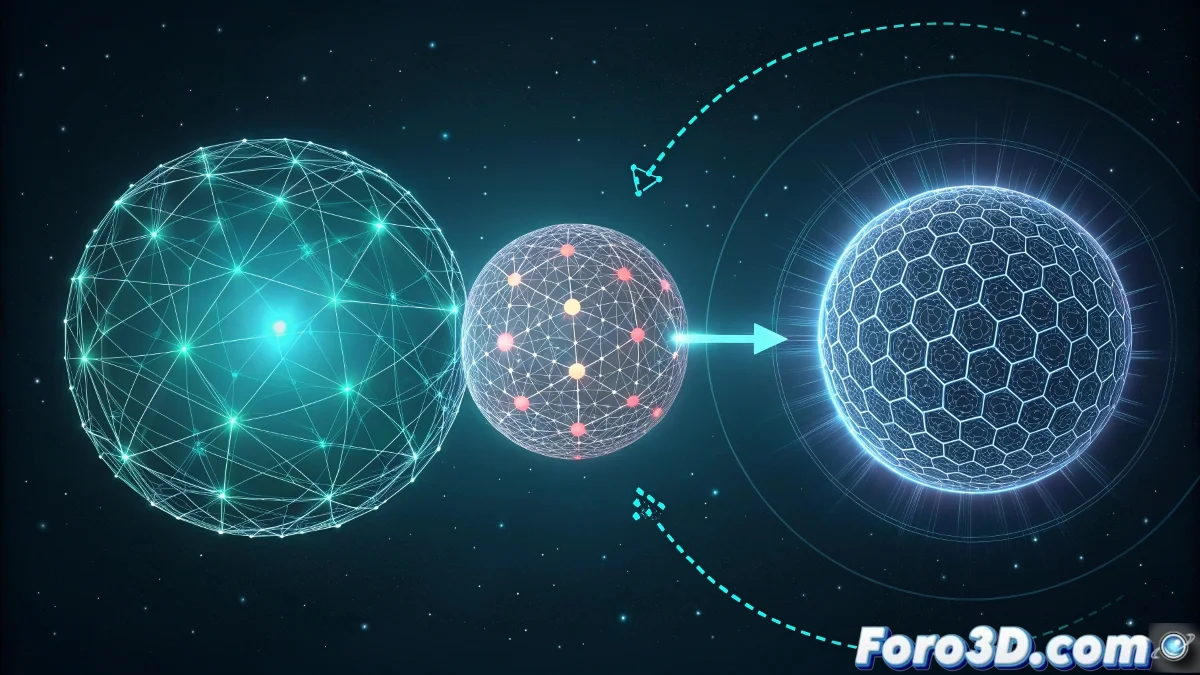
The Challenge of Multiple Morph in Particle Flow
Extending a morph system from two to three objects in Particle Flow is like teaching particles to dance not one, but two different rhythm changes. The tutorial you likely followed probably uses a simple two-event approach, but to incorporate a third object you need to create a more elaborate chain of transformations where each particle sequentially passes through the three shapes.
The key is understanding that Particle Flow handles transformations through chained events. Where you had A → B, you now need A → B → C, with well-defined timing and transition conditions for each step. It's not about simply duplicating the existing event, but about creating a logical hierarchy that guides the particles through the three transformations.
In Particle Flow, a triple morph is like a particle relay race: each object passes the baton to the next in perfect synchronization
Basic Three-Event Structure
Start by creating a chain of three connected events. Each event represents a stage of the morph and contains the Shape Instance operator with the corresponding object.
- Event 1: Object A with Age Test to Event 2
- Event 2: Object B with Age Test to Event 3
- Event 3: Object C as final state
- Connections: each event feeds into the next
Configuring the Shape Instance Operators
Each event needs its own Shape Instance operator configured correctly. The key lies in how you handle the transitions between shapes.
In the Shape Instance operator, activate Animated Shape and Acquire Material if your objects have different materials. This ensures smooth transitions for both shape and appearance 😊
- Event 1: Shape Instance with Object A
- Event 2: Shape Instance with Object B
- Event 3: Shape Instance with Object C
- Animation Offset: Absolute Time for synchronization
Timing Control with Age Tests
The Age Tests are the orchestra conductors of your triple morph. They control when each transition occurs and must be perfectly synchronized.
Configure each Age Test with the specific time for that transition. For example, if you want 2-second morphs each, use 60 frames for each test (assuming 30 fps).
- Age Test 1: 60 frames to Event 2
- Age Test 2: 120 frames to Event 3
- Test Value: Absolute Age for consistency
- Variation: 0-5 frames for slight randomness
Smooth Transitions with Shape Fade
For the morph to be truly elegant, you need to control how the shapes blend during transitions. The Shape Fade operator is crucial here.
Add a Shape Fade operator in each event that precedes a transition. This creates a smooth fade between shapes instead of an abrupt change.
- Shape Fade in Event 1: last 10-15 frames before the Age Test
- Shape Fade in Event 2: same parameters for consistency
- Fade Time: 10-30% of the event duration
- Sync By: Particle Age for precise control
Handling Multiple Materials
If your objects A, B, and C have different materials, you need to manage material transitions along with shape transitions.
Use the Material Dynamic operator in each event to progressively change materials. Synchronize it with the Shape Fade for visual coherence.
- Material Dynamic: in each event with