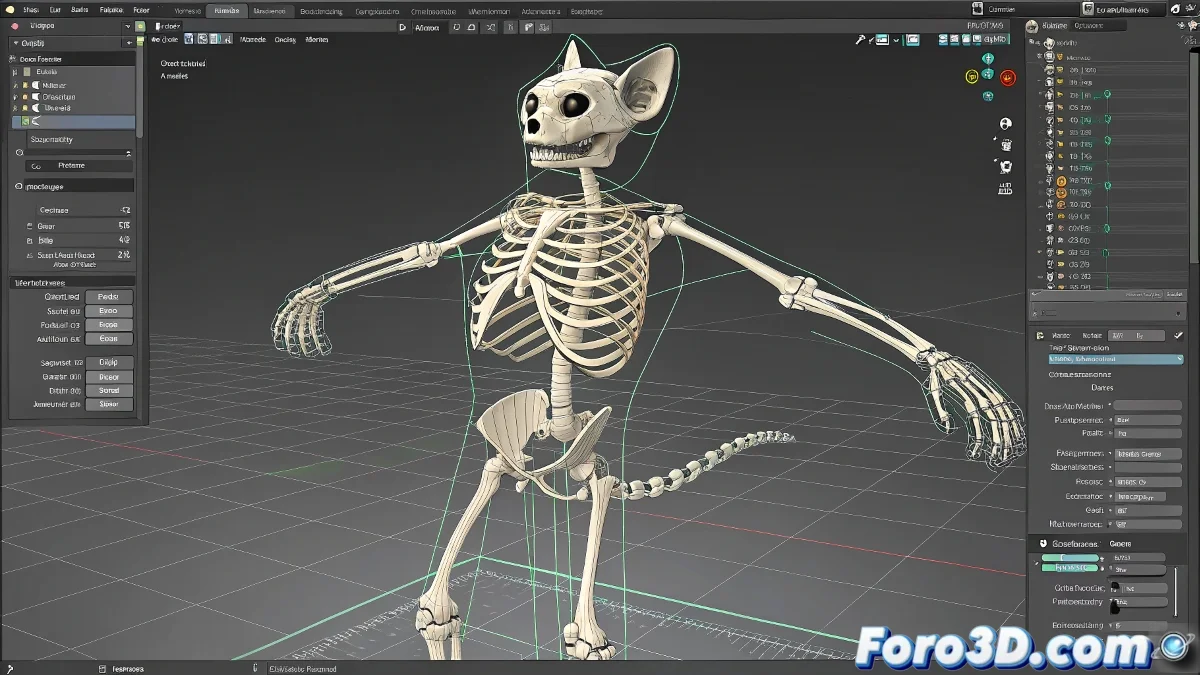
The Art of Manual Rigging with CAT in 3ds Max 🎨🦴
Creating a rig from scratch with CAT is like sculpting a digital skeleton: bone by bone, control by control. This method gives you absolute freedom to design custom animation systems, without relying on pre-designed templates that limit your creativity.
Building Your Creature Bone by Bone
- Create an empty CATParent:
- Go to Create Panel > Systems > CAT
- Select CATParent and draw it in your scene
- Add your basic armature:
- Right-click on CATParent > Add Limb
- Build bone chains manually
- Adjust lengths and orientations with precision
- Set up master controls:
- Define Custom Controllers for intuitive manipulation
- Set rotation and translation limits
- Create relationships between controls with Constraints
"A perfect manual rig is like a custom-tailored suit: every seam (or bone) is exactly where it should be"
Advantages of the Manual Approach
| Advantage | Benefit |
|---|---|
| Absolute control | You adapt every element to specific needs |
| Optimization | You include only what your project requires |
| Deep learning | You understand every aspect of the animation system |
Common Mistakes and How to Avoid Them
- Misaligned pivots: Use Affect Pivot Only for precise adjustments
- Broken hierarchies: Verify connections with Schematic View
- Strange deformations: Test the skinning at every development phase
Pro tip: Even though you work manually, save custom presets of your best creations. This way you'll have a library of proven solutions for future projects. And remember: mastering manual rigging with CAT is like learning digital bone surgery - it hurts at first, but the result is unique satisfaction (and a character that moves just as you want) 💀.