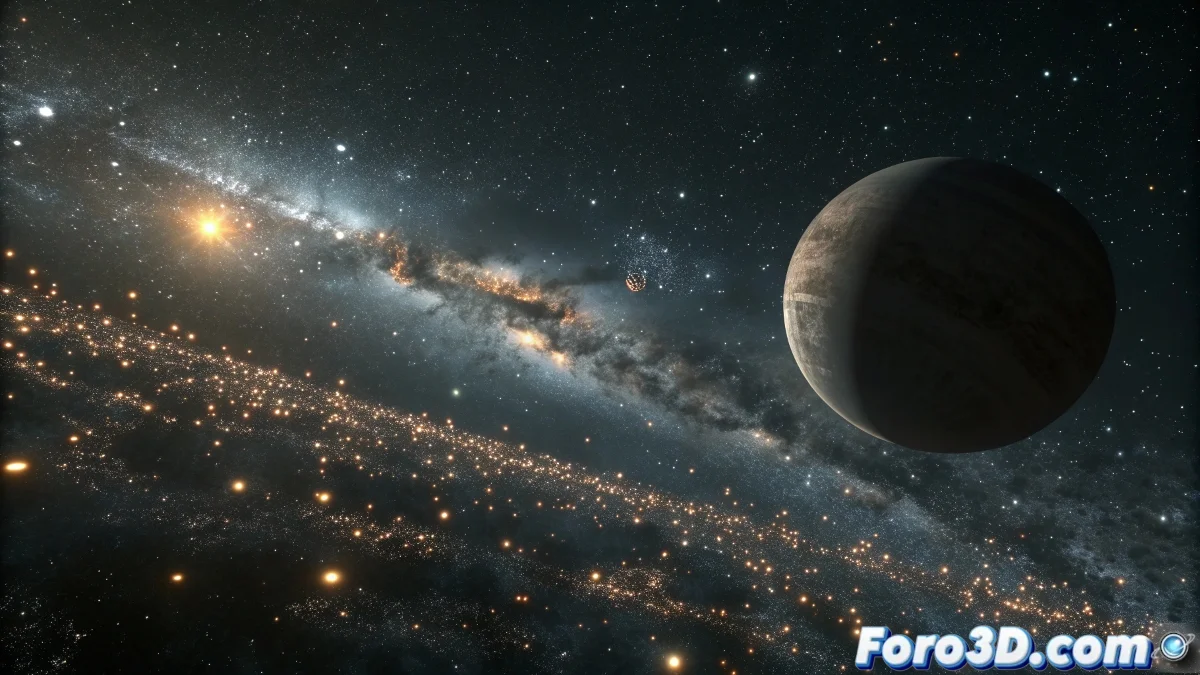
The Universe on Your Computer with Blender
Creating interstellar animations in Blender is like becoming the god of your own digital universe. Combining the majesty of the cosmos with the power of Blender allows you to recreate everything from the hypnotic spin of a spiral galaxy to the violent death of a supernova. What you see in those documentaries is an intelligent mix of real Hubble images with computer-generated 3D effects.
The most effective approach combines several techniques: particle systems for stars, volumetrics for nebulae, complex shaders for planets, and compositing with real images. You don't need to create everything from scratch, but rather learn how to combine elements convincingly.
In astronomical animation, the trick is not to recreate the universe, but to create the illusion that you are recreating it
Creating Realistic Spiral Galaxies
Galaxies are the central element of your interstellar animation. In Blender you can create them using particle systems controlled by forces and textures.
- Massive Particle System: 100,000+ particles for stars
- Noise Texture for Distribution: create natural spiral arms
- Vortex Force Fields: for the galactic rotation effect
- Emissive Material: so the stars glow
Galaxy Technique with Particles and Forces
Start with a simple plane and apply a particle system. Use a Voronoi or Musgrave texture as density to create a natural star distribution.
The secret is to animate the Texture Coordinate of the density to create the rotation effect. Rotate the texture, not the individual particles 😊
- Particle System: Render as Object with simple spheres
- Vortex Force Field: gentle force for global rotation
- Animated Texture Coordinates: for spiral movement
- Random Size and Rotation: for natural variation
Stellar Explosions and Supernovae
Stellar explosions are pure visual magic. In Blender you can create them by combining fast particle systems with volumetrics for the expanding gas.
Use a particle system with explosive emission and high speed, combined with a volume that simulates the expanding gas cloud. The key is in the scale and timing.
- Explosive Particle System: high speed and short emission
- Fast Smoke Domain: for the gas cloud
- Volumetric Fire Material: with intense emission
- Shockwave effect: with expanding particle rings
Integrating Hubble Images
You can use the spectacular images from the Hubble telescope as a base or as elements in your compositions. NASA offers many of these images in the public domain.
Use the images as textures on planes or as backgrounds in your composition. Real nebulae can be projected onto simple geometry to create believable backgrounds.
- Planes with Projection: for background nebulae
- Alpha Blending: integrate elements without hard edges
- Color Correction: match colors between CGI and real photos
- Depth Compositing: for realistic integration
Realistic Space Materials
Space is not simply black. It has subtle nebulae, stellar dust, and light effects that give depth. Create materials that capture this complexity.
Use volume shaders for the interstellar medium and noise combinations for stellar dust. Perfect empty space looks fake, always add some texture.
- World Volume Scatter: for subtle interstellar medium
- Principled Volume: with very low density