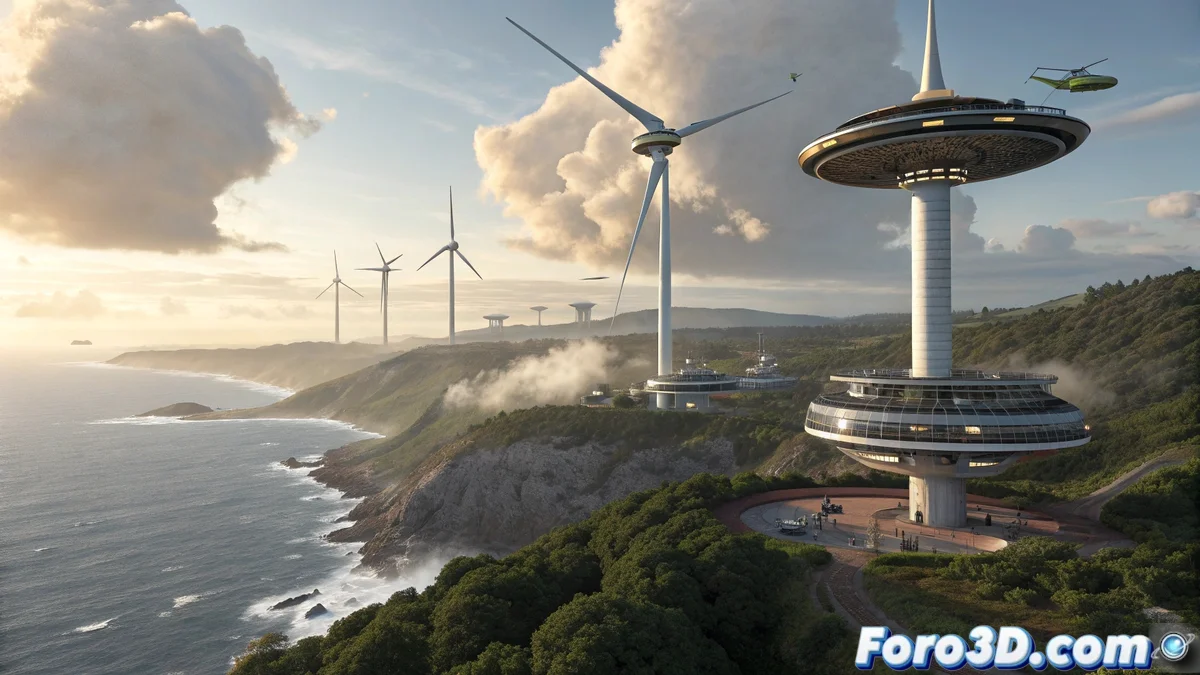
Futuristic Wind Energy in Real-Time with iClone
Creating a flying wind turbine scene is a futuristic concept that fits perfectly in iClone 💨, where real-time animation allows for working with mechanical and environmental elements smoothly. The idea is to simulate a set of wind turbines suspended in the air, floating with levitation systems, spinning while generating energy over a natural or urban environment. This combination of renewable technology and science fiction creates impactful visuals and compelling visual narratives.
Modeling and Asset Import
The process begins with the creation and import of models:
- External Modeling: Turbines created in Blender, 3ds Max, or Maya with modular parts
- Separate Components: Blades, towers, and levitation systems as independent elements
- Optimization for Real-Time: Geometry optimized for real-time animation
- Import to iClone: FBX or OBJ formats preserving hierarchies and pivots
- Prepared Materials: Textures and shaders ready for the iClone engine
- Correct Scale: Ensuring realistic proportions between all elements
This preparation ensures a smooth workflow in iClone 🛠️.
Animation and Advanced Environmental Effects
iClone offers powerful tools to bring the scene to life:
- Physics Toolbox: Realistic simulation of blade rotation and floating movement
- Dynamic Cinematography: Drone-type cameras with fluid aerial movements
- Wind Effects: Force systems for vegetation and particles
- Volumetric Clouds: Creation of dynamic and atmospheric skies
- PopcornFX: Particles for turbulence, electrical flashes, and energy effects
- Dynamic Lighting: Lights that interact with movement and effects
These elements transform static models into living and believable scenes 🌪️.
Rendering and Integration with Unreal Engine
For cinematic quality, iClone integrates with Unreal Engine:
- Unreal Live Link: Direct transfer of scenes to Unreal Engine
- Realistic Lighting: Global illumination and advanced reflections in Unreal
- Atmospheric Effects: Enhancement of fog, haze, and volumetric effects
- Post-Processing: Color grading and visual effects in real-time
- Final Rendering: High-quality video sequences or images
- Performance Optimization: Tuning for different viewing platforms
This integration offers the best of both worlds: creation speed and final quality 🎬.
Making wind turbines fly in iClone seems easier than silencing a desk fan
In the end, creating flying wind turbines in iClone demonstrates how modern animation tools are closing the gap between imagination and realization. While real wind energy still relies on land-based towers, we artists can make turbines fly with just a few clicks... although we should probably pay more attention to the noisy fan in our office 😅.