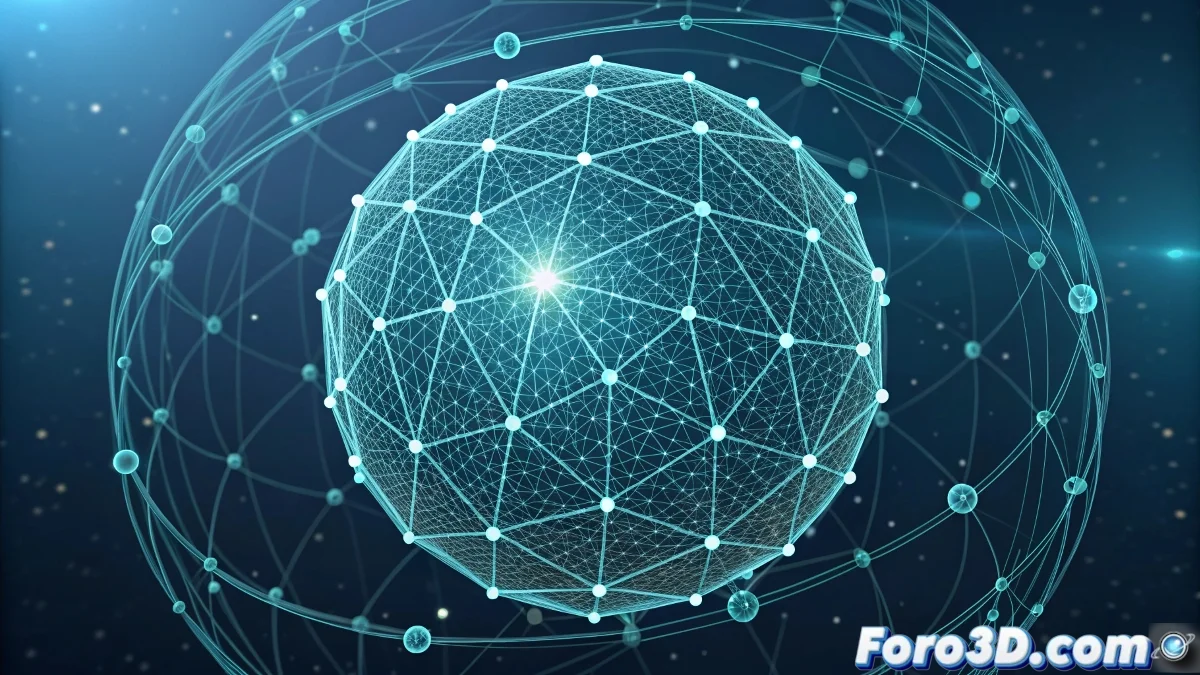
The Art of Energy Shields in Particle View
Energy fields and protective shields are one of the most spectacular effects you can create with Particle View in 3ds Max. That video you probably saw showcased that magical combination of particles forming a semi-transparent barrier, with energy flowing in hypnotic patterns and that characteristic glow that makes the energy protection believable. The beauty of using Particle View for this effect lies in the absolute control you have over every aspect of the shield.
To create a convincing energy shield you need to master three key elements: the geometric distribution of the particles forming the barrier, the dynamic behavior that simulates flowing energy, and the materials that give that ethereal and luminous appearance. Particle View allows you to orchestrate all these elements in a unified and completely customizable system.
In Particle View, a perfect energy shield is like a choreographed dance of particles: each one knows exactly where to be and how to move
Base Particle System Setup
Start by creating the base system that will generate the shield particles. Use a spherical emitter for the characteristic energy field shape.
- Create Particle Flow Source: in the Create panel > Particles
- Spherical emitter: configure as Sphere emitter
- Uniform distribution: use Rate or Total for controlled quantity
- Zero speed: for static particles on the surface
Essential Operators for the Shield Effect
In the Event 01 of Particle View, configure these critical operators that will define the base behavior of your energy shield.
The Position Object operator allows you to emit from an invisible sphere, creating that perfect surface where the particles will settle 😊
- Position Object: emit from an invisible sphere as a base
- Shape Facing: for particles that always face the camera
- Material Static: assign energy material
- Display: configure for clear visualization
Energetic Motion Pattern
To simulate energy flowing through the shield, use a combination of forces and rotation operators.
A Spin operator with variation creates that orbital motion, while a Keep Apart operator maintains uniform distribution preventing clumping.
- Spin operator: different speeds per axis
- Keep Apart: repulsion force between particles
- Force operator: with a gentle Vortex space warp
- Scale variation: variable size for organic feel
Material for Luminous Energy
The material is what really sells the energy effect. Create a material with high self-illumination and glow effects.
Use a Blend material that combines a bright solid material with a transparent one, controlled by a Falloff map for the edges.
- Blend Material: mix between solid and transparent
- Self-Illumination: 100% for luminous effect
- Falloff map: in opacity for soft edges
- Noise map: in color for energy variation
Impact and Interaction Effects
To make the shield interactive, add events that activate when the shield receives "impacts" or interactions.
Create an Age Test that directs particles to a secondary event when a simulated collision or system change occurs.
- Age Test: for transition to impact state
- Impact Event: with brighter and faster particles
- Scale Dynamic: temporary size increase
- Material Dynamic: change to a more intense material