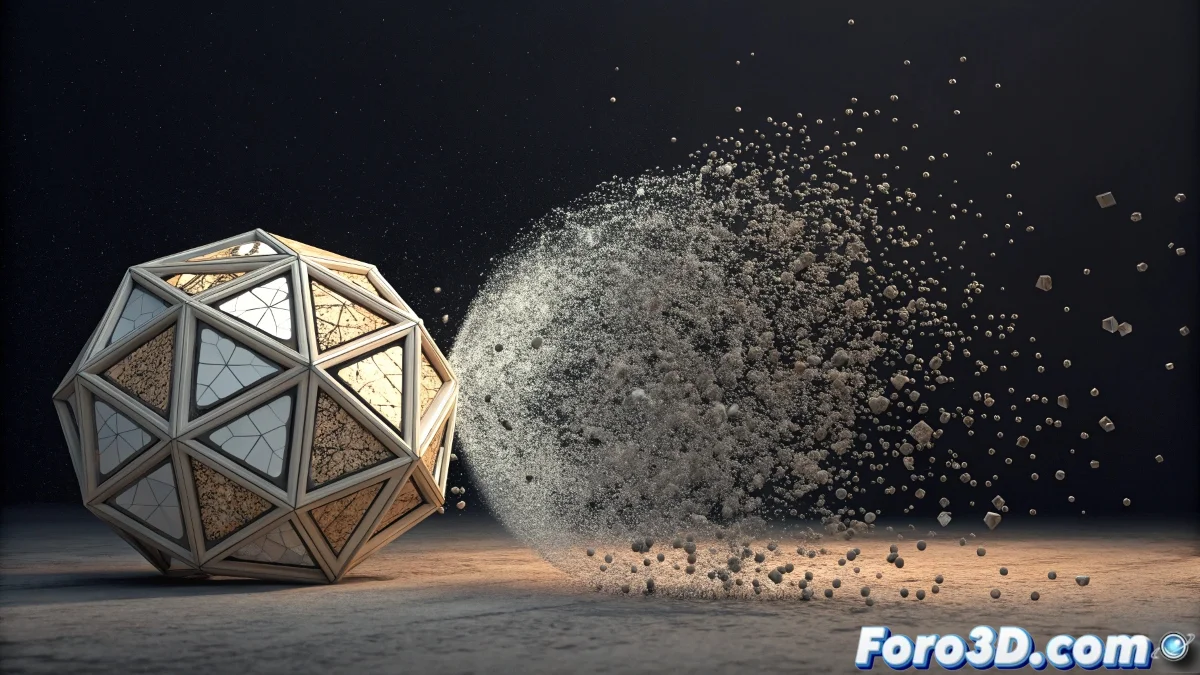
The Art of Elegantly Fading Particles
You have discovered exactly the right technique to create that progressive disintegration effect on the leaves. Indeed, using a dynamic material with animated opacity is the most elegant and controllable path in Particle Flow. It is much more sophisticated than simply deleting particles, as it allows you to create organic and visually interesting transitions.
The beauty of this method lies in the fact that you are not deleting particles, but visually transforming them. This allows for much richer effects where you can control not only when they disappear, but how they disappear - whether burning, dissolving, or fading in the wind.
In Particle Flow, making particles disappear with materials is like a magician who transforms instead of making disappear: the trick is more elegant and believable
Setting Up the Animated Dynamic Material
To create the progressive disintegration effect, you need a material that changes its opacity based on an animated noise map. The noise animation creates that organic fading pattern.
- Create a Standard material: with a Noise map in the Opacity slot
- Animate the noise Phase: to create the progression effect
- Configure contrasts: High=1.0, Low=0 for a sharp transition
- Adjust the noise Size: to control the disintegration pattern
Implementation in Particle Flow
In your Particle Flow system, use the Material Dynamic operator to apply the animated material to the particles. This operator allows the material to evolve with the lifetime of each particle.
The key is to synchronize the material animation with the particle timing. You can use the particle age to drive the material animation 😊
- Material Dynamic operator: assign your animated material
- Sync By: use Particle Age for synchronization
- Looping disabled: so it doesn't repeat
- Random Offset: variation for naturalness
Precise Timing Control
To prevent all leaves from disintegrating at the same time, you need to vary when the material animation starts for each particle.
Use the Material Frequency operator or adjust the time offset in the Material Dynamic to create a more natural and staggered disintegration sequence.
- Age test: to trigger the material change
- Material Frequency: vary timing between particles
- Script operator: for advanced timing control
- Data operator: store custom values
Optimizing the Disintegration Effect
To make the effect more realistic, consider adding additional elements that complement the disintegration. The animated material is the core, but the details make the difference.
Add a progressive color change towards brown or gray tones before complete disappearance, simulating the burning or decomposition process.
- Color Over Life: change towards burnt tones
- Scale Over Life: slight reduction before disappearing
- Spin operator: slight movement during disintegration
- Event-driven particles: for secondary effects
Advanced Techniques with Multiple Maps
For greater control over the disintegration pattern, you can use combinations of maps. A mask with a gradient can control the direction, while noise adds variation.
Experiment with mixes of Noise, Gradient Ramp, and Mask maps to create specific disintegration patterns for different types of materials or effects.
- Mix maps: combine Noise with Gradient Ramp
- Mask maps: control disintegration zones
- Particle Age map: drive the animation automatically
- Output curve: control non-linear progression</