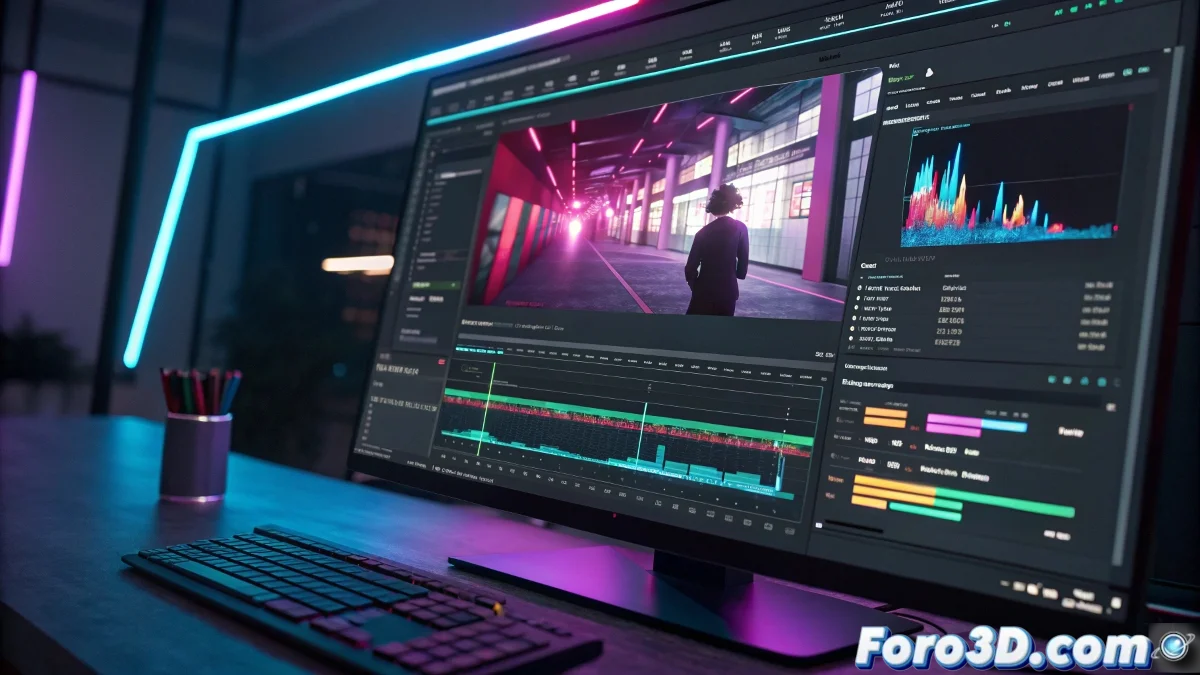
The Art of Making Your Videos Look Like They're Having a Tech Attack 🤖
In the world of video editing, few effects are as fun as the glitch. That moment when your production seems to suffer a digital short circuit and becomes something between a technical failure and an artistic statement. As any grandparent would say: "in my day we called that 'the TV broke' and we'd give it a whack".
Transform Your Video into an Accidentally Digital Artwork
Adobe Premiere Pro offers the magic of glitch presets, those little shortcuts that let you turn a normal video into what would look like a digital ghost's recording. The community at foro3d.com knows well that these presets are like cooking recipes: you download, apply, and voilà! your video looks like it survived a technological apocalypse.
A good glitch preset is like Halloween makeup: it can turn something normal into terrifyingly good with very little effort.
The Quick Guide to Glitching Like a Pro
- Get Quality Presets: Not all glitches are created equal, some look like a mistake and others... an artistic mistake
- Import and Drag: The favorite technique of lazy editors (and smart ones who value their time)
- Adjust in Moderation: Too much glitch and your video will look like the monitor of a server room on fire 🔥
When Premiere Isn't Enough
For cases where you want your glitch to have a PhD in digital art, After Effects is your best ally. Here you can combine presets with expressions that would make any visual effects purist cry with emotion. That said, prepare extra coffee: with great power comes great responsibility... and longer render times.
Remember that the quality of the original clip is key. You can't make a Beef Wellington with questionable ground meat, nor an epic glitch with a grainy video filmed on a phone from the 2000s. 📱
The Perfect Balance
The secret is finding the sweet spot where your video seems to have digital personality without becoming a failed experiment. If when showing your work someone asks "did the player break?" instead of "what a cool effect!", you might have gone a tad too far.
Pro tip: if you overdo the effect, you can always say it's a social critique on the fragility of modern technology. Art teachers will buy it. 🎨