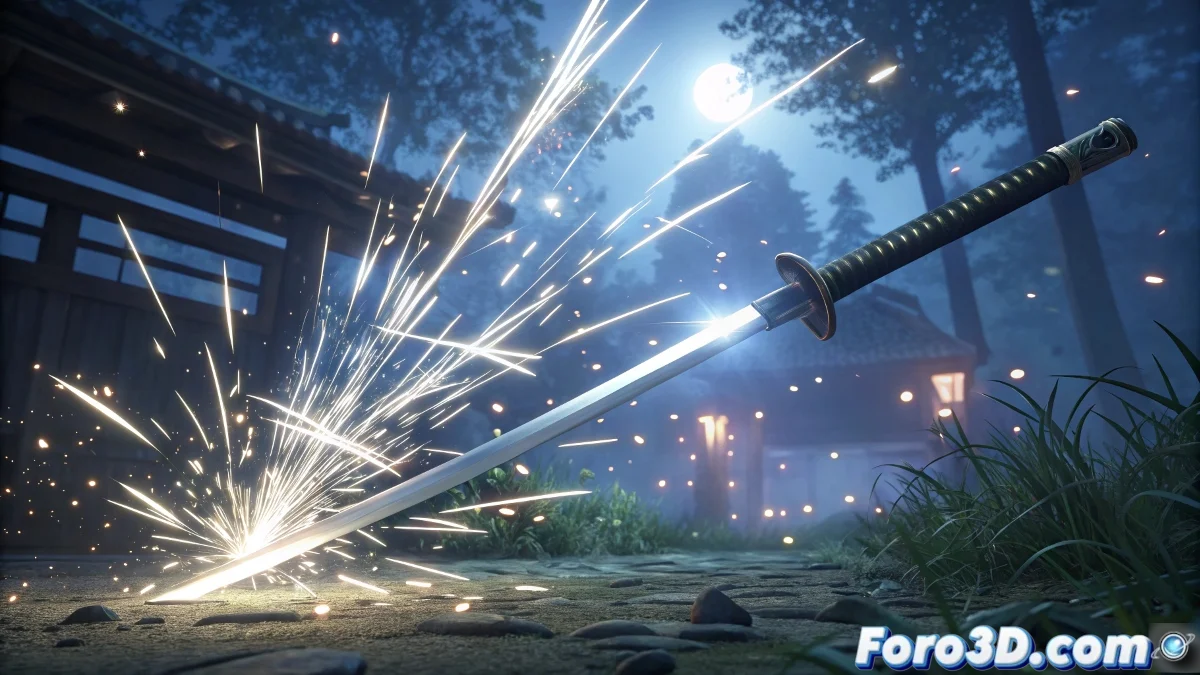
Anime Flashes in 3D: When Cel Shading Meets Glow ✨⚡
Creating those iconic anime flashes in Cinema 4D doesn't require Japanese magic, but rather knowing how to trick the eye with simple geometry and smart materials. The secret lies in faking 2D in a 3D world, combining cel shading techniques with post-production effects.
Basic Kit for Anime Effects
| Element | Technique | Key Setting |
|---|---|---|
| Shapes | Stylized Splines Low-poly Geometry |
Radial Extrusion Sharp Vertices |
| Material | Luminance + Alpha | Abrupt Gradients Brush Textures |
| Render | Cel Renderer | Outline Lines Flat Shadows |
| Post-Production | Strategic Glow | Adjusted Threshold Vibrant Color |
Step-by-Step for Epic Flashes
- Express Modeling:
- Create splines in star or ray shapes
- Extrude them with Extrude Object
- Add variation with Displacer for texture
- Anime Material:
- Luminance channel to maximum
- Alpha with radial gradient or brush texture
- Deactivate specular and reflection
- Dramatic Animation:
- Rapid scaling with intense Ease Out
- Rotation for a sweeping effect
- Animated opacity for sudden appearance
"A good anime flash doesn't shine, it visually screams. As if the sun had taken graphic steroids."
Post-Production Tricks
- After Effects: Add CC Light Rays and adjust blending modes
- Motion Blur: Use Pixel Motion Blur for 2D fluidity
- Duplicate Frames: To simulate traditional animation
- Overlays: Add paper or grain textures
Pro Tip: Study frames from Demon Slayer or One Punch Man - their effects are masterclasses in visual economy. And remember: when your flash is so bright it blinds your colleagues, you will have reached anime nirvana... or you'll need to turn down the glow intensity a bit 😅.