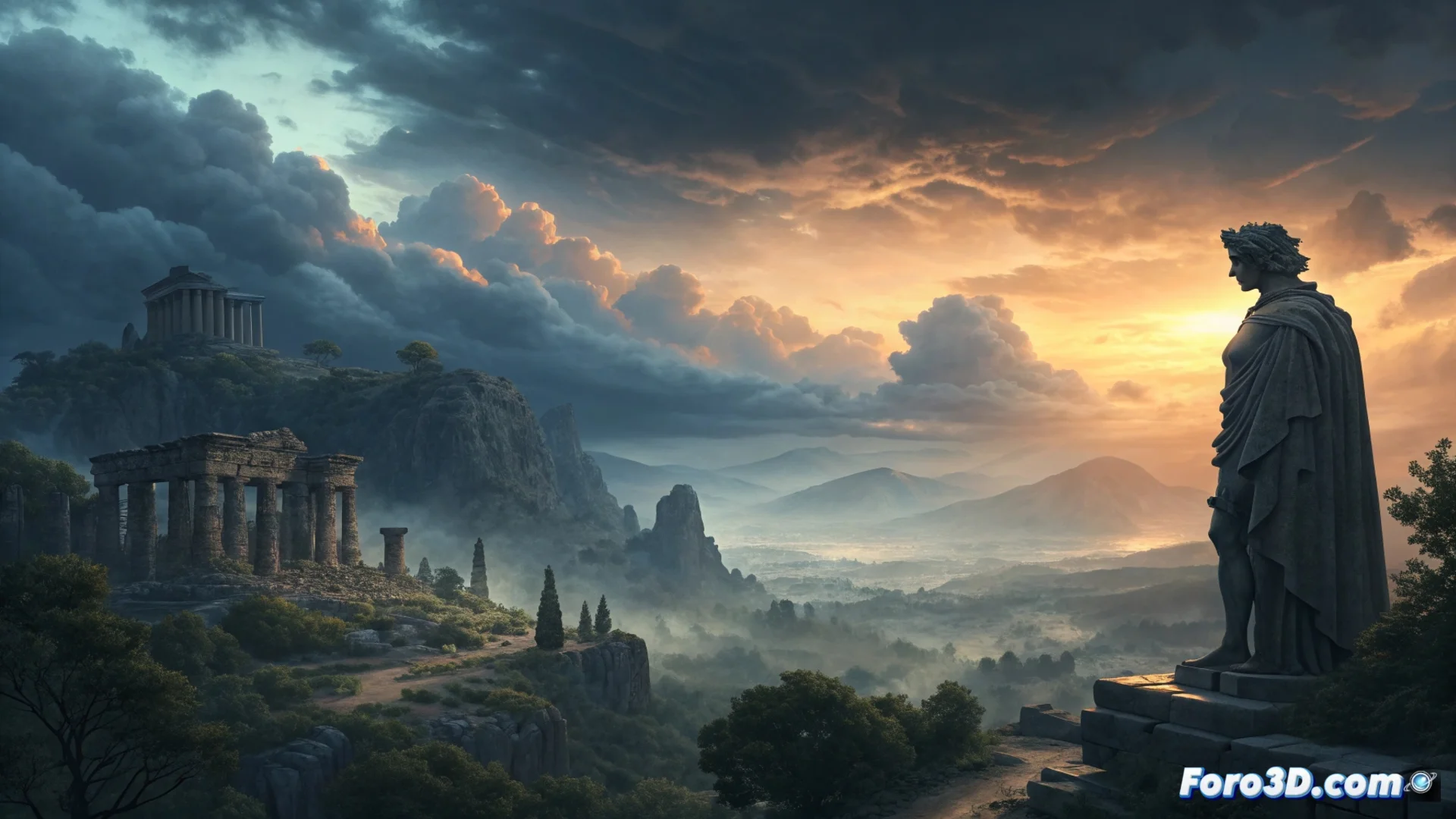
Creating an Atmospheric and Pictorial Environment in Unreal Engine
Building a scene with an enveloping atmosphere and a pictorial style in Unreal Engine requires a methodical approach. The process focuses on integrating various visual systems to work in harmony, transforming a collection of objects into a believable and emotive world. 🎨
Fundamentals of Lighting and Environment
The first step is to establish the lighting base. Enabling the Lumen system for real-time dynamic lighting is crucial. Adjusting the directional light allows for accurately simulating different times of day. To add depth and a sense of air, Exponential Height Fog is implemented, providing volumetric fog. The final magic happens in the post-process volume: enabling effects like bloom and lens flares, along with adjusting tonemapping and color grading, defines the color palette and unified cinematic look.
Key initial setup:- Use Lumen for dynamic global illumination and reflections.
- Adjust the directional light to control the direction and quality of sunlight/moonlight.
- Apply Exponential Height Fog to create fog layers that provide scale and atmosphere.
Post-processing is not just a filter; it is the tool that unites all visual elements under the same emotion.
Simulating the Sky and Atmospheric Elements
For convincing skies, the Sky Atmosphere component simulates a physically realistic atmosphere, calculating light scattering. It is combined with a Sky Light that captures that changing lighting. When seeking a more artistic style, a custom skybox or an HDRI are effective alternatives. The Volumetric Cloud plugin adds clouds with volume, movement, and detail, essential for conveying the scene's mood. ⛅
Elements for the sky:- Sky Atmosphere for a physical atmosphere with Rayleigh and Mie scattering.
- Sky Light to capture dynamic sky ambient lighting.
- Volumetric clouds to add complexity, movement, and visual drama.
Final Details with Materials and Particles
Materials are vital for breaking repetition and adding close-up realism. Designing shaders with micro-detail textures and world-aligned textures avoids visible patterns. Particle effects, created with modules like GPU Sprites, introduce subtle life: floating dust, ground-level fog, or wind-dragged particles. These elements, when interacting with lighting, are what make the viewer perceive the environment as a cohesive and living whole. It is key to remember that efficiency is paramount; adding thousands of unnecessary particles does not improve the atmosphere, it only overloads the hardware. 💨