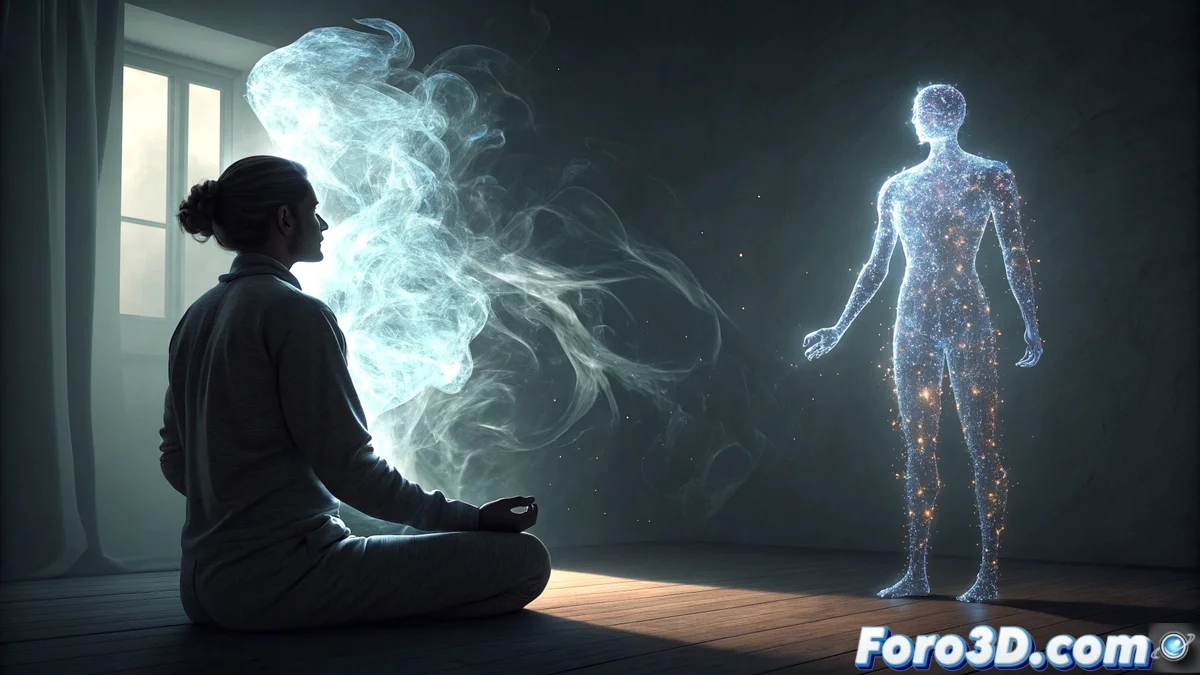
Creating a Tulpa in Blender with Materialization Effects
The concept of tulpa, originating from Tibetan mysticism, refers to a conscious entity that a person forms using their concentration. This guide shows you how to visualize this process in Blender, creating a scene where an ethereal figure manifests beside a meditator. 🧘✨
Prepare the Scene and Base Figure
Start by opening Blender and setting up a simple scene. Model or import a character in a meditation pose inside a room. Then, create a basic humanoid figure that will represent the tulpa and place it beside the meditator. Assign this figure a material with transparency using a Principled BSDF node, adjusting its Transmission value and keeping a low Roughness to begin with.
Key initial steps:- Open Blender and set up a workspace for modeling.
- Create or import the meditator and room models.
- Model a basic figure for the tulpa and position it correctly.
- Assign an initial transparent material to the tulpa figure.
The real challenge isn't modeling the tulpa, but explaining to it afterward that it can't stay living in your Blender file.
Apply Materialization Visual Effects
To simulate the tulpa forming from nothing, change the render engine to Workbench. In the Shading tab, select the Pencil 2D style for a cartoon drawing look. The essence of the effect lies in animating the opacity of the tulpa figure, varying it from 0 to 1 over time.
Techniques for the effects:- Use a particle system with an Emitter over the figure to generate subtle smoke or sparks that simulate energy.
- To achieve a flickering or glitch effect, add a Displacement or Wave Texture node to the tulpa's material.
- Animate the strength of these nodes with random values using Drivers or manual Keyframes.
- Adjust the pencil colors in the Workbench options to give the entity an ethereal and supernatural tone.
Integrate and Review the Animation
Finally, review the timeline and render a preview. Ensure that the opacity transition, particle behavior, and flickering effect work in harmony to convey the idea of a gradual materialization. This process demonstrates that the main challenge in Blender is often not the technique, but telling a compelling visual story. 🌀